Square Alternatives: 11 Options Compared for 2026
Square Alternatives: 11 Options Compared for 2026
Short answer: the right Square alternative depends on what kind of business you run. Shopify POS is the best pick if you sell online and in person and want one inventory. Toast and SpotOn are built for restaurants. Lightspeed is the retail pick for stores with deep inventory. Helcim is the one to look at if processing fees are the problem, because it charges interchange plus a small margin and no monthly fee. And Loyverse is the cheapest way to run a basic POS, since the app itself is free.
Square is still a good default. Square Free costs $0 a month per location and charges 2.6% + 15¢ for tap, dip or swipe payments and 3.3% + 30¢ online. Square Plus is $49 a month per location and drops those to 2.5% + 15¢ and 2.9% + 30¢. Premium is $149 a month per location with 2.4% + 15¢ in person. Keyed-in payments are 3.5% + 15¢ on every plan.
That flat-rate model is simple, and it's also why people shop around. Once you process real volume, a flat 2.6% often costs more than interchange-plus pricing. Restaurants outgrow Square's kitchen and table tools, retailers want stronger purchasing and stock control, and online-first brands want one system for their store and their counter. Eleven alternatives below.
If you're weighing payment processors more than POS systems, see our Stripe alternatives guide. If your online store is the bigger question, our Shopify alternatives guide covers that side.
Selling online too? Own the storefront.
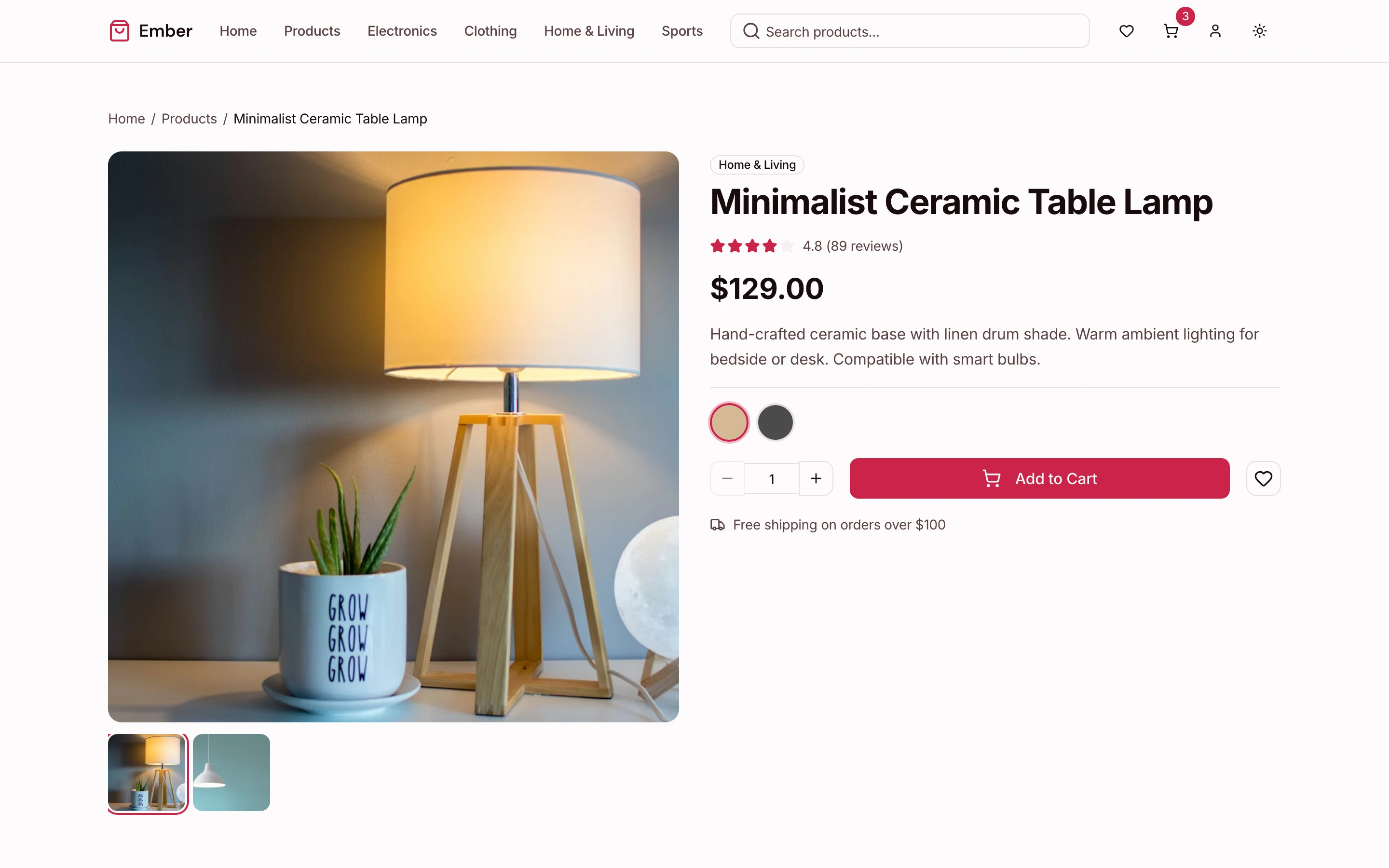
The E-commerce Kit gives you 56 screens of storefront and admin: product catalog with filters, cart, multi-step checkout, customer accounts and an admin dashboard. Next.js 16, Tailwind CSS v4 and shadcn/ui, WCAG AA across every screen. It's a frontend kit, so you connect your own payment processor and backend. $165 solo. Try the live demo.
Get the E-commerce Kit → or get every kit (18 total) for $749 via All UI Kits →
TL;DR: Quick Picks for 2026
| Need | Top pick | Price |
|---|---|---|
| Online store plus in-person sales | Shopify POS | Basic $29/mo (yearly), in-person 2.6% + 10¢ |
| Restaurant with kitchen and table needs | Toast | See vendor site |
| Restaurant that wants hardware included | SpotOn | All-In $0/station, 2.79% + 20¢ |
| Retail with heavy inventory | Lightspeed Retail | See vendor site, card-present 2.6% + 10¢ |
| Countertop hardware, sold through partners | Clover | From 2.3% + 10¢, plans on vendor site |
| Lower processing fees | Helcim | $0/mo, interchange + 0.40% + 8¢ |
| Custom checkout built by developers | Stripe Terminal | 2.7% + 5¢ in person |
| Cheap card reader, few extras | SumUp | $0/mo, 2.6% + 10¢ |
| Already on PayPal | PayPal POS | 2.29% + 9¢ card present |
| Free POS app on your own tablet | Loyverse | Free, add-ons from $5/mo |
| POS inside a full business suite | Odoo | One App Free $0, open-source Community edition |
Prices shown were checked on each vendor's own pricing page in November 2026.
What Square Does Well
Square's biggest strength is how fast you can start. You sign up, download the app, and take a card payment the same day, with no monthly fee on the Free plan. The same account covers in-person sales, invoices, an online store and payments through its API, and the fees are posted publicly for anyone to read.
It also covers a lot of business types with one product. Cafes, salons, market stalls, small shops and service businesses all use it, and the paid plans add staff tools and lower rates for sellers who grow into them. For a new business that wants predictable, simple pricing, Square is hard to beat.
When to Leave Square
Four signals:
- Your card volume is high enough that flat rates hurt. At 2.6% + 15¢ per in-person sale, a business doing serious monthly volume often saves with interchange-plus pricing (Helcim) or a negotiated rate.
- You run a busy restaurant. Square for Restaurants works, but Toast and SpotOn are built around kitchen screens, coursing, handhelds and table service from the start.
- Inventory is the hard part of your job. Retailers with thousands of SKUs, variants and purchase orders tend to move to Lightspeed or Shopify POS.
- Your online store matters more than your counter. If most sales happen online, Shopify POS keeps both channels on one product catalog and one stock count.
1. Shopify POS
The pick for brands that sell online and in person.
Strengths:
- One catalog and inventory across your online store and physical locations
- In-person card rates drop as you move up plans
- Huge app ecosystem and theme library for the online side
- Pay yearly for a lower monthly price
Weaknesses:
- You pay for a Shopify plan even if you mostly sell in person
- Advanced store features need POS Pro at $89/month per location
- Using a payment provider other than Shopify Payments adds a 2% fee on Basic
Pricing: Basic is $29/month paid yearly or $39 monthly, Grow is $89 yearly or $105 monthly, Advanced is $359 yearly or $399 monthly. In-person card rates are 2.6% + 10¢ on Basic, 2.5% + 10¢ on Grow and 2.4% + 10¢ on Advanced. Online standard card rates start at 2.9% + 30¢. POS Pro adds $89/month per location.
Best for: Online-first brands opening a shop, pop-up or market stall.
2. Toast
The restaurant POS most often named as Square's main rival.
Strengths:
- Built only for restaurants, from quick service to full service
- Kitchen display, handheld ordering and online ordering in one system
- Packages built around your restaurant type
- Hardware made for kitchens and busy counters
Weaknesses:
- Restaurant only, so it's no help for retail
- Pricing depends on the package you build
- Most features assume you use Toast for payments too
Pricing: See vendor site. Toast builds a quote around your restaurant type and hardware.
Best for: Full-service and quick-service restaurants that have outgrown Square for Restaurants.
3. SpotOn
A restaurant POS with a plan that includes the hardware.
Strengths:
- All-In plan includes hardware with no monthly station fee
- Handhelds and kitchen tools for table service
- Lower card rate if you pay a station fee instead
- Custom pricing for larger groups
Weaknesses:
- All-In has processing minimums and a 2-year minimum term
- Hardware on the paid plan isn't cheap
- Built for restaurants first
Pricing: All-In is $0/station per month with card-present rates of 2.79% + 20¢ and keyed rates of 3.79% + 20¢, hardware included. POS Essentials is $55/station per month with 2.45% + 15¢ card present (Amex 3.19% + 15¢) and 3.45% + 15¢ keyed. Build Your Own has custom pricing. Hardware on paid plans lists Station 15 at $750 and Handheld at $297 (both shown as discounted).
Best for: Restaurants that want hardware without paying for it upfront.
4. Lightspeed Retail
The retail POS for stores where inventory runs the business.
Strengths:
- Deep inventory, variants and purchase order tools
- Advanced sales, staff and inventory reports on every plan
- Built-in Lightspeed eCommerce on the Basic plan
- Multi-location support
Weaknesses:
- More to learn than Square
- Plan prices aren't shown in a simple list on the page we checked
- Overkill for a small shop with a short product list
Pricing: Basic, Core and Plus plans, billed monthly or annually (annual saves up to 18%). See vendor site for plan prices. Lightspeed Payments card-present rate is 2.6% + 10¢ on all three plans.
Best for: Retailers with large catalogs, multiple stores or complex stock.
5. Clover
Countertop hardware with plans sold through Clover and its partners.
Strengths:
- Wide hardware range: Station, Mini, Flex and pocket devices
- App market for add-ons
- Plans for retail, restaurants and service businesses
- In-person rates from 2.3% + 10¢
Weaknesses:
- Monthly software fees vary by business type
- Clover says its devices can't be used with other payment processors
- Its hardware promotion requires a 3-year contract
Pricing: Clover lists Starter, Standard and Advanced plans with a monthly software fee plus processing. In-person rates start at 2.3% + 10¢. See vendor site for plan fees by business type.
Best for: Businesses that want polished countertop hardware and don't mind a contract.
6. Helcim
The pick when processing fees are the main reason you're leaving.
Strengths:
- No monthly, PCI or cancellation fees
- Interchange-plus pricing, with a lower margin as volume grows
- Card reader, smart terminal and Tap to Pay on iPhone options
- Clear public rate table
Weaknesses:
- Fewer hardware choices than Square or Clover
- Smaller app ecosystem
- Interchange-plus pricing is harder to predict per sale than a flat rate
Pricing: $0 monthly fee. Under $50K in monthly card volume, in-person is interchange + 0.40% + 8¢ and keyed or online is interchange + 0.50% + 25¢. The margin falls as volume grows. Helcim Card Reader is $199 and Smart Terminal is $349 (or $32/month for 1 year). Recurring payments add 0.4%.
Best for: Growing businesses with steady card volume that want lower total fees.
7. Stripe Terminal
In-person payments for teams that build their own checkout.
Strengths:
- One platform for online and in-person payments
- Tap to Pay on iPhone and Android without extra hardware
- Works with many third-party POS systems
- Strong developer docs and APIs
Weaknesses:
- No ready-made POS app for a small shop to just pick up and use
- Needs a developer to set up
- International cards cost more
Pricing: In person, 2.7% + 5¢ per domestic card transaction, plus 1.5% for international cards and 10¢ per Tap to Pay authorization. Online cards are 2.9% + 30¢.
Best for: Software companies and brands with developers who want payments inside their own app. Our Stripe alternatives guide covers the online side.
8. SumUp
A simple card reader with an optional POS.
Strengths:
- No monthly fee on the Free plan
- Slightly lower per-sale fee than Square Free in person
- No long-term commitment
- Paid POS plans if you need more
Weaknesses:
- Online and keyed payments cost 3.5% + 15¢
- Fewer business tools than Square
- Loyalty plans are expensive
Pricing: Free plan at $0/month. In person 2.6% + 10¢, online or manual entry 3.5% + 15¢. POS Plus is $49/month and POS Pro starts at $99/month. Reader prices are on SumUp's site.
Best for: Market stalls, pop-ups and mobile sellers who mostly take cards in person.
9. PayPal POS
In-person payments for businesses already on PayPal.
Strengths:
- Low flat card-present rate of 2.29% + 9¢
- QR code payments at the same rate
- Money lands in the PayPal account you already use
- Payment links for remote sales
Weaknesses:
- Manual card entry costs 3.49% + 9¢
- Lighter POS features than Square
- Payment links cost more than a card swipe
Pricing: Card present 2.29% + 9¢, QR code 2.29% + 9¢, manual card entry 3.49% + 9¢. Payment links run from 2.99% + 49¢ for cards.
Best for: Small sellers who already take PayPal and want a cheaper in-person rate.
10. Loyverse
A free POS app for small shops and cafes.
Strengths:
- The POS app is free, with sales analytics, inventory and loyalty
- Kitchen display, customer display and multi-store included
- Runs on a phone or tablet you already own
- Paid add-ons only for what you need
Weaknesses:
- It's a POS, so you still need a payment provider
- Sales history beyond 31 days costs extra
- Advanced inventory is a paid add-on
Pricing: Free. Unlimited sales history is $9/month per store ($90/year), Employee management is $5/month per employee ($50/year), Advanced inventory is $25/month per store ($250/year). 14-day trial on each add-on.
Best for: Small cafes, bars and shops that want a free POS and their own choice of card processor.
11. Odoo Point of Sale
A POS that lives inside a full business suite.
Strengths:
- POS for shops and restaurants alongside accounting, inventory and ecommerce
- One App Free plan for a single app with unlimited users
- Open-source Community edition you can self-host
- One database for sales, stock and books
Weaknesses:
- More setup than any other tool on this list
- Paid plans cover all apps, so the price climbs with users
- Self-hosting means you own updates and backups
Pricing: One App Free is $0 for one app with unlimited users. See vendor site for Standard and Custom per-user prices. Community edition is open source.
Best for: Businesses that want POS, inventory and accounting in one system they control. If you need the POS connected to your shipping, accounting or CRM, our workflow automation services can wire those tools together.
12. Build Your Own Storefront with the E-commerce Kit
This one only covers part of what Square does. If your real goal is an online store that looks and works exactly the way you want, with the payment processor of your choice behind it, a template gets you there faster than starting from nothing.
The E-commerce Kit has 56 screens: a 27-screen storefront, 14 customer account screens and a 13-screen admin panel, with a multi-step checkout ready for Stripe or any payment processor. It's frontend only, so you connect your own backend, product data and payments. $165 solo. Live demo.
It doesn't replace a card reader or an in-store POS. Pair it with one of the options above for in-person sales.
Recommendation by Profile
| You | Pick |
|---|---|
| Sell online and in person | Shopify POS |
| Run a full-service restaurant | Toast |
| Restaurant that wants hardware included | SpotOn |
| Retail store with complex inventory | Lightspeed Retail |
| Want countertop hardware and app add-ons | Clover |
| Want lower processing fees | Helcim |
| Have developers and a custom checkout | Stripe Terminal |
| Mobile seller or market stall | SumUp |
| Already use PayPal | PayPal POS |
| Want a free POS app | Loyverse |
| Want POS plus accounting in one system | Odoo |
| Want your own online storefront | E-commerce Kit |
Pricing at a Glance
| Product | Monthly fee | In-person rate | Online or keyed rate |
|---|---|---|---|
| Square Free | $0/location | 2.6% + 15¢ | 3.3% + 30¢ online, 3.5% + 15¢ keyed |
| Square Plus | $49/location | 2.5% + 15¢ | 2.9% + 30¢ online |
| Shopify Basic | $29 (yearly) or $39 | 2.6% + 10¢ | 2.9% + 30¢ online |
| Toast | See vendor site | See vendor site | See vendor site |
| SpotOn All-In | $0/station | 2.79% + 20¢ | 3.79% + 20¢ keyed |
| Lightspeed Retail | See vendor site | 2.6% + 10¢ | See vendor site |
| Clover | See vendor site | From 2.3% + 10¢ | See vendor site |
| Helcim | $0 | Interchange + 0.40% + 8¢ | Interchange + 0.50% + 25¢ |
| Stripe Terminal | $0 | 2.7% + 5¢ | 2.9% + 30¢ online |
| SumUp Free | $0 | 2.6% + 10¢ | 3.5% + 15¢ |
| PayPal POS | $0 | 2.29% + 9¢ | 3.49% + 9¢ keyed |
| Loyverse | Free (add-ons extra) | Depends on your processor | Depends on your processor |
| Odoo One App Free | $0 | Depends on your processor | Depends on your processor |
Helcim rates are for under $50K in monthly card volume. Interchange varies by card type, so Helcim's total rate per sale depends on the cards your customers use.
Frequently Asked Questions
What is the best alternative to Square for small business?
For most small businesses, it comes down to what you sell. Shopify POS suits shops that also sell online, Helcim suits businesses that want lower fees, SumUp suits mobile sellers, and Loyverse suits small cafes that want a free POS app. Toast and SpotOn are better fits for restaurants.
Is there anything cheaper than Square?
On published in-person rates, yes. PayPal POS lists 2.29% + 9¢ for card-present sales, Stripe Terminal 2.7% + 5¢, and SumUp and Shopify Basic both 2.6% + 10¢, against Square Free's 2.6% + 15¢. Helcim has no monthly fee and charges interchange plus 0.40% + 8¢, which often works out lower once volume grows. Loyverse's POS app is free, though you still pay a processor.
What are the alternatives to Square and Stripe?
Helcim, PayPal and SumUp all handle card payments with public rates. For a full POS, Shopify POS, Clover, Lightspeed and Toast each bundle payments with their own software. Our Stripe alternatives guide covers online payment processors in more detail.
Is Clover better than Square?
Clover has more hardware choices and plans tailored to business types, and in-person rates from 2.3% + 10¢. Square is easier to start with and has a $0 plan with no contract. Clover says its devices only work with Clover processing, and its hardware promotion needs a 3-year contract, so read the terms before you buy.
Can I move my data off Square?
Yes. Square lets you export items, customers and sales history, and most POS systems on this list can import a product catalog from a spreadsheet. Expect to rebuild modifiers, discounts and staff permissions by hand, and plan the hardware swap for a quiet day.
The Honest Take
Square is still a great place to start, and plenty of businesses never need to leave. The reasons to switch are specific: fees at higher volume, restaurant features, retail inventory depth, or an online store that matters more than the counter.
Match the tool to that reason. Shopify POS for online-first brands, Toast or SpotOn for restaurants, Lightspeed for inventory-heavy retail, Helcim for lower fees, Stripe Terminal if you have developers, and Loyverse or SumUp if you want to keep costs close to zero. Check the current rates on the vendor's page before you sign, because promotional pricing and contract terms change often.
Switching from Square? We'll wire up the new store.
Picking a new store is the easy part. The work is reconnecting it to your CRM, accounting and email platform, and rebuilding the automations your team counts on. Frontkit Studio does that as fixed-scope projects, in tools like Zapier, Make and n8n or as custom code, documented and handed over.
Make one of these tools, or a better one? Get it listed in this roundup →
Like these posts? Add Frontkit Studio as a preferred source on Google