How to Choose an Accessible Next.js Starter (2026)
How to Choose an Accessible Next.js Starter in 2026
Most "accessible Next.js templates" you find on Google are not accessible. They have one or two aria-label attributes on icon buttons and a Tailwind config that uses dark text on a slightly lighter background. That's not accessibility. That's marketing copy.
A real accessible Next.js starter ships with every interactive component meeting WCAG 2.1 AA, color contrast verified at the token level, keyboard navigation across the entire UI, focus management that survives route changes, ARIA patterns that screen readers actually understand, and component primitives that don't break the moment you customize them. Without those, you're going to fail your first accessibility audit and your first procurement security review.
This guide walks through the criteria that actually matter when evaluating an accessible Next.js starter kit, the trade-offs between retrofitting accessibility into an existing template and starting from one built right, and a practical checklist for any candidate.
Or skip the choice: get every kit for $749
If you're shipping more than one product, All UI Kits unlocks every Next.js kit on thefrontkit. The full A11y Starter Kit (WCAG AA components, accessible primitives, dark mode, complete documentation), plus the SaaS Starter Kit, CRM Dashboard, HR Dashboard, E-commerce, AI UX, Blog CMS, and 12 more. Plus every future kit. One-time payment, lifetime access, no subscription.
What a Real Accessible Next.js Starter Needs
Accessibility is not a checklist you complete and forget. It is a property of every component, every interaction, and every page. A starter kit either bakes it in or doesn't.
Keyboard Navigation That Actually Works
WCAG 2.1.1 (Keyboard) is the criterion most templates fail silently. Every interactive element must be operable without a pointing device. The bar:
- Tab order is logical and matches the visual reading order, top to bottom and left to right
- Focus is visible on every interactive element with a focus ring that has at least 3:1 contrast against the background
- No keyboard traps — focus must always be able to leave any component, including modals, drawers, and menus
- Custom keyboard shortcuts are discoverable through a help dialog (typically opened with
?) - Skip links at the top of every page let keyboard users bypass the navigation
- Arrow key support in compound widgets like menus, tabs, radio groups, and combo boxes
If the demo template requires a mouse to use any feature, the accessibility claim is false on its face.
Color Contrast Verified at the Token Level
WCAG 1.4.3 (Contrast Minimum) requires 4.5:1 for normal text and 3:1 for large text. Most templates fail this somewhere — usually in muted text, placeholder text, secondary buttons, or disabled states.
A real accessible starter:
- Defines colors as design tokens rather than inline arbitrary values, so every text-on-background combination can be audited
- Provides a contrast matrix in the docs or design system showing every pairing's actual ratio
- Passes contrast in both light and dark themes because dark mode is famously where contrast goes wrong
- Handles state variations — hover, active, focus, disabled — without dropping below threshold
- Includes large-text variants for headlines where the 3:1 threshold applies
If the template doesn't ship with this audit visible, you'll be running it yourself with a contrast checker against every component before launch.
ARIA Patterns That Match the WAI-ARIA Authoring Practices
ARIA is the second-most-misused part of accessibility, after color. Templates routinely:
- Use
role="button"on a<div>instead of just using<button> - Apply
aria-labelto elements that already have visible text labels - Use
aria-hidden="true"on focusable elements (creating focusable elements no screen reader will announce) - Build custom dropdowns without
aria-expandedoraria-controls - Skip
aria-liveregions for dynamically updating content
A real accessible starter kit uses Radix UI, React Aria, or shadcn/ui's Radix-backed components as primitives — not because they're trendy, but because their accessibility is audited and the patterns match the WAI-ARIA Authoring Practices Guide. Custom-built dialogs, menus, and selects without one of these underneath are almost always broken.
Screen Reader Compatibility
WCAG 4.1.2 (Name, Role, Value) means every UI element must communicate its purpose to assistive technology. The bar:
- Every form input has an associated label (visible text linked via
htmlForor wrapped in a<label>) - Every icon-only button has an
aria-labelor visible text alternative - Every image has alt text or is marked decorative with
alt="" - Status messages use
aria-live="polite"orrole="status"so screen readers announce them - Loading states are announced so users don't sit in silence wondering if anything happened
- Error messages are programmatically associated with the field they refer to via
aria-describedby
Test with VoiceOver on macOS, NVDA on Windows, or TalkBack on Android. If the experience is incoherent, the template is not accessible regardless of what its marketing page says.
Focus Management Across Route Changes and Modals
The Next.js client-side router does not move focus when navigating between pages. Without intervention, a screen reader user clicks a link, the URL changes, the page content changes, and the focus stays on the link they just clicked. They don't know they moved.
A real accessible starter:
- Moves focus to the main content area (or the page heading) after every client-side navigation
- Returns focus correctly when modals and drawers close so the user lands back on the element that opened them
- Traps focus inside modal dialogs while they are open, so Tab cycles within the modal and doesn't escape into the background page
- Restores focus after dynamic content loads so screen reader users get announced where they are
Templates that don't handle this make Next.js feel actively broken to assistive tech users.
Reduced Motion and Other Preferences
WCAG 2.3.3 (Animation from Interactions) and 1.4.4 (Resize Text) require respecting user system preferences. The minimum:
prefers-reduced-motionis honored — large animations, parallax, autoplay, and decorative transitions disable when the user has set this preference- Text resizes up to 200 percent without horizontal scrolling or layout breakage
prefers-color-schemeis respected by default for dark mode preference- Forced colors (Windows High Contrast Mode) doesn't break the UI — custom backgrounds, gradients, and shadows have fallbacks
These are the table-stakes preferences. A starter that ignores them is starting the user experience on the wrong foot.
Documentation That Teaches the Pattern
A11y is a moving target and a learning curve. The starter's docs should explain:
- Which components are accessible out of the box and what assumptions they make about your content
- How to customize without breaking accessibility (changing color tokens, adding new components, extending forms)
- Where the audit was performed and against which standard (WCAG 2.1 AA, WCAG 2.2 AA, Section 508)
- What testing was done (manual, automated, screen reader, keyboard-only)
- Known limitations — every honest accessibility claim has caveats; templates that claim perfection are lying
If the docs don't teach you the why, customizations will break the what within a week.
Build vs Buy vs Audit
Three paths, three honest cost profiles.
Build accessibility into an existing template you already have. Realistically 4 to 8 weeks of audit-and-fix work, plus a permanent investment in accessibility regression testing as the codebase evolves. Higher quality but slower start.
Hire an accessibility audit firm to scan your existing app. $5,000 to $25,000 for a thorough audit. Produces a list of issues but does not fix them — that's still your engineering team. Audits are best run after a serious internal effort, not instead of one.
Buy an accessible Next.js starter kit. $79 to $299 one-time. Codebase is yours. Built-in accessibility from day one. Roughly a weekend to brand and deploy. The catch: you still own the responsibility — every new component you add must follow the same standards or the kit's audit becomes worthless.
The decision usually comes down to two questions:
- Do you have customers, contracts, or geographies that require WCAG AA? If yes, you cannot retrofit cheaply. Start from a kit that has accessibility baked in.
- Is your team experienced with accessibility? If yes, you can build it in. If no, a kit teaches by example better than any course or audit report.
A Practical Evaluation Checklist
Before committing to any accessible Next.js starter, run it through this checklist with the live demo open:
- Open the demo. Press Tab repeatedly. Can you reach every interactive element? Is the focus ring always visible?
- Use only the keyboard (no mouse) to: open a dropdown menu, select an item, dismiss it, fill a form, submit it. Does any of that fail?
- Open the page source. Search for
role="button"on a non-button element. If you find it, the template is being lazy. - Toggle dark mode. Check the contrast on muted text, placeholders, and secondary buttons. Does anything look gray-on-gray?
- Open VoiceOver (Cmd+F5 on Mac) or NVDA on Windows. Navigate the page. Does the experience make sense?
- Open a modal. Tab through it. Can you escape? Where does focus go when it closes?
- Resize your text to 200 percent (Cmd+ on Mac). Does the layout break?
- Look at the documentation. Does it claim WCAG AA and explain what was audited and how?
Templates that pass all eight are the ones worth paying for. Most "accessible templates" fail on four or more.
How the A11y Starter Kit Approaches Each Requirement
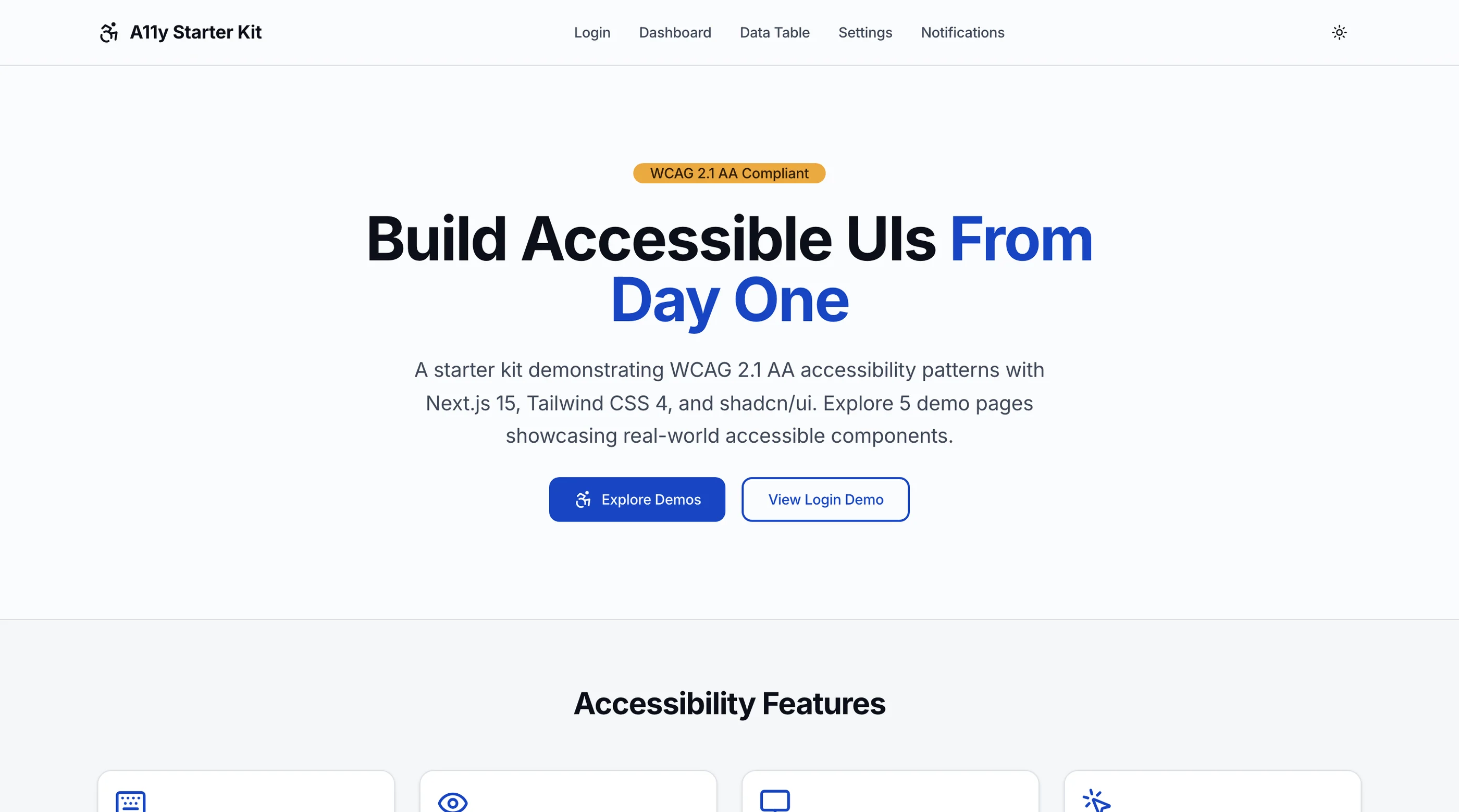
The Accessible Next.js Starter Kit was built specifically to clear the checklist above. Around 25 pages with components, layouts, forms, and patterns all built to WCAG 2.1 AA. Runs on Next.js 16, Tailwind CSS v4, and shadcn/ui (which is Radix-backed for accessibility).
Every interactive element has a visible focus indicator with contrast ratios verified against both light and dark backgrounds. Tab order matches visual order on every screen. Custom keyboard shortcuts (including a global ? help dialog) are wired throughout. Skip links appear on every page.
Color tokens are auditable. A contrast matrix in the docs documents every text-on-background pairing's actual WCAG ratio. Hover, active, focus, and disabled state variations all hold the threshold. The dark theme was tested against the same standards as the light theme.
ARIA usage follows the WAI-ARIA Authoring Practices Guide. All compound widgets (menus, tabs, dialogs, comboboxes, sliders) are Radix-backed and not custom builds. Icon-only buttons have aria-label. Form inputs have associated labels. Error messages use aria-describedby. Status messages use aria-live.
Focus management is wired into the Next.js router. Client-side navigation moves focus to the main heading. Modals trap focus while open and restore it to the trigger when closed. Drawers, popovers, and command palettes follow the same pattern.
System preferences are honored: prefers-reduced-motion disables large animations and transitions, prefers-color-scheme informs default theme, text resizes up to 200 percent without breakage, and Windows High Contrast Mode is tested.
Documentation explains the audit (WCAG 2.1 AA, internal and external review), known limitations (third-party embeds are not audited), and the pattern for adding new accessible components.
Try the live demo on a keyboard first — that's the fastest way to evaluate the experience without installing a screen reader.
Common Mistakes When Building From Scratch
Even strong frontend teams hit these walls when they roll their own accessibility:
Treating accessibility as a polish task. Accessibility is architecture. Retrofitting it after the design system is built is more expensive than building it in. Either commit to it from week one or accept that the eventual audit will be a multi-month project.
Confusing automated tools with audits. axe DevTools and Lighthouse catch maybe 30 percent of WCAG violations. Pass rates of 100 percent on automated tools do not mean the site is accessible. The other 70 percent requires manual testing.
Building custom dropdowns and dialogs. Compound widgets are the hardest part of accessibility. Use Radix UI, React Aria, or another audited primitive library. Custom implementations almost always have at least one ARIA mistake.
Underweighting screen reader testing. Visual-only QA misses the most common accessibility failures. VoiceOver and NVDA are free. Do at least one full pass per major feature with one of them on.
Forgetting focus management on client-side navigation. Next.js by default does not move focus on next/link. Almost every SPA template fails this. Implement focus restoration as a hook used on every page.
Letting contrast slide on muted text. "It's just secondary text, it looks fine" is the most common contrast failure. Run every text token through a checker. The threshold is real and your users notice.
Adjacent Reads
- WCAG AA Checklist for Web Apps — the standards-level reference
- What Is WCAG 2.1 AA? — definitions and scope
- Keyboard Navigation Patterns for Web Apps — patterns to copy
- ARIA Attributes Cheat Sheet for React — the most common ARIA you'll need
- shadcn/ui Accessibility Audit 2026 — context for the underlying primitive library
FAQ
What is an accessible Next.js starter kit?
An accessible Next.js starter kit is a pre-built codebase where every component, layout, and interaction has been built to meet WCAG 2.1 AA (or higher) as a hard requirement. A complete kit includes keyboard-navigable components, color tokens with verified contrast, ARIA patterns matching the WAI-ARIA Authoring Practices, screen reader compatibility, focus management across route changes, and documentation that teaches the pattern. Using one means you skip the multi-month retrofit of accessibility into an existing codebase.
Is shadcn/ui accessible by default?
Mostly yes, because shadcn/ui's components are Radix UI underneath, and Radix has strong accessibility primitives. But shadcn/ui's defaults are not a complete accessibility solution. The default color tokens don't always meet contrast requirements (especially in dark mode), focus management on client-side navigation isn't included, and there's no audit documentation. A real accessible starter kit takes shadcn as a foundation, audits it, fixes the gaps, and adds the patterns shadcn doesn't cover.
Will this template pass an enterprise accessibility audit?
A well-built accessible starter kit will pass automated tools and manual audits of the core components and patterns. The audit result depends on what you add. New custom components, third-party embeds, content from a CMS, and accessibility regressions introduced during customization can all fail an audit even when the kit itself passes. Plan for accessibility as a continuous practice, not a one-time achievement.
What's the difference between WCAG 2.1 AA and WCAG 2.2 AA?
WCAG 2.2 adds nine new success criteria on top of 2.1, mostly around focus visibility, target size, and authentication. For most products in 2026, 2.1 AA remains the procurement and legal default (European Accessibility Act, ADA case law, and Section 508). 2.2 AA is the safer target for new builds. Either way, the gap between them is small enough that any starter built to 2.1 AA is mostly 2.2 AA compliant, with a few targeted fixes needed.
How many components does a real accessible starter need?
The minimum for a credible starter is around 30 to 40 accessible components covering forms, buttons, dialogs, menus, tabs, accordions, comboboxes, toast notifications, date pickers, file uploads, data tables, and navigation primitives. A full-featured starter that also includes layout templates (auth screens, dashboard shells, settings flows, marketing pages) is 50 to 80 components plus 20 to 30 pages. The A11y Starter Kit ships around 25 pages with the underlying component library covering the common interactive patterns.
Want this checked on your own site?
Automated scans verify about 30% of WCAG 2.1 AA. We test the rest by hand: keyboard-only navigation, NVDA and VoiceOver output, focus management, and whether someone can actually complete your key flows. You get a report your developers can work from, mapped to criteria with severity and reproduction steps. Audits from $499.