Next.js Landing Page Template with Tailwind Components
Build high-converting landing pages with production-ready Next.js components. Hero sections, feature grids, pricing tables, testimonials, comparison tables, and FAQ sections — all WCAG AA accessible and responsive.
Starting at $47$7940% OFF· 7-day money-back guarantee
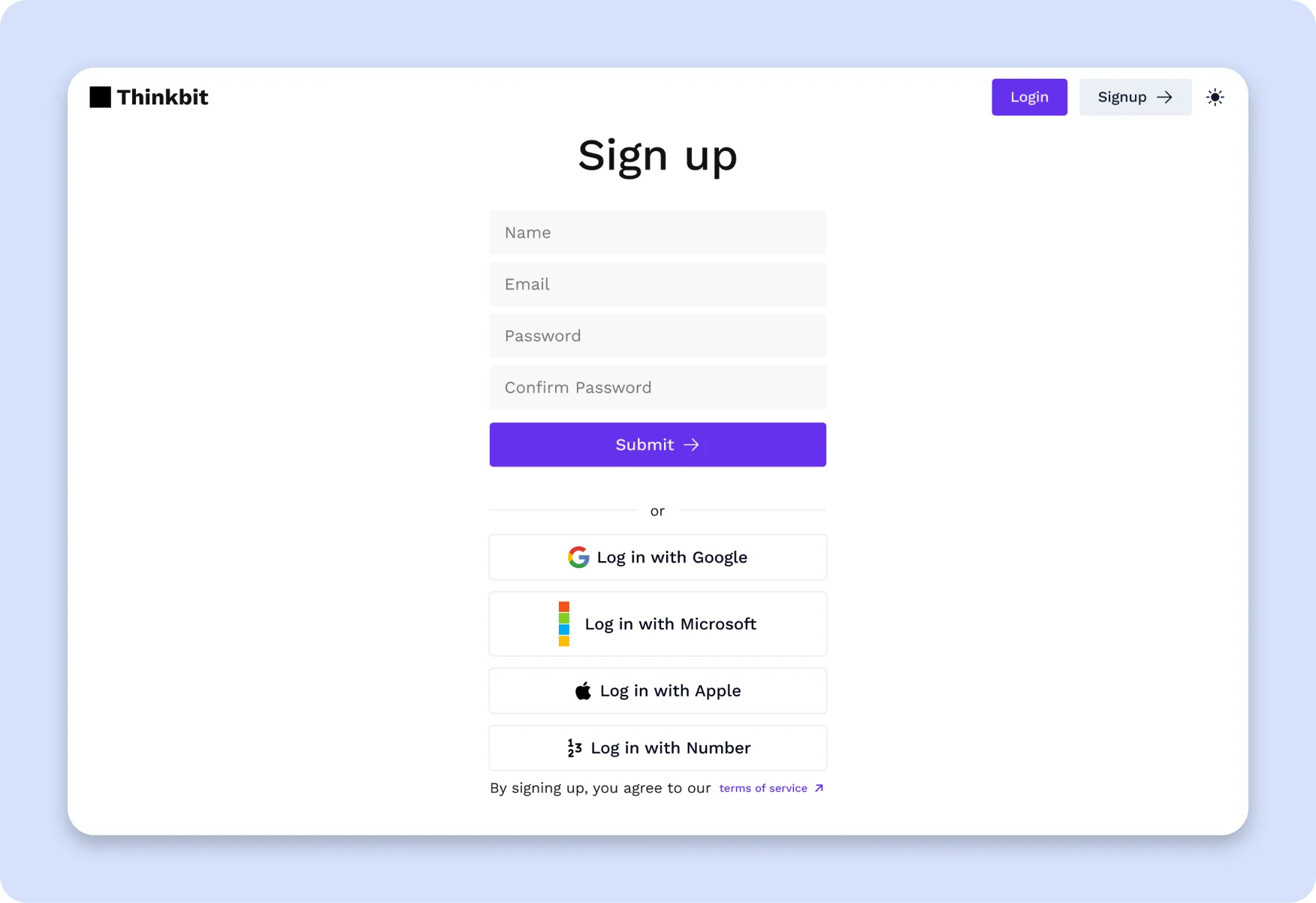
Your Next.js SaaS product deserves a landing page that converts — and building one from scratch takes longer than most teams expect. Between the hero section layout, responsive feature grids, pricing table logic, testimonial carousels, FAQ accordions, and mobile breakpoints, a polished landing page can easily consume two to three weeks of engineering time. And that is before you tackle accessibility, dark mode support, or design-to-code consistency. This Next.js landing page template solves that problem. It includes every section a SaaS or AI product landing page needs: a hero section with headline, subtext, CTA buttons, and technology logos; responsive feature grids with icons and descriptions; pricing tables with tiered plans, feature comparison lists, and highlighted recommendations; customer testimonial cards with avatars and company details; side-by-side comparison tables for competitive positioning; and accessible FAQ accordions with FAQPage schema markup for SEO rich snippets. Every component is built with Tailwind CSS and follows WCAG AA accessibility guidelines, including keyboard navigation, ARIA labels, focus indicators, and color contrast ratios that meet the AA threshold. The design token system uses CSS custom properties mapped to your Tailwind config, so when you change a color or spacing value, it updates across every component automatically — no manual translation, no drift between design and development. The components use shadcn/ui and Radix UI primitives, which means they integrate cleanly with the broader React and Next.js ecosystem. If you are already using shadcn/ui in your project, these landing page components will feel native. If you are not, this is a strong starting point because every primitive is accessible, composable, and unstyled by default — you control the look entirely through Tailwind utility classes and design tokens. The template is mobile-first, with responsive breakpoints for tablet and desktop layouts. Hero sections stack vertically on mobile and expand to side-by-side layouts on larger screens. Feature grids shift from single-column to multi-column layouts. Pricing tables remain readable and interactive at every viewport width. This is not a demo-quality template that breaks at 768px — it is production-tested across devices. Stop building landing pages from scratch. Start with components that already work, and focus your time on the copy and positioning that actually drive conversions.
Key Features
Hero Sections
Attention-grabbing hero layouts with headline, subtext, CTA buttons, and technology logos. Multiple layout variants for different product types. Fully responsive with mobile stacking.
Feature Grids
Responsive feature sections with icons, descriptions, and flexible grid layouts. Supports 2-column, 3-column, and alternating layouts with consistent spacing and alignment.
Pricing Tables
Clear pricing tiers with feature comparison lists, highlighted "most popular" plans, toggle between monthly and annual billing, and accessible CTA buttons.
Testimonials
Customer quote sections with avatar, name, role, and company attribution. Supports single testimonial spotlights and multi-card grid layouts.
Comparison Tables
Side-by-side comparison tables for competitive positioning. Accessible table markup with proper headers, row highlighting, and responsive scroll behavior.
FAQ Accordions
Accessible accordion FAQ sections with keyboard navigation, ARIA attributes, and FAQPage schema markup for Google rich snippet eligibility.
Technology Logo Strips
Logo sections to showcase your tech stack, integrations, or partner logos. Responsive layout with proper image sizing and alt text.
CTA Banner Sections
Full-width call-to-action banners with background colors, headline, description, and primary action buttons. Built for high-conversion placement.
How thefrontkit Compares
| Feature | thefrontkit | Typical Alternatives |
|---|---|---|
| WCAG AA Accessibility | Built into every component | Usually missing |
| Design Token System | Production-ready token architecture | Hardcoded colors and spacing |
| FAQPage Schema | Included for rich snippets | Rarely available |
| Dark Mode | Token-driven, system-aware | Basic toggle or missing |
| Mobile Responsiveness | Mobile-first, tested on all viewports | Often breaks on mobile |
| shadcn/ui + Radix | Native integration | Custom or Material UI |
Ready to Ship Faster?
Skip the boilerplate and start building what matters. Production-ready, accessible, and token-synced.
View SaaS Starter Kit →Related Resources
No dev team? We'll build it for you.
The team behind thefrontkit does done-for-you launches and custom builds. Fixed quotes, most projects live in 2-4 weeks, from $1,999.