How to Choose an AI Ops Dashboard Template (2026)
How to Choose a Next.js AI Ops Dashboard Template in 2026
Most "AI dashboard templates" you find on Google are chat interfaces. A prompt box, a message stream, maybe a token counter. That's a chat product, not an operations tool. The people running AI in production need something different: visibility into which models are being called, what they cost, how they fail, and how they perform across prompts and customers.
A real AI ops dashboard sits between the engineering team and the model providers. It tracks model usage and cost across providers, manages prompt versions, surfaces evaluation results, captures error patterns, and gives non-technical stakeholders a window into what the AI is actually doing. Without those, you're staring at OpenAI's billing page and grepping Cloudwatch.
This guide walks through the criteria that actually matter when evaluating a Next.js AI ops dashboard template, the trade-offs between rolling your own and using a hosted platform, and a practical checklist for any candidate.
Or skip the choice: get every kit for $749
If you're shipping more than one product, All UI Kits unlocks every Next.js kit on thefrontkit. The full NeuralDesk AI Ops Dashboard (model management, prompt engineering, cost tracking, error monitoring), plus the SaaS Starter Kit, CRM Dashboard, HR Dashboard, E-commerce, AI UX Kit, Blog CMS, and 11 more. Plus every future kit. One-time payment, lifetime access, no subscription.
What a Real AI Ops Dashboard Needs
The chat widget is the toy. The dashboard around the chat widget is the product.
Model Management Across Providers
In 2026, almost no production AI product uses one model. The default architecture is multi-provider: OpenAI for the heavy reasoning, Anthropic for long-context document analysis, Gemini for multimodal, sometimes a self-hosted Llama for sensitive data. The dashboard has to track all of them in one place.
The minimum viable model management:
- Model registry listing every model in use, with its provider, version, context window, and current status
- Latency and uptime per model so you can see when OpenAI is degrading or Anthropic is rate-limiting
- Switchable routing rules so you can move traffic from one model to another without a deploy
- Per-model pricing snapshot because input and output token rates change quietly and your cost forecast needs to track them
- Deprecation flags for models nearing retirement (and your dashboard should remind you 30 days in advance)
If the template assumes you're using one provider, you'll outgrow it the week you add a second.
Prompt Engineering as a First-Class Feature
Prompts are code. Version them like code. The dashboard needs:
- Prompt library with versioning, tags, and a description per prompt
- Diff view between versions so you can see what changed and when
- Playground that lets engineers and PMs test a prompt against any registered model without leaving the dashboard
- A/B testing slots so two prompt versions can run side by side and you can compare outputs
- Variable templating with
{{user_name}}style placeholders that validate before you save
Most "AI dashboards" treat prompts as inline strings buried in code. Pulling them into a manageable surface is half the value of the tool.
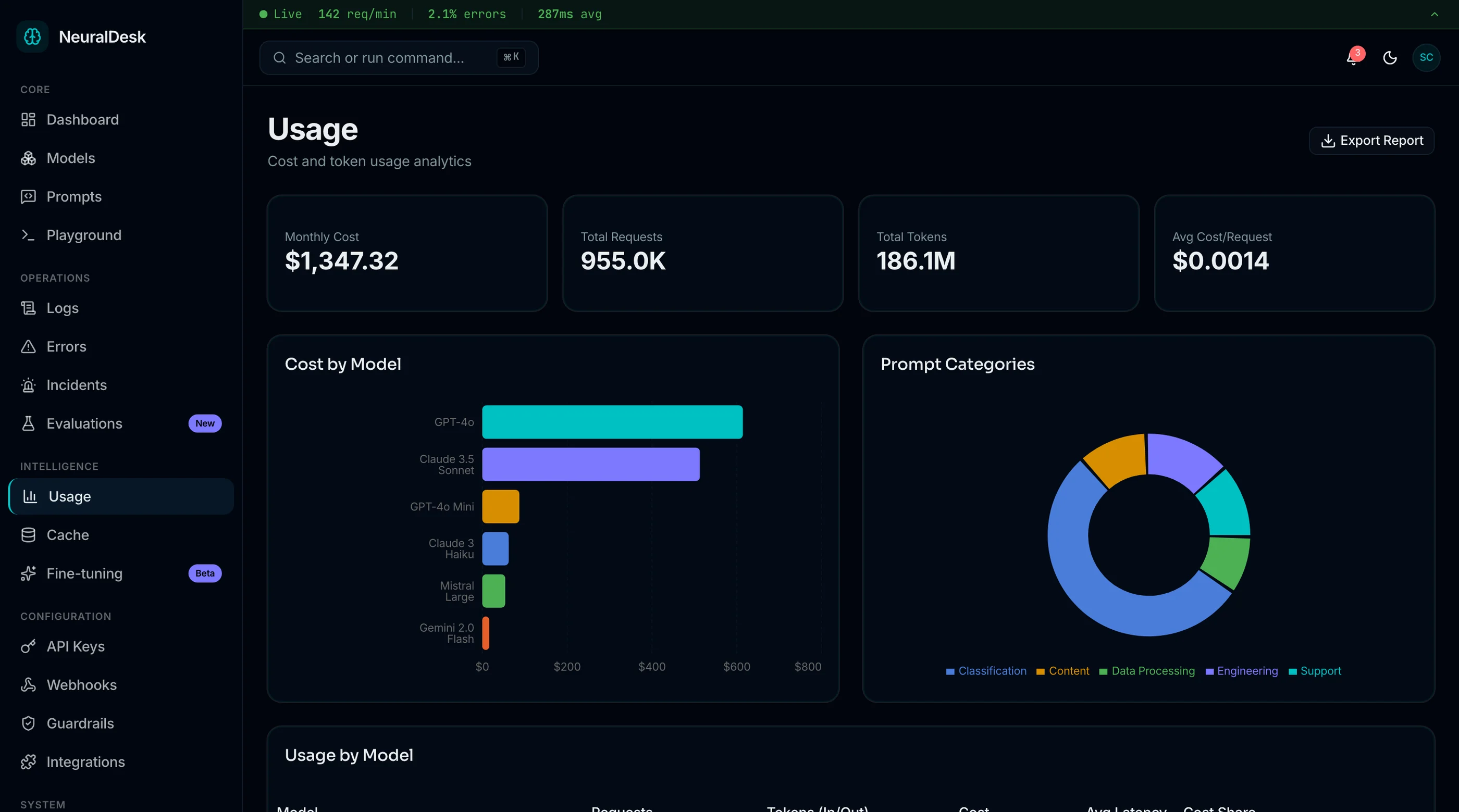
Token and Cost Tracking with Forecast
This is the field where founders panic the hardest. The dashboard should answer:
- What did we spend yesterday, last week, last month? with breakdowns by model and by feature
- What's the projected spend at current rate? so the finance call isn't a surprise
- Which prompts are most expensive per call? because optimizing one high-volume prompt usually saves more than ten low-volume ones
- Per-customer cost for usage-based products, so the unit economics are visible
- Alerts when spend exceeds a threshold before someone runs up a five-figure bill overnight
Without this, you're learning your AI cost structure from quarterly invoices, which is too late.
Evaluation and Quality Tracking
Models change. Prompts change. The output quality drifts. A real ops dashboard surfaces this:
- Eval suite results showing pass rate per model per prompt over time
- Human-rated samples where engineers or PMs can mark outputs as good or bad and watch the trend
- Regression alerts when a prompt that used to pass 90 percent starts passing 70 percent
- Side-by-side comparison of model outputs for the same prompt, useful when picking which provider to route to
- Hallucination indicators for products where factual accuracy matters
Without evals, the dashboard tracks volume and cost but not whether the AI is doing its job. That's half a tool.
Usage Logs You Can Actually Search
When something goes wrong, the first question is "what was the user trying to do?" The logs need:
- Per-conversation history with the full system prompt, user input, model output, and metadata
- Search by user ID, model, prompt name, or error type without writing a SQL query
- Filter by timeframe including "last hour" for active debugging
- PII handling that masks sensitive fields by default but lets authorized users reveal them
- Export to CSV or jsonl for offline analysis or feeding back into your eval suite
Most templates ship a paginated table with no filters. That's a log viewer, not an investigation tool.
Error and Anomaly Monitoring
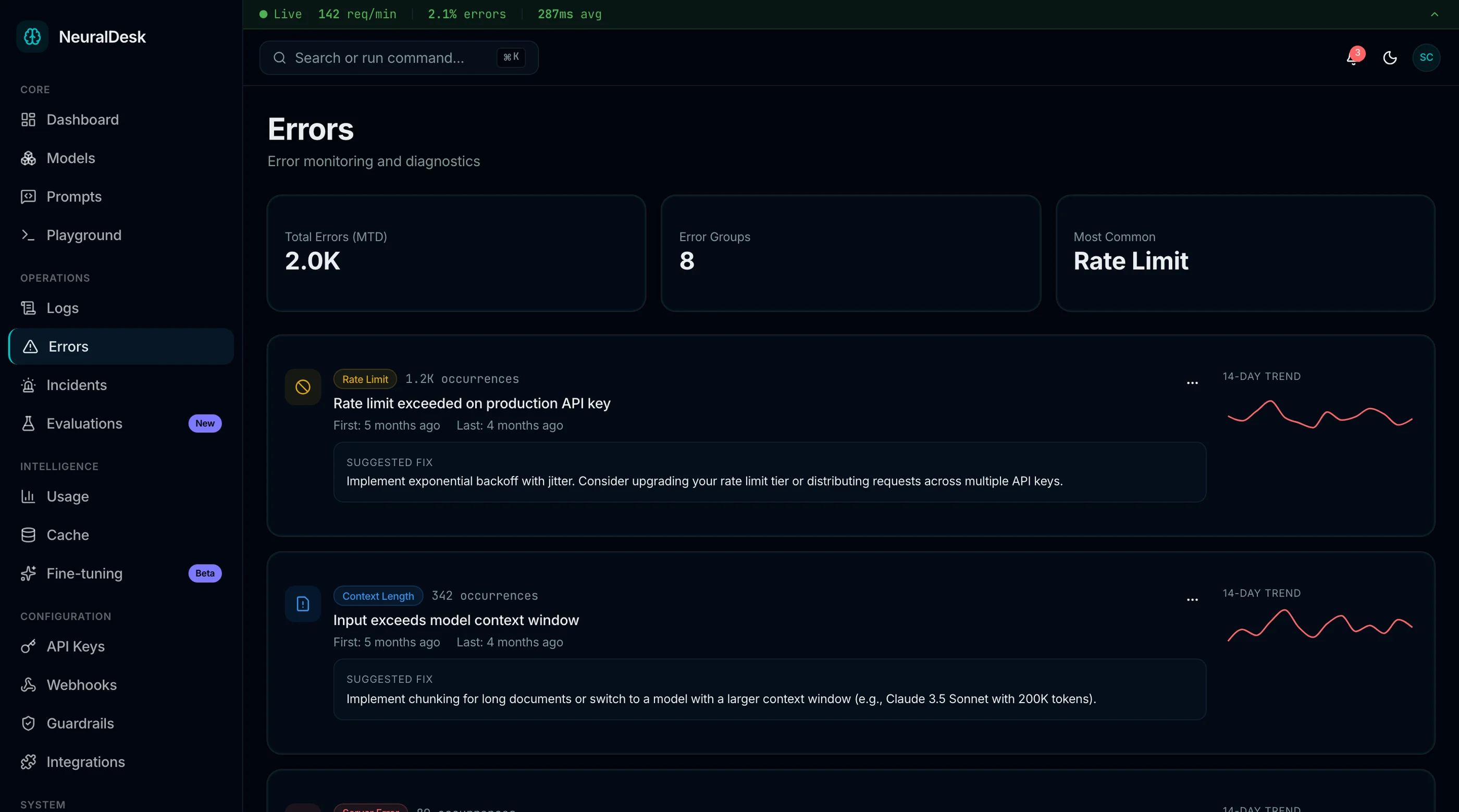
Models fail in distinctive ways. Rate limits, content filtering refusals, malformed JSON outputs, infinite-loop tool calls, hallucinated function names. The dashboard should classify and surface these:
- Error rate over time by model and by error type
- Recent failures with the full request/response payload
- Refusal tracking because a sudden spike in "I can't help with that" usually means a prompt change broke something
- JSON parse failures for structured-output endpoints, which silently degrade tool calling
- Anomaly alerts when latency, error rate, or refusal rate moves outside its normal band
Team and Permission Controls
Real AI ops involves multiple roles: engineers debug prompts, PMs review outputs, support replays customer conversations, finance watches cost. They need different views:
- Role-based access (admin, engineer, viewer, support)
- Audit log of who changed which prompt and when (compliance asks for this)
- Per-team workspaces for larger orgs running multiple AI products
- API keys per integration so you can rotate one without breaking everything
Build vs Buy vs Hosted Platform
Three paths, three honest cost profiles.
Roll your own with a custom React dashboard. Full control, full ownership. Realistically 8 to 14 weeks of dedicated frontend work to clear the criteria above, plus ongoing maintenance as model providers add new APIs and pricing changes monthly. Plan for 0.5 engineers permanently dedicated.
Use a hosted LLM ops platform (Helicone, LangSmith, Arize, Langfuse). Excellent observability, mature eval tooling, plug-and-play instrumentation. Costs scale with request volume — figure $200 to $5,000 per month at typical SaaS scale. Limitations: you're locked into their data model, customer data leaves your perimeter, and customization is whatever the platform supports.
Buy a Next.js AI ops dashboard template. $79 to $299 one-time. Codebase is yours. You wire it to your existing logging and your model providers. Roughly a week to brand and deploy. The catch: you own the maintenance, including pricing updates and new provider support.
The decision usually comes down to two questions:
- Is your data sensitive enough that it can't leave your VPC? If yes, build or buy a template you host yourself. Hosted platforms are off the table.
- Is AI ops your full-time engineering problem or a side concern? If full-time, hosted platforms pay for themselves. If side concern, a template that runs in your existing infra is usually the right tradeoff.
A Practical Evaluation Checklist
Before committing to any Next.js AI ops dashboard template, run it through this checklist with the live demo open:
- Look at the model registry page. Does it support more than one provider, or is OpenAI hardcoded everywhere?
- Open the prompt editor. Can you version prompts? Can you diff two versions?
- Find the cost view. Does it break down by model and by feature, or just show one total number?
- Look for an evals or quality view. Does it show pass rate over time, or is it a stub?
- Open the logs. Can you filter by user, model, and error type, or is it a flat paginated list?
- Check the error monitoring page. Does it classify error types (rate limit, refusal, JSON parse failure) or treat all errors the same?
- Open the user management view. Are there roles, or just a single admin account?
- Count the screens in the comparison page. Under 25 pages means significant features are missing.
Templates that pass all eight are the ones worth paying for. Most AI dashboard templates fail on five or more.
How NeuralDesk Approaches Each Requirement
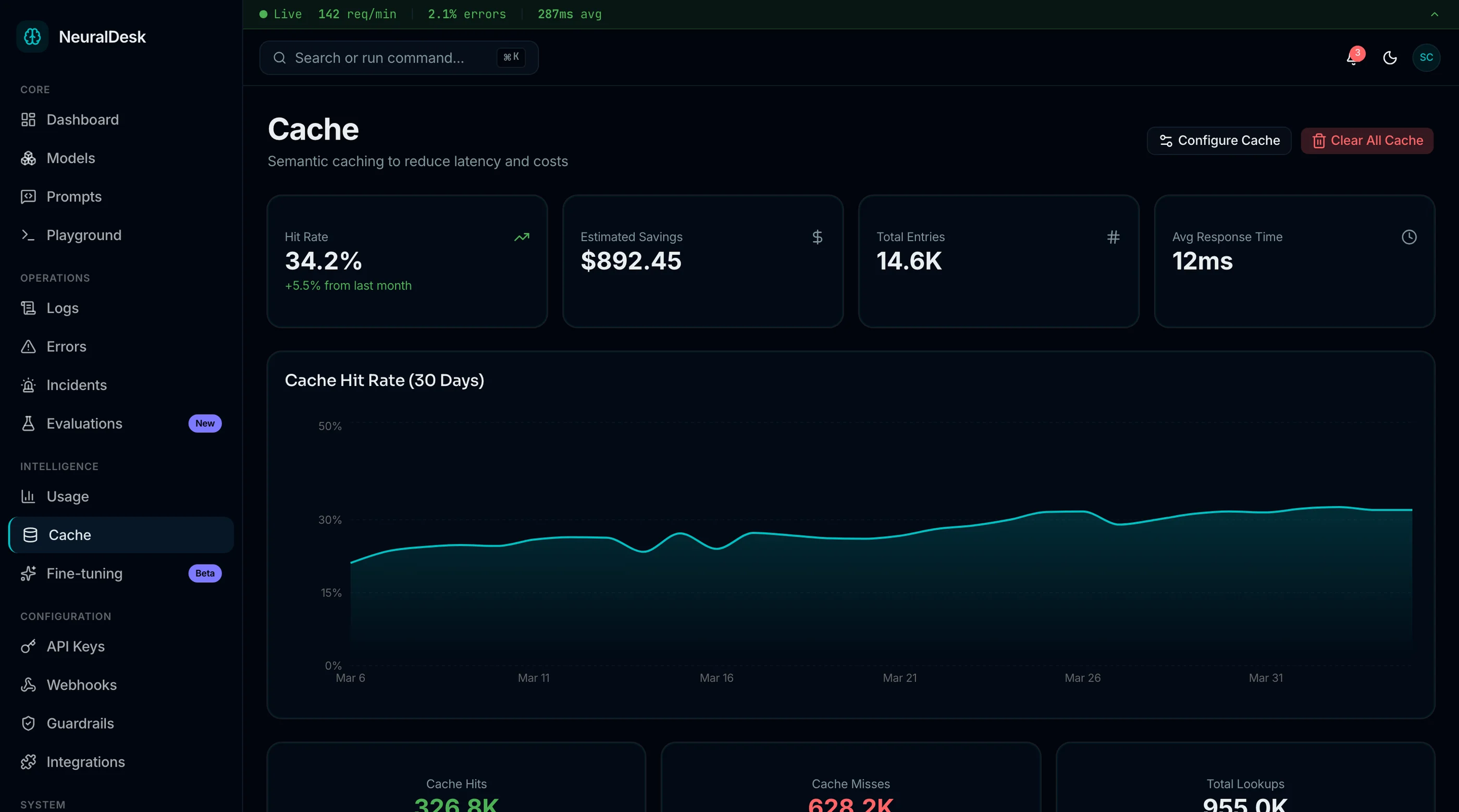
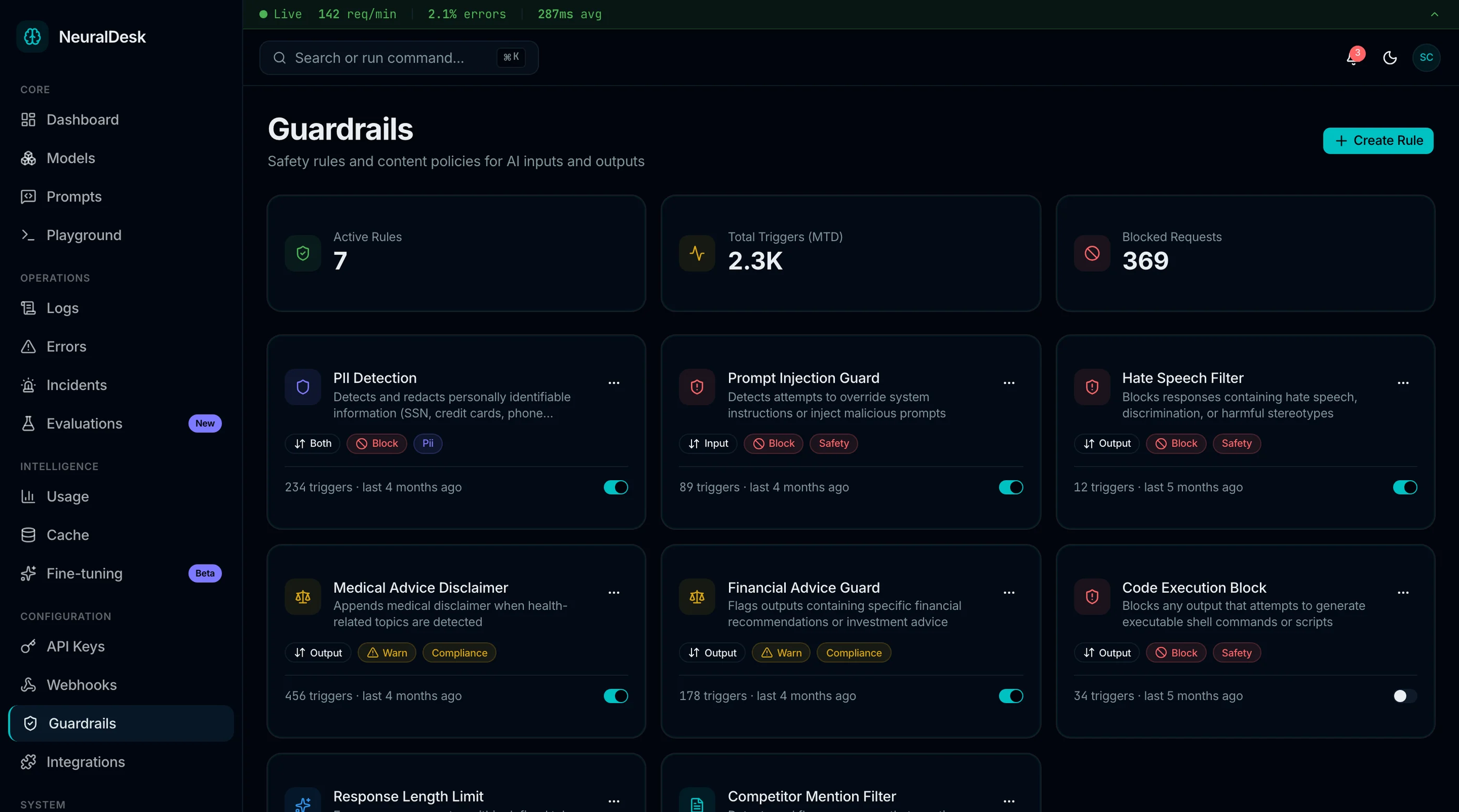
The Next.js AI Ops Dashboard, shipped as NeuralDesk, was built to clear the checklist above. Around 38 pages covering model management, prompts, cost, evals, logs, errors, and team management. Runs on Next.js 16, Tailwind CSS v4, and shadcn/ui.
The model registry supports any provider — OpenAI, Anthropic, Gemini, Mistral, self-hosted endpoints. Each model entry tracks status, latency p50/p95/p99, current pricing, and a deprecation flag. Routing rules let you move traffic between models without a deploy.
Prompts have full versioning. Every save is a new version with a description, tags, and a diff view against the previous version. The playground lets you test any prompt against any registered model, with variable templating that validates before runtime.
Cost tracking shows daily, weekly, monthly spend with breakdowns by model, feature, and customer. The projection view extrapolates current usage into a month-end estimate. Per-prompt cost ranking shows which prompts to optimize first. Alerts fire on threshold crossings.
Eval results display as a time series per prompt per model, with overall pass rate plus per-criterion pass rate when your eval suite scores multiple dimensions. Human-rated samples surface as a queue for engineers and PMs to review. Regression alerts trigger when pass rate drops below a configured floor.
Logs are searchable by user, model, prompt name, status, error type, and timeframe. PII fields mask by default with a reveal action that gets audited. CSV and jsonl export.
Error monitoring classifies failures into rate-limit, refusal, JSON parse failure, timeout, content filter, and generic. Each category has its own chart and recent-failure feed. Anomaly detection flags when any metric drifts.
Team management ships role-based access (admin, engineer, viewer, support), per-workspace API keys, and a full audit log of prompt edits, role changes, and configuration updates.
Try the live demo to see how the prompt versioning and cost views connect — that's the part most dashboards underbuild.
Common Mistakes When Building From Scratch
Even strong frontend teams hit these walls when they roll their own AI ops dashboard:
Building chat first, ops second. The chat UI feels like the product. It is not. Engineering teams who lead with chat ship a chat product. Teams that lead with logs, costs, and evals ship an ops product. Decide which you are early.
Hardcoding one model provider. OpenAI is the default. You will add a second provider within twelve months. Templates and dashboards built around a single provider's API need a rewrite when that happens. Use a provider abstraction layer from day one.
Treating prompts as code constants. Prompts change weekly. Engineers shouldn't deploy to edit copy. Pull prompts into the dashboard with versioning, even if v1 is "load from a database column."
Skipping cost views until the bill arrives. Cost dashboards are easy to defer because the data is there in the model provider's UI. Until it isn't, because the org has five integrations across two providers, and nobody can answer "what did we spend on feature X last week?" Build the cost view in week one.
Ignoring evals because "we'll add them later." Later means after you've changed the prompt three times and nobody knows whether quality went up or down. Eval infrastructure has to exist before prompt changes accumulate, not after.
Building per-user logs without permissions. A founder reading customer conversations as plain text is a privacy incident waiting to happen. PII masking and role-based access should be in the first version of the logs view, not bolted on.
Adjacent Reads
- Best AI Ops Dashboard Templates 2026 — head-to-head comparison
- Best AI Chat UI Kits 2026 — for the chat interface layer
- AI Chat UI Best Practices — patterns that apply to the chat surface
- Building Production-Ready AI Interfaces — broader architecture
FAQ
What is a Next.js AI ops dashboard template?
A Next.js AI ops dashboard template is a pre-built interface for managing and observing LLM-powered features in production. A complete template includes model registry across providers, versioned prompt management with a playground, cost and token tracking, evaluation results and quality monitoring, searchable usage logs, error classification, and team management with role-based access. Using one means you skip 8 to 14 weeks of dedicated ops UI work and focus on your application logic.
How is this different from a hosted LLM ops platform like LangSmith or Helicone?
Hosted platforms send your request and response data to a third party for storage and analysis. They have polished UIs, mature features, and you pay monthly based on volume. A self-hosted template runs entirely in your infrastructure, your data never leaves your VPC, and you pay once for the code. Hosted is better for teams without ops engineering capacity. Self-hosted is better when data sensitivity, customization needs, or long-term cost favor ownership.
Can I use this template with a custom model or a self-hosted Llama?
Yes, if the template uses a provider abstraction. Production-ready Next.js AI ops dashboards use typed interfaces for model providers and treat OpenAI, Anthropic, Gemini, and self-hosted endpoints as instances of the same shape. Adding a new provider is implementing the interface, registering the credentials, and the dashboard works the same. Avoid templates with OpenAI calls scattered through the codebase.
Does the template handle eval suite integration?
The best ones do. Evals are the bridge between "the model is producing output" and "the model is producing useful output." A complete template lets you define eval criteria, run them against any prompt version, see pass rates over time, surface regressions, and queue human review for borderline cases. If the template's eval view is decorative, you'll either build it yourself or bolt on a hosted eval platform later.
How many pages does a real AI ops dashboard need?
The minimum for credible AI operations is about 25 pages: dashboard home, models list, model detail, prompts list, prompt editor, prompt playground, eval results, evals detail, cost overview, cost by feature, cost by customer, logs list, log detail, errors overview, errors by type, team list, team detail, API keys, audit log, settings, auth (login, register, recovery), and a few utility pages. A full-featured tool that competes with hosted platforms is 35 to 45 pages. The NeuralDesk AI Ops Dashboard ships around 38 pages to clear this bar.