How to Build a Finance Dashboard in Next.js (2026)
How to Build a Finance Dashboard in Next.js in 2026
Mint shut down in March 2024 and the personal finance space hasn't been the same since. The hosted options (Copilot, Monarch, YNAB) are good but charge $99-$150/year. Building your own takes weeks if you know what to wire up, and the result is a tool that matches your money exactly.
This guide walks through the data model, the integration choices, the calculations that matter, and the parts most builders get wrong.
Or skip the build entirely: get the Finance Dashboard Kit
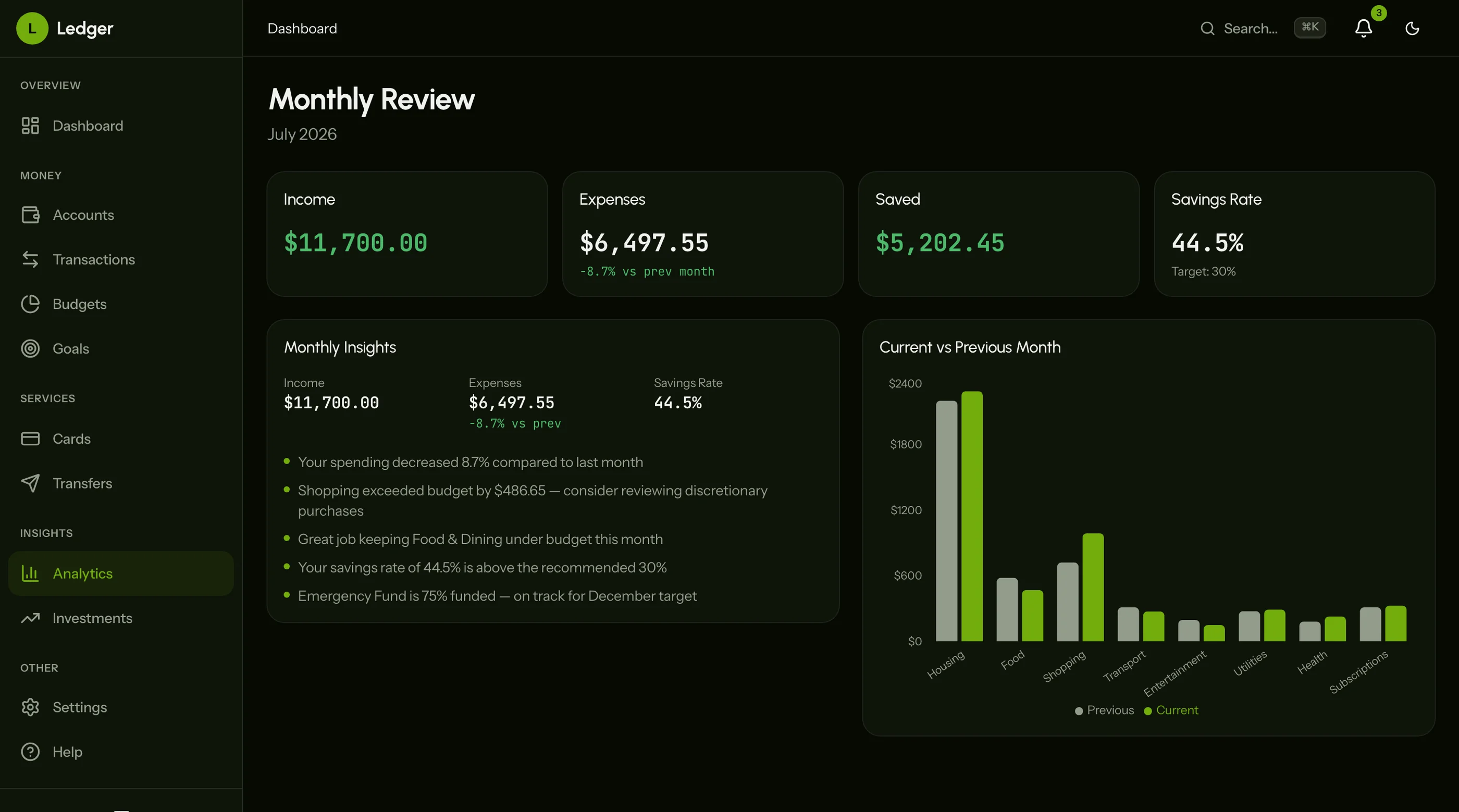
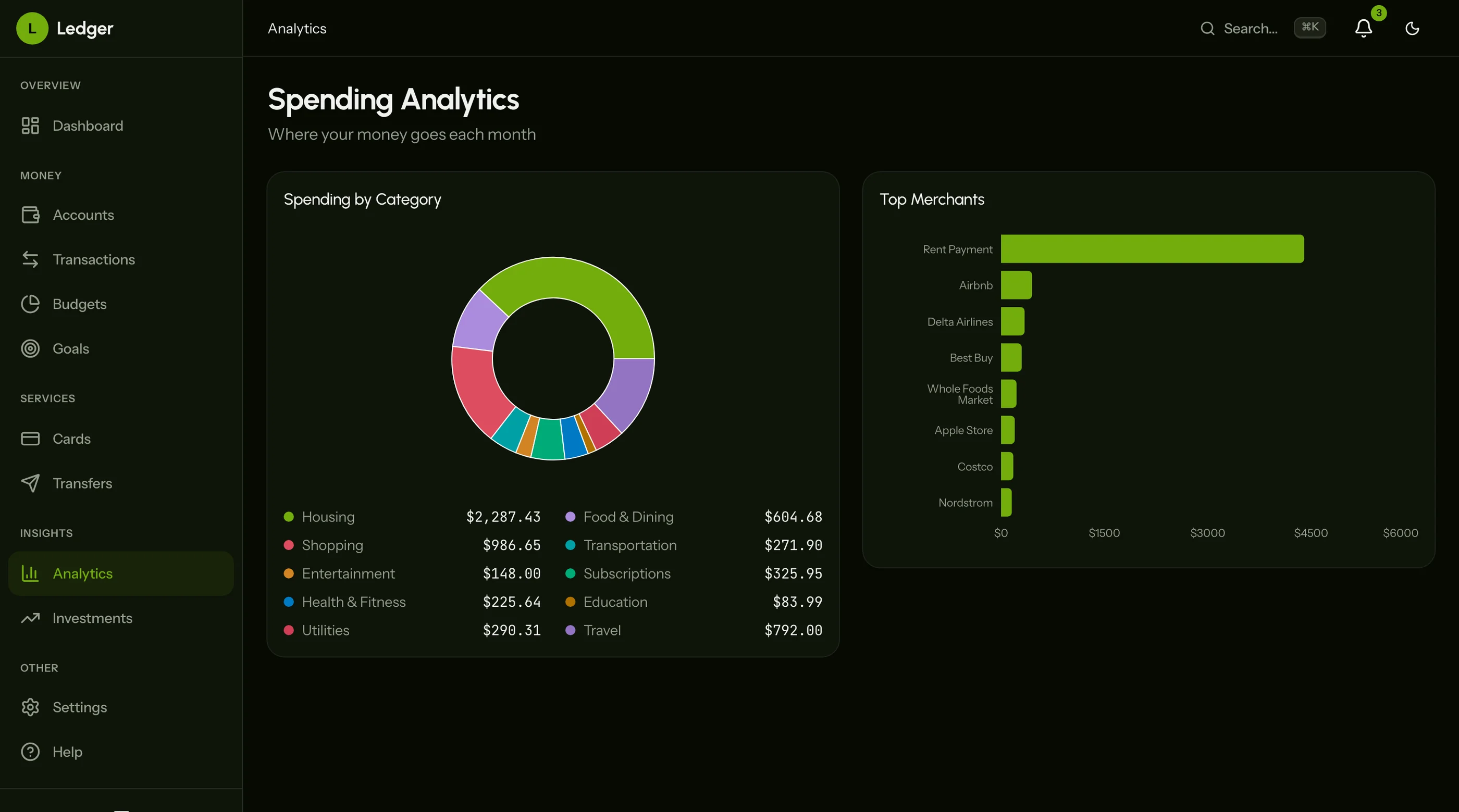
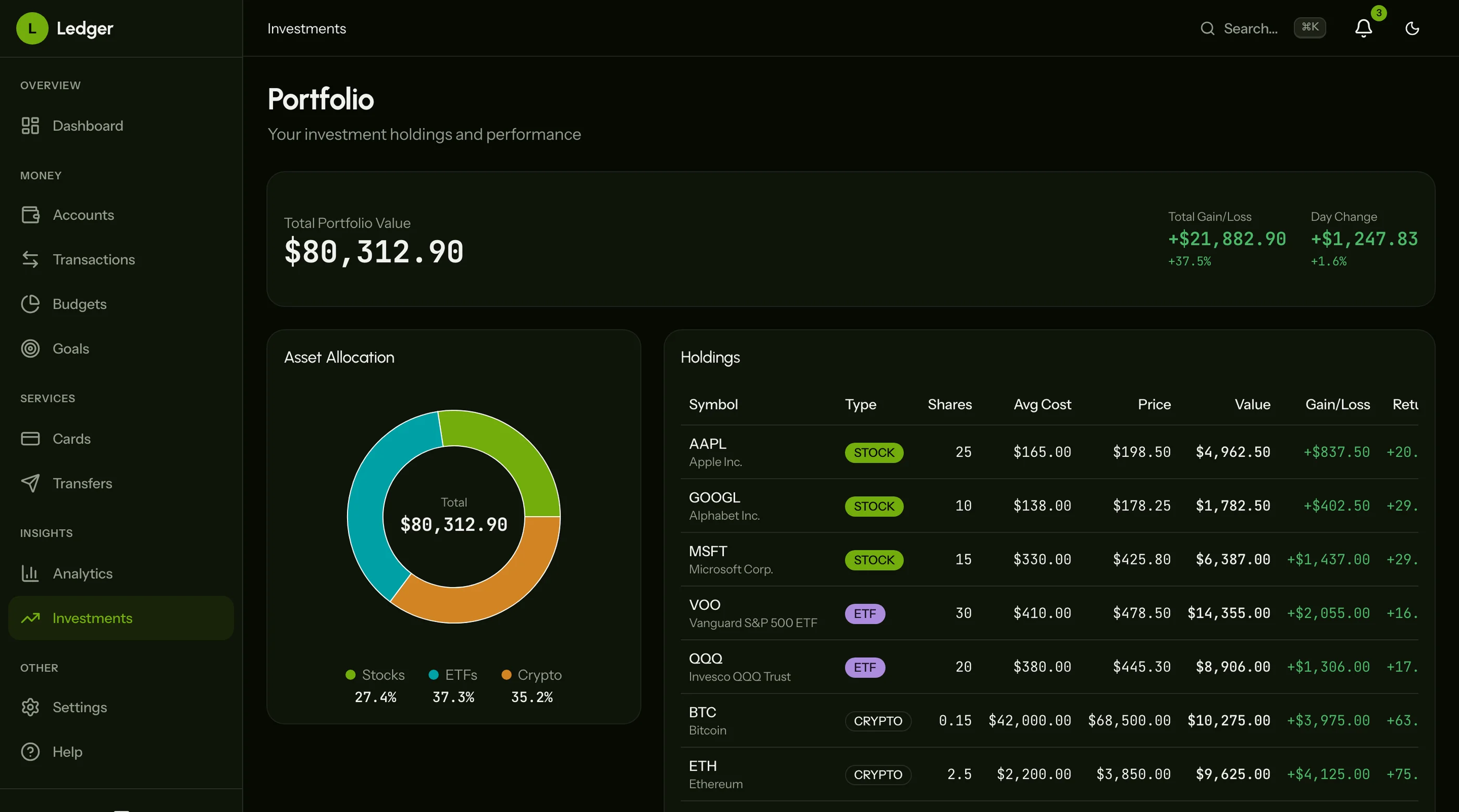
The Finance Dashboard Kit is shipped: 27 screens covering net worth, accounts, cards, investments, transactions, transfers, budgets, goals, analytics and settings. Next.js + Tailwind + shadcn/ui. $131 solo, $199 team, $349 agency.
Get the Finance Dashboard Kit → or get every kit (18 total) for $749 via All UI Kits →
What a Real Finance Dashboard Has to Do
The minimum:
- Account aggregation across banks, credit cards, brokerages, crypto wallets
- Transaction list with search, filters, category tags
- Net worth tracking over time
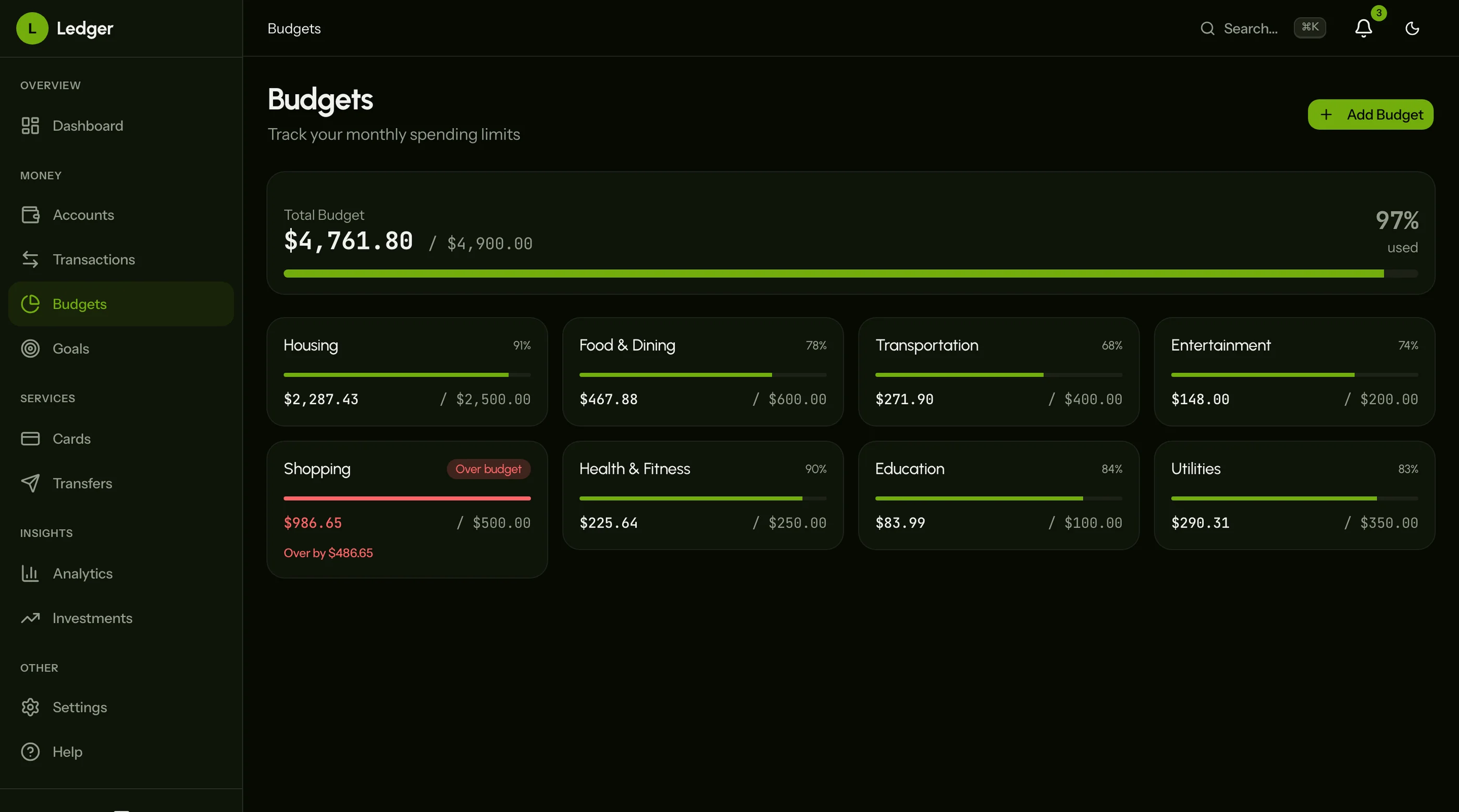
- Budget categories with progress bars
- Cash flow (income vs expenses) with monthly trends
- Savings goals with target dates
- Bill reminders with recurring schedule
- Reports for tax season
If your dashboard is just balances and a list of transactions, it's a banking app, not a finance dashboard.
The Data Model
Five core entities:
accounts: connected financial accounts. id, user_id, provider (plaid_item_id, manual, crypto), external_account_id, institution_name, account_name, account_type (checking, savings, credit, investment, loan, crypto), balance_current, balance_available, currency, last_synced_at.
transactions: every money movement. id, account_id, external_transaction_id, posted_date, amount (negative for outflow, positive for inflow), description, merchant_name, category_id, is_pending, is_excluded (transfers between accounts), notes.
categories: hierarchical, user-customizable. id, user_id, parent_id, name, type (expense, income, transfer), color, icon. The default tree should match Plaid's category taxonomy roughly, but let users edit.
budgets: per-category monthly limits. id, user_id, category_id, month, amount, rollover (boolean — does unspent carry forward).
goals: savings targets. id, user_id, name, target_amount, current_amount, target_date, linked_account_id, contribution_schedule (monthly $X, weekly $Y).
The trap: most builders model transactions as positive amounts with a separate "type" column. That works for display but breaks aggregations. Use signed amounts (negative = outflow) from the start. Net worth math gets dramatically simpler.
Account Aggregation: The Choice
Three real options, listed by cost and complexity:
Plaid — the standard. Covers 12,000+ US institutions. $0.30-$0.60 per linked account per month. Easy integration. The default for any serious finance app.
Teller — emerging Plaid alternative. Cheaper at scale. Solid coverage of US banks. Worth comparing if Plaid pricing bites.
MX (Atrium) — enterprise, more polished. Better for B2B finance products. Overkill for personal finance.
For crypto: no aggregator covers all chains. You'll wire wallet APIs (Etherscan, Solscan, etc.) per chain, or use Zapper/DeBank APIs for portfolio data. CCXT handles centralized exchanges.
For investment accounts: Plaid covers most US brokerages. International brokers are harder. Manual entry as fallback.
Always include manual account support. Some accounts won't aggregate (small credit unions, international, cash). Don't build a tool that only works with Plaid-supported banks.
Transaction Normalization (The Hard Part)
Raw transactions are messy. "AMZN MKTPLACE 1234567890" is Amazon. "SQ COFFEE BAR" is Square-routed. "PYPLMERCHANT NAME" is PayPal. Plaid tries to normalize, but inconsistently.
What you'll build:
- Merchant detection from description strings (regex + lookup table)
- Category prediction from merchant + amount (rules-based start, ML later)
- Transfer matching — when $500 leaves checking and $500 enters savings on the same day, flag as transfer (don't count as income or expense)
- Recurring detection — same merchant + similar amount + monthly cadence = subscription
- User overrides stored as a separate table so future imports don't overwrite
The transfer matching is the most important. Without it, your net worth math is wrong (you'll count $500 leaving and $500 entering as -$1,000 if you're not careful — actually that's wrong, you'd count it as $0 inflow which is right but the activity look weird). Worse, your budget categories are off.
Net Worth: The Calculation
Sum of all account balances at a point in time, signed correctly.
SELECT
  SUM(CASE
    WHEN account_type IN ('credit', 'loan') THEN -balance_current
    ELSE balance_current
  END) as net_worth
FROM accounts
WHERE user_id = $1 AND last_synced_at > NOW() - INTERVAL '24 hours'
For the trend chart: snapshot net worth daily. New row per user per day in net_worth_snapshots. Reads are fast (single index lookup), writes are once per day.
The graceful-degradation question: what if an account hasn't synced in a week? Show the stale balance with a warning. Don't silently use old data, don't refuse to show net worth at all.
Budgets and Cash Flow
Two related but distinct concepts:
Budget: how much should I spend in each category this month. Compares actuals against the limit. Color-codes by % spent.
Cash flow: how much money came in vs went out this month. Shows net (saved or overspent). Trends over time.
Both query the same transactions table, scoped to month and excluding transfers.
The query that powers the dashboard:
SELECT
  category_id,
  SUM(CASE WHEN amount < 0 THEN -amount ELSE 0 END) as spent,
  SUM(CASE WHEN amount > 0 THEN amount ELSE 0 END) as received
FROM transactions
WHERE user_id = $1
  AND posted_date BETWEEN $2 AND $3
  AND is_excluded = false
GROUP BY category_id
This is the most-run query in the dashboard. Index on (user_id, posted_date, category_id). Materialize a monthly summary table nightly once you cross 50K transactions.
Goals
Savings goals are the most-loved feature in finance dashboards. The math is simple:
progress = current_amount / target_amountmonthly_contribution_needed = (target_amount - current_amount) / months_until_target_dateon_track = current monthly contribution >= monthly_contribution_needed
Display: progress ring, percentage, projected completion date based on current contribution pace. Optional: auto-contribute scheduling (links to budget).
The thing most builders skip: linking goals to specific accounts. "Emergency fund" should be tied to a high-yield savings account. The dashboard knows the balance, computes progress automatically, no manual updating.
Sync Strategy
Plaid sends webhooks for new transactions. Wire them up. Don't poll.
Webhook flow:
- Plaid sends
TRANSACTIONS_REFRESHto your endpoint - Your endpoint enqueues a sync job (Inngest, Trigger, or a queue worker)
- Job pulls latest transactions from Plaid API
- Upserts into
transactionstable onexternal_transaction_id - Re-runs categorization on new transactions
- Sends user a push/email if material balance change
For accounts without webhooks (crypto, manual): daily cron sync. Show "last synced at" prominently.
Performance Reality
At 5 accounts and 5,000 transactions/year, queries are fast. At 50 accounts and 100,000 transactions, you'll feel it.
Optimizations in order:
- Index
(user_id, posted_date)on transactions - Materialize monthly summary per category nightly
- Cache the dashboard summary in Redis for 5 minutes
- Move historical transactions (>2 years) to a separate archive table for personal finance
For business finance dashboards (Expensify-style for small business): transaction volume is 10x higher per account. Plan accordingly.
What's the Build Time?
For a single engineer:
- Plaid integration + transaction ingestion: 2 weeks
- Transaction normalization + categorization: 2 weeks
- Net worth + accounts UI: 1 week
- Budgets + cash flow: 2 weeks
- Goals + bills: 1 week
- Reports: 1 week
- Polish + mobile + manual accounts: 2 weeks
Total: ~11 weeks solo. 5-6 weeks with 2 engineers. With a kit that has the 27 screens already built, 3-4 weeks because the work is the integration and the math, not the UI.
For a more focused look at the existing options, see Best Finance Dashboard Templates 2026.
The Shortcut
The Finance Dashboard Kit ships the UI: net worth dashboard, transaction list, account view, budgets, bills, goals, reports, settings. Charts via Recharts. Token-driven design system.
You bring Plaid (or alternative) integration and the transaction normalization logic. $131 solo, $199 team, $349 agency.
Get the Finance Dashboard Kit → or See All UI Kits →
The honest take: every finance dashboard solves the same UX problems (net worth, transactions, budgets, goals). The differentiator is how well your transaction normalization works and whether your budget UI matches how the user actually thinks. Spend engineering on those, not on rebuilding the chart components.
Want it shipped without hiring a developer?
The build path above assumes you have engineers. If you don't, the team behind thefrontkit does done-for-you launches: we deploy the kit, apply your branding, and wire it to your stack. Fixed quotes, most builds ship in 2-4 weeks, from $1999.