How to Build a Social Media Dashboard in Next.js (2026)
How to Build a Social Media Dashboard in Next.js in 2026
Hootsuite Professional is $99/month per user. Buffer Team is $12/channel/month. Sprout Social Standard is $249/month per seat. For a 5-person marketing team with 8 brand channels, the math hits five figures fast. Most of what those tools do is well-understood: schedule posts, pull analytics, manage a content calendar, route approvals.
Building the dashboard yourself takes 5-8 weeks if you know what to wire up. This guide walks through what the dashboard has to do, the data model that holds up, and the integration order that actually ships.
Or skip the build entirely: get the Social Media Dashboard Kit
The Social Media Dashboard Kit is shipped: 35+ screens across composer, calendar, analytics, inbox, and team. Next.js + Tailwind + shadcn/ui. $131 solo, $199 team, $349 agency. Or get every kit (18 total) for $749 via All UI Kits.
What a Real Social Media Dashboard Has to Do
Before any code:
- Multi-account composer (write once, post to LinkedIn, X, Instagram, TikTok, Facebook, YouTube)
- Scheduling with queue, time slots, best-time suggestions
- Content calendar with drag-and-drop
- Approval workflow for agency or brand-team setups
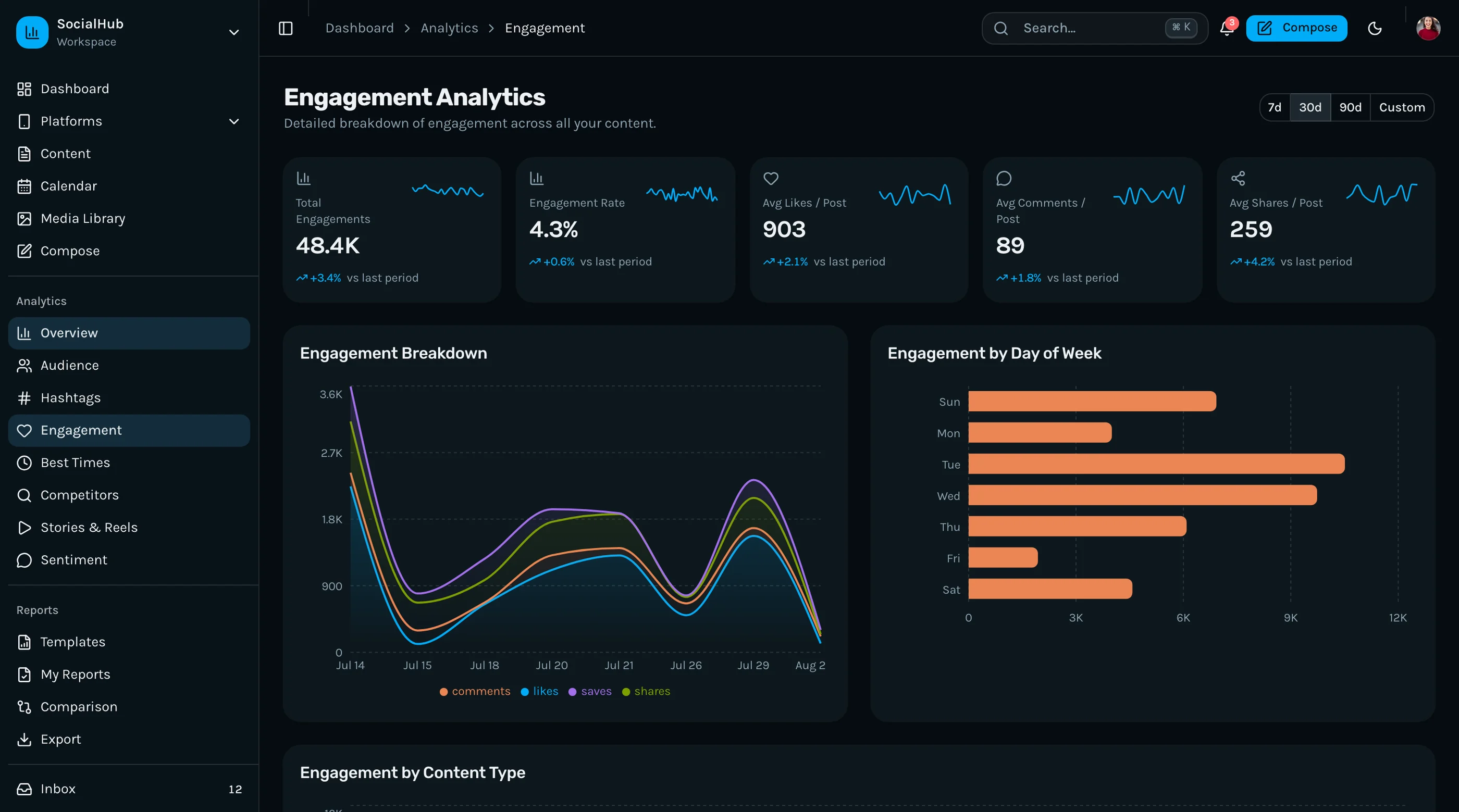
- Per-channel analytics (reach, engagement, follower growth, CTR)
- Inbox/social listening with mentions, DMs, replies
- Asset library with reuse tracking
- Bulk operations (CSV import, bulk scheduling)
- Reporting with white-label PDF for clients
If your dashboard is just a calendar with a Compose button, it's a demo.
The Data Model That Holds Up
Five core entities:
accounts: connected social channels. id, platform, external_account_id, oauth_token, oauth_refresh_token, team_id, connected_at, status.
posts: the canonical content unit. id, content, media_ids[], team_id, author_id, created_at, status (draft, scheduled, posting, posted, failed).
post_targets: one-to-many from post to accounts. id, post_id, account_id, scheduled_at, published_at, external_post_id, status, error_message. This is the table that gets queried most.
media_assets: images, videos, GIFs. id, team_id, url, mime_type, width, height, duration_seconds, usage_count, uploaded_by, uploaded_at.
analytics_snapshots: per-post, per-day metrics. id, post_target_id, snapshot_date, impressions, engagements, clicks, reach, comments, shares. Append-only, queried for trends.
The trap: many dashboards model post as having one channel. Then they add a second channel and have to refactor. Model the one-to-many from the start.
Integration Order
Don't try to wire all 6 platforms at once. Order matters:
- LinkedIn (most stable API, OAuth 2.0, good docs)
- X/Twitter (paid API tier, but stable now)
- Facebook + Instagram via Meta Graph API (one OAuth flow, two platforms)
- TikTok for Business (newer API, more frequent breaking changes)
- YouTube (different model — videos, not posts)
- Threads, Mastodon, Bluesky (smaller ROI, add later)
Each platform takes 3-5 days to integrate properly: OAuth flow, post publishing, error handling, rate limit handling, token refresh, webhook setup if available.
Scheduling: The Part Everyone Underestimates
A scheduled post is a future job. You need:
- A reliable job runner — Inngest, Trigger.dev, or a cron job hitting a Next.js API route with a job queue (BullMQ if you control Redis).
- Idempotency — if the runner retries, don't double-post. Store
external_post_idon success, check before retry. - Time zone handling — store all times in UTC, display in user's TZ. Daylight saving will catch you if you don't.
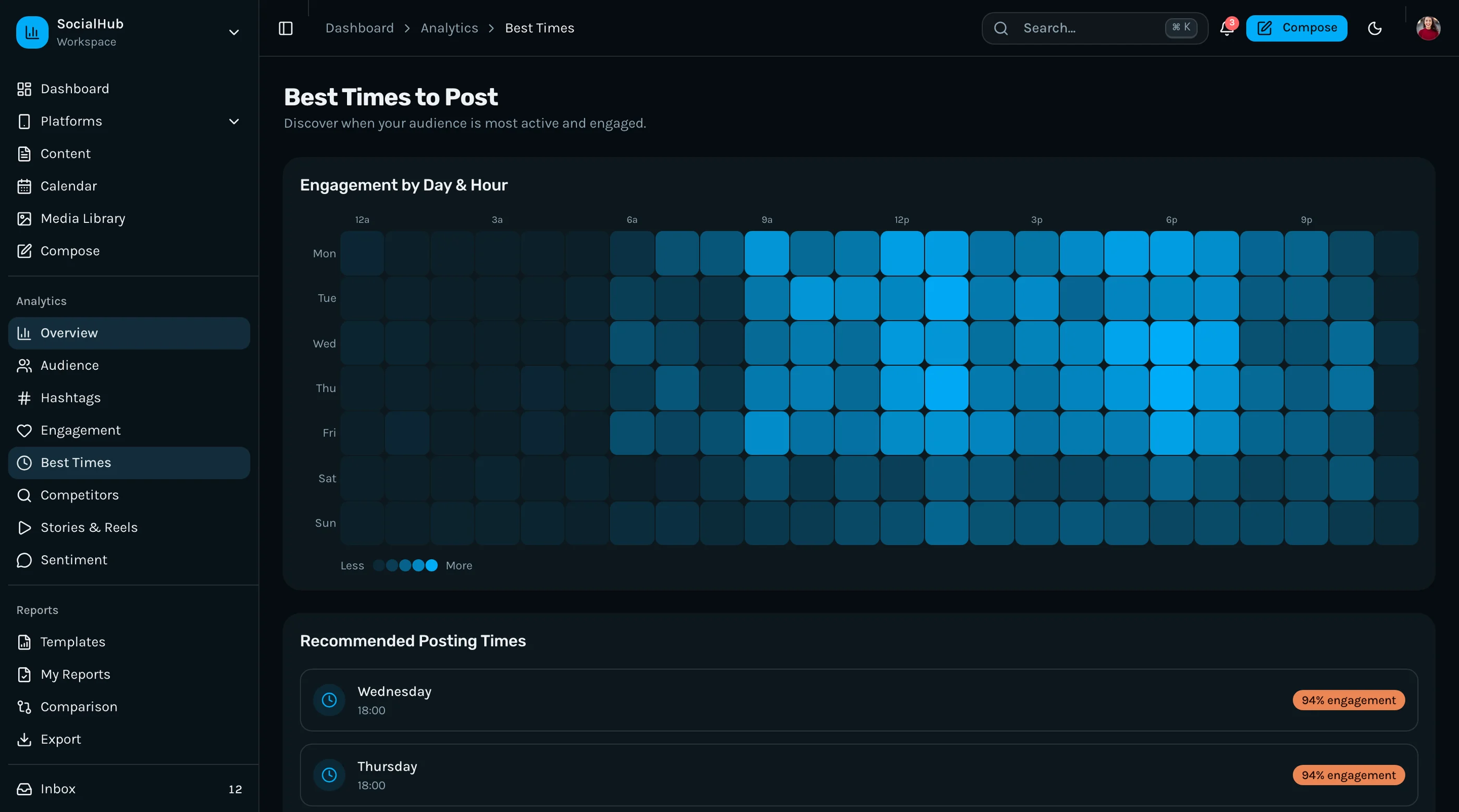
- Optimal time suggestions — easy version: per-platform-per-account historical engagement by hour. Hard version: ML. Start with the easy version.
- Approval gates — if a post needs approval, its status stays in
pending_approvaluntil reviewer acts. The scheduler ignores those.
Analytics: Snapshot vs Live
Two analytics modes you'll need:
Live metrics (refresh on demand): used when a user opens the dashboard. Pull current numbers from the platform API, cache for 5 minutes, show to the user.
Snapshot metrics (cron-driven): used for trends. Once per day per post, pull current metrics and append to analytics_snapshots. This is what powers "engagement over time" charts and the weekly report.
Trying to use live metrics for trends is the most common mistake. APIs rate-limit, results are inconsistent across pulls, and your dashboard slows to a crawl. Snapshots are append-only, fast to query, cheap to store.
Inbox: Polling vs Webhooks
Some platforms offer webhooks (LinkedIn, Meta). Most don't reliably for organic content. Plan to poll every 5-10 minutes for mentions, DMs, comments.
The data model:
inbox_items: id, team_id, account_id, external_id (platform-specific message ID), type (mention, dm, comment, reply), content, author_handle, received_at, status (unread, read, replied, archived), assigned_to.
The interface is half the work. Filter by channel, by status, by assigned-to. Quick-reply with platform-specific templates. Mark-as-read on view.
Content Calendar UI
The calendar is the most-looked-at screen. Worth getting right.
Two valid layouts:
- Month grid — overview, scannable, good for planners
- Week column — detailed, drag-and-drop friendly, good for active scheduling
Most teams switch between them. Build both, persist the preference.
Drag-and-drop reschedules a post. The implementation:
- On drag start, capture
post_target_idand originalscheduled_at - On drop, compute new
scheduled_atfrom grid position - Optimistic UI update + PATCH
/api/post-targets/:id - On API failure, revert UI
Use @dnd-kit for the drag layer. It's the cleanest a11y-friendly option in 2026.
Approval Workflow
Three roles minimum: author, reviewer, owner. The flow:
- Author drafts a post, hits "Submit for approval."
- Status moves to
pending_approval. Reviewer is notified. - Reviewer approves (→
scheduled) or requests changes (→draftwith reviewer comment). - Once
scheduled, the runner picks it up atscheduled_at.
Notifications via email + in-app. Slack integration is the most-requested extension.
Reporting
White-label PDF reports are the agency upsell. Build a server-side rendered HTML page with the report content, render to PDF via Puppeteer or @vercel/og (for image-style reports). Charts via Recharts or VictoryCharts SSR.
What clients want on the report:
- Reach and engagement total
- Top 3 posts by engagement
- Follower growth chart
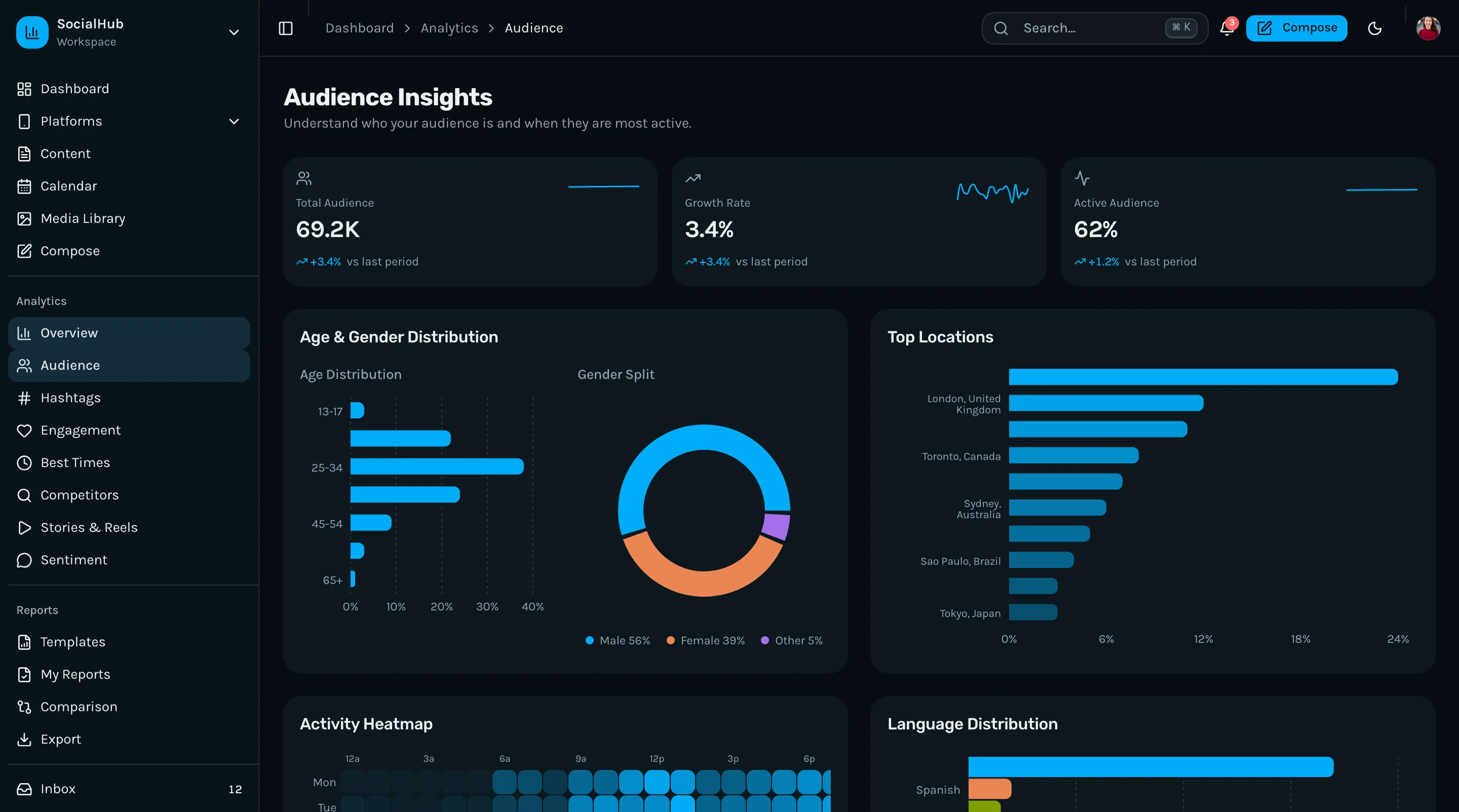
- Audience demographics (if API surfaces it)
- Cumulative content output
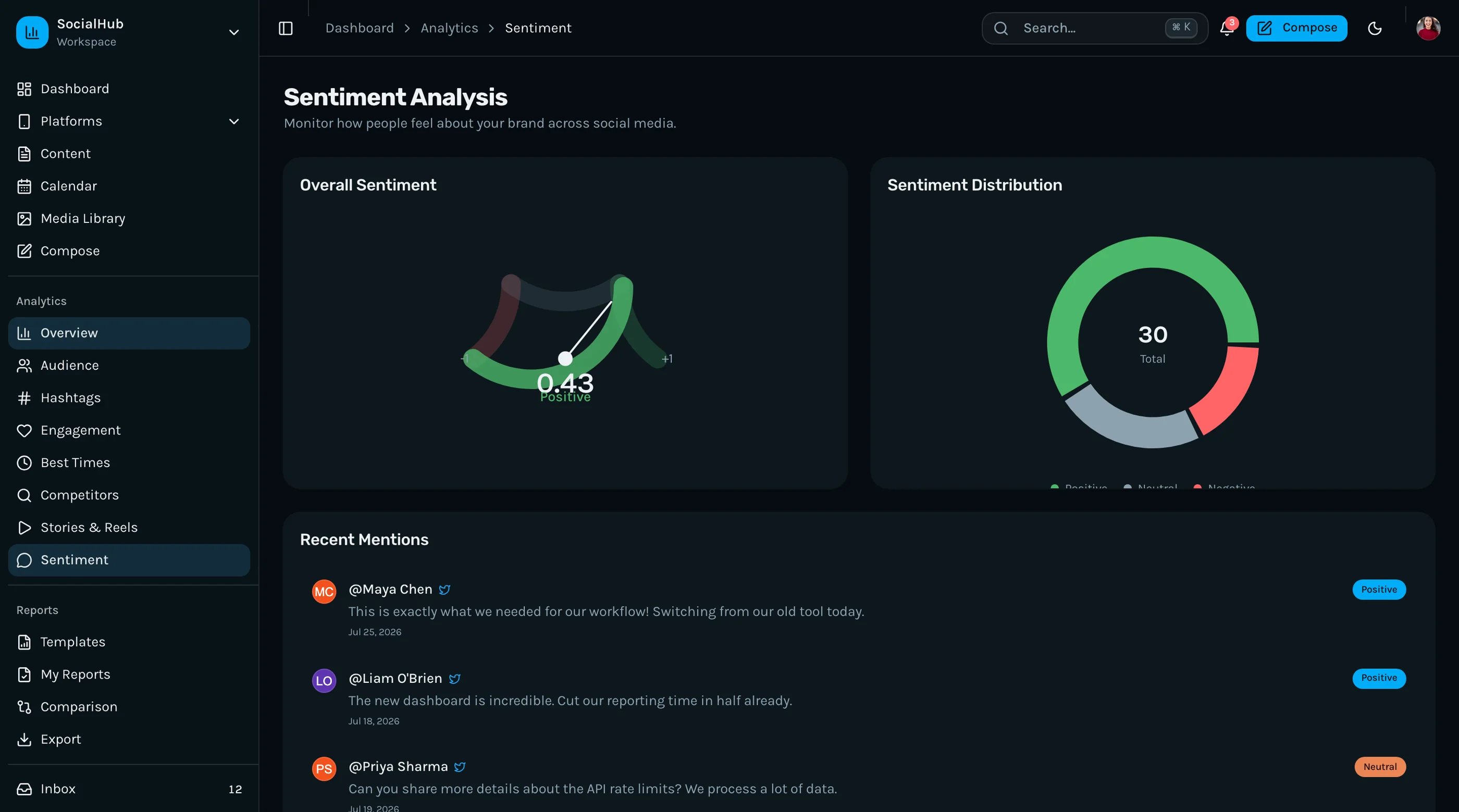
- Sentiment if you're doing it
Brand the report: agency logo, color, optional cover page. This is what gets the agency tier sold.
Performance Reality
At 50 accounts and 1,000 posts/month, your analytics_snapshots table is ~50K rows/year. Index on post_target_id and snapshot_date. Materialize a daily summary table nightly for the calendar view. Cache aggregations.
At 500 accounts and 10K posts/month, you'll want a separate analytics service. Postgres handles it but the dashboard slows. Plan for it but don't build it on day one.
What's the Build Time?
For a single engineer who knows Next.js and one platform's API:
- Composer + scheduler + 1 platform: 2 weeks
- Calendar UI + drag-and-drop: 1 week
- Add 3 more platforms: 3 weeks
- Analytics snapshot system + charts: 2 weeks
- Inbox: 2 weeks
- Approval workflow: 1 week
- Reporting + PDF: 1 week
- Polish, bug fixes, mobile: 2 weeks
Total: 14 weeks for a 1-person team. 6-8 weeks for a 2-person team. With a kit that already has 35+ screens, 4-6 weeks because you're focused on the API integrations, not the UI.
For a more focused look at the existing options, see Best Social Media Dashboard Templates 2026.
The Shortcut
The Social Media Dashboard Kit ships with the dashboard UI solved: composer, calendar, analytics, inbox, approval workflow, and reporting screens. Next.js + Tailwind + shadcn/ui. 35+ screens.
You bring the platform OAuth integrations and the job runner. The UI is done. $131 solo, $199 team, $349 agency.
Get the Social Media Dashboard Kit → or See All UI Kits →
The honest take: every social media dashboard solves the same UX problems. The differentiator is the platform integration coverage and the analytics depth. Spend your engineering on those, not on rebuilding a calendar widget from scratch.
Want it shipped without hiring a developer?
The build path above assumes you have engineers. If you don't, the team behind thefrontkit does done-for-you launches: we deploy the kit, apply your branding, and wire it to your stack. Fixed quotes, most builds ship in 2-4 weeks, from $1999.