Inventory Templates That Handle Multi-Warehouse Reality
Inventory Templates That Handle Multi-Warehouse Reality
Most "inventory template" search results show a SKU table with a quantity column and a UPDATE statement. That works for one warehouse and breaks at the second.
Real operations have multiple warehouses for boring, predictable reasons: a third-party fulfillment partner, a regional FBA pool, a brick-and-mortar that holds samples, a returns processing center, sometimes just "the founder's garage." Once you have two locations, every part of the system needs to know about both.
The templates that ship with multi-warehouse from day one are dramatically more useful than the ones that "support multi-warehouse" via a settings toggle. Worth understanding what breaks at the second location, because that's what tells you whether the template you're looking at will hold up.
Or skip the build entirely: get the Inventory Management Kit
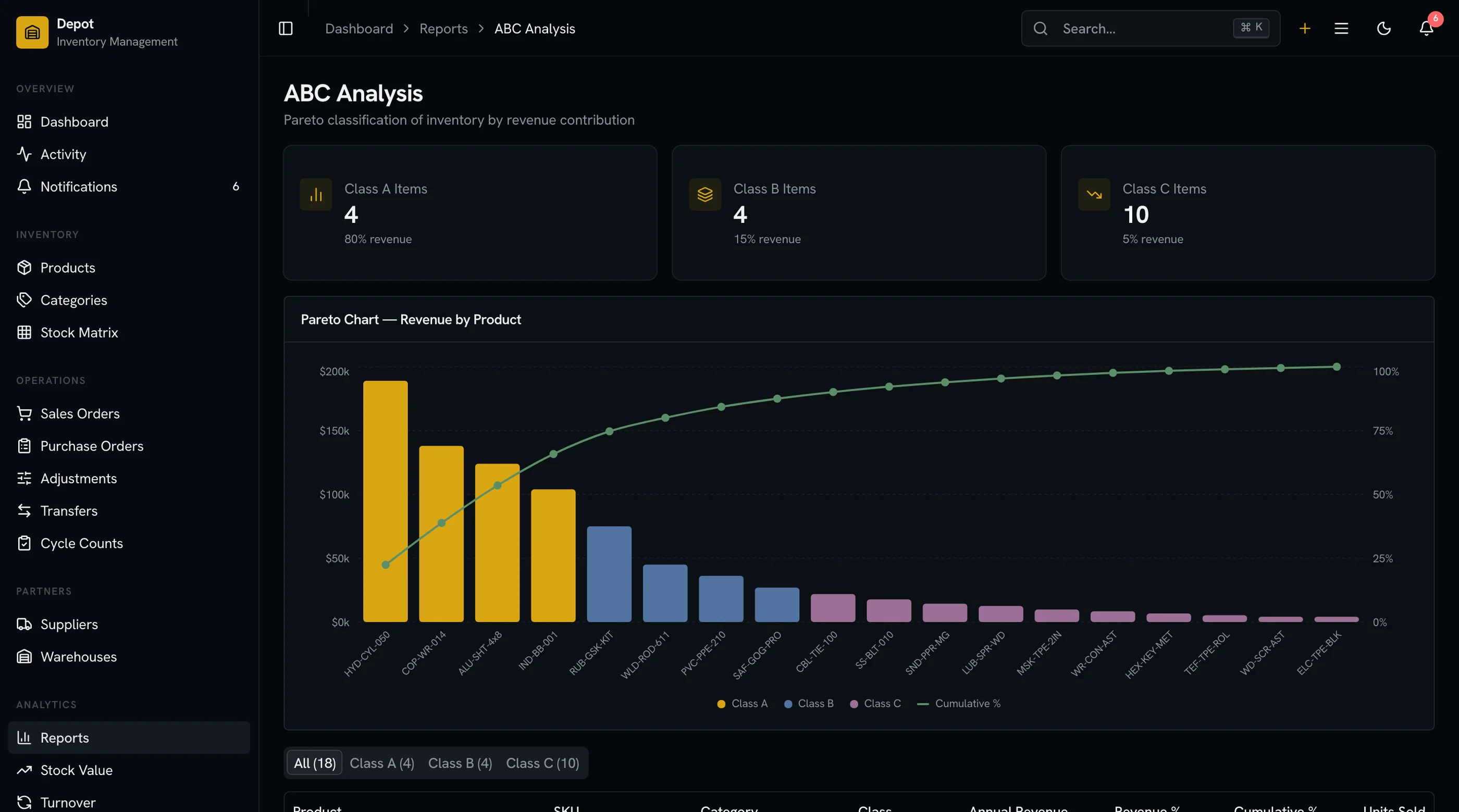
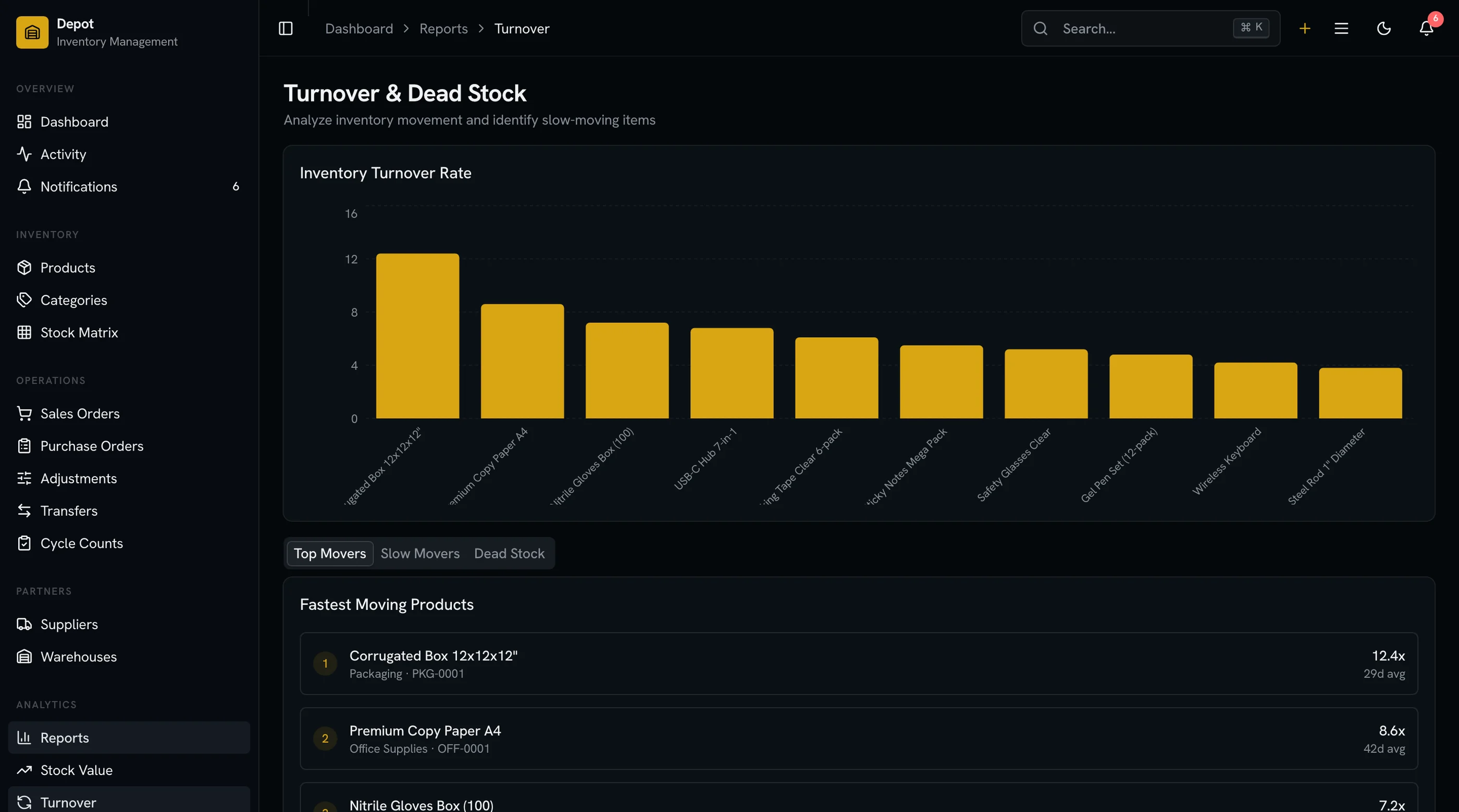
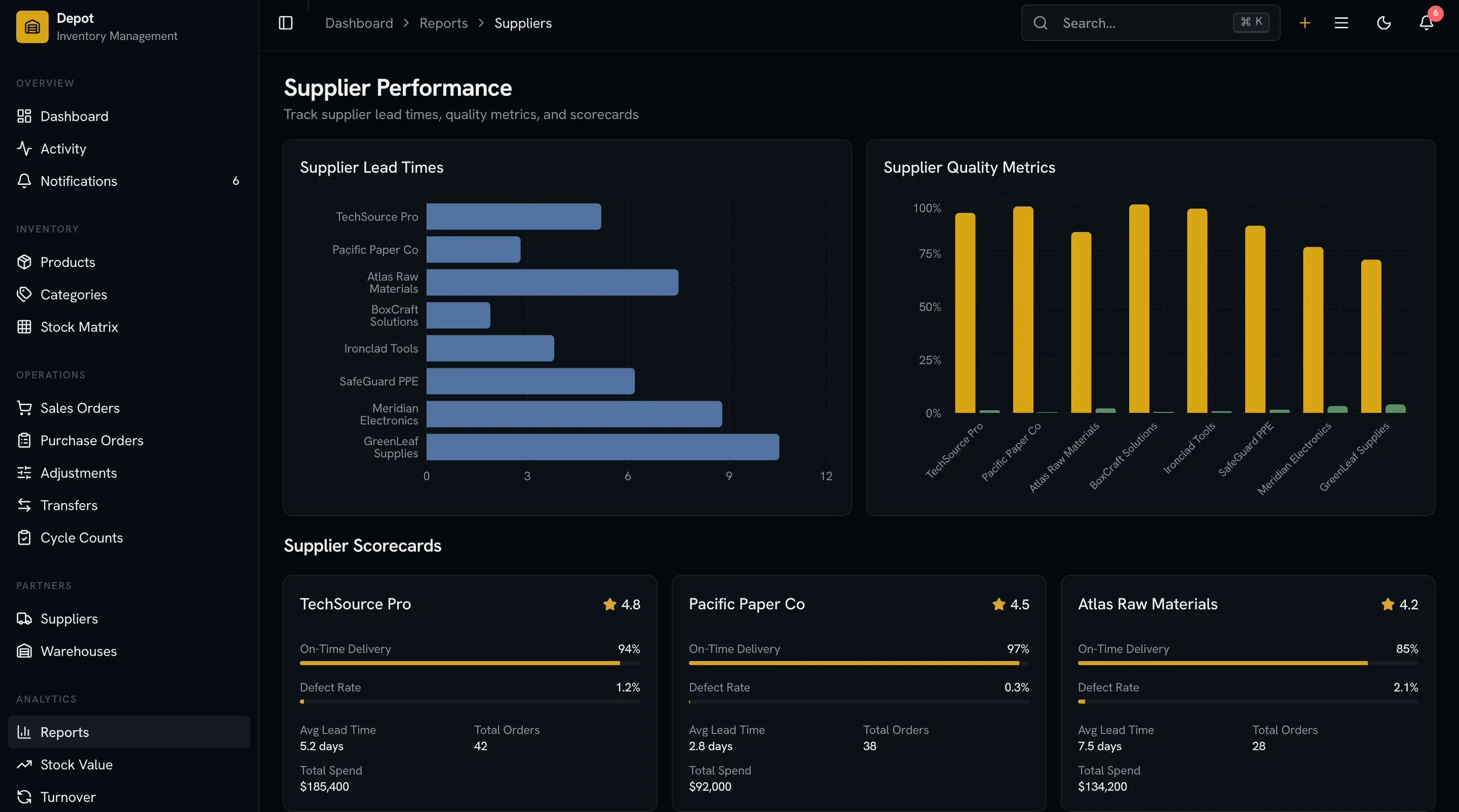
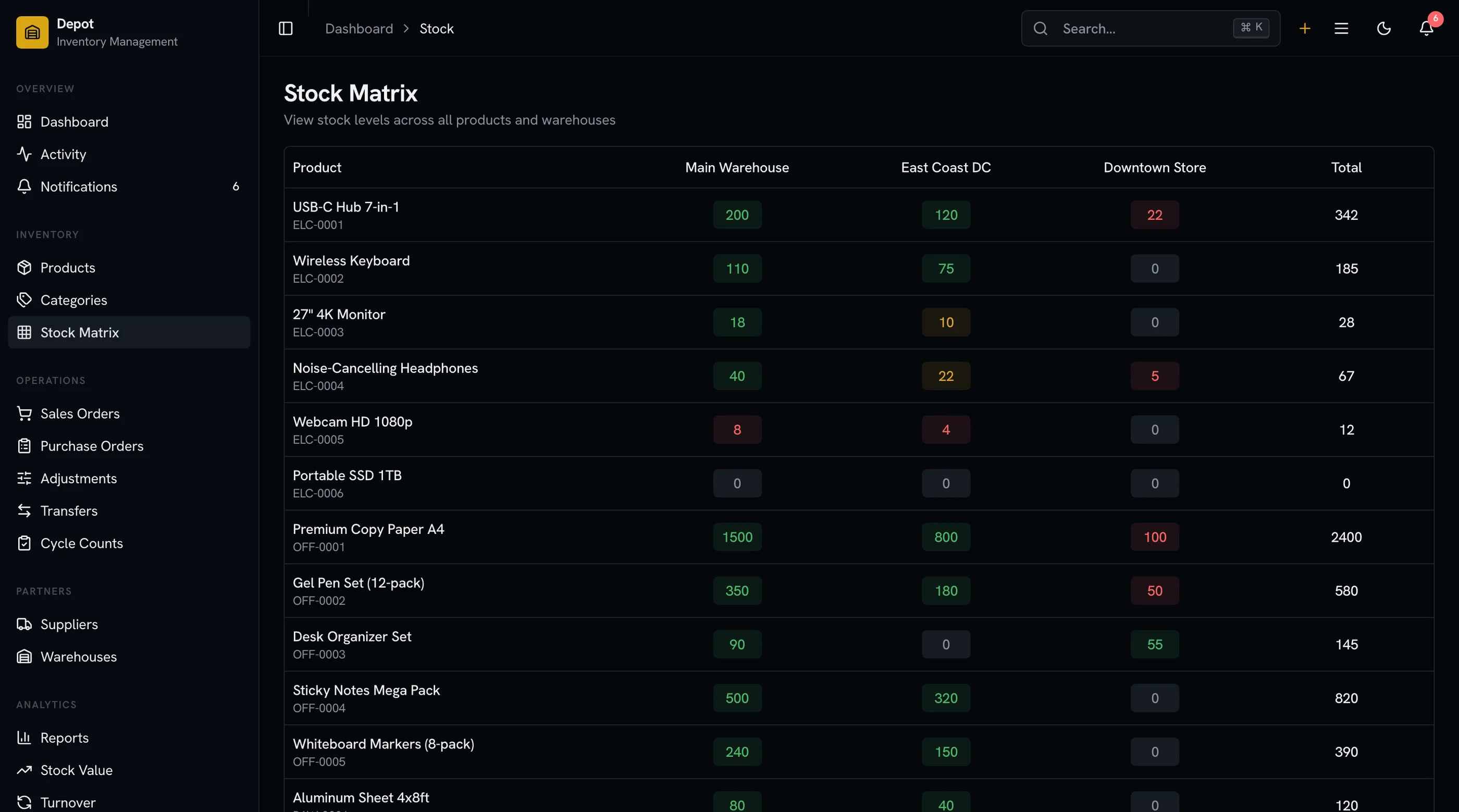
The Inventory Management Kit ships with multi-warehouse as a first-class concern: stock levels are per-(SKU, warehouse), transfers are explicit, reorder points are per-warehouse, and the reporting layer rolls up and drills down. Next.js + Tailwind + shadcn/ui. $131 solo, $199 team, $349 agency.
Get the Inventory Management Kit → or get every kit (18 total) for $749 via All UI Kits →
Failure 1: Stock Allocation at Order Time
A customer orders Item X. The system needs to decide which warehouse to ship from. Most single-warehouse-extended templates pick whichever warehouse has stock first, alphabetically. That's wrong.
What good systems do:
- Closest to customer (zone-based shipping cost optimization)
- Highest available stock (avoid splitting orders)
- FIFO/LIFO by lot (for perishables or compliance)
- Bias toward consolidation (one warehouse for multi-line orders when possible)
- Manual override for edge cases (VIP customer, expedited shipping, damaged stock in nearest warehouse)
The allocation logic is the single hardest piece of multi-warehouse inventory. Templates that don't model it explicitly force you to retrofit it later, and the retrofit touches every order-related table.
Failure 2: Transfers Don't Exist
Stock moves between warehouses constantly. Replenishment to a regional pool. Returns flowing back to a processing center. Reallocation when one warehouse is over-stocked and another is short.
In single-warehouse-extended templates, transfers are usually missing. You "fix" stock by editing the SKU's quantity at each location. That works once, breaks immediately as audit trail, and gets you into trouble at year-end inventory.
What real transfer support looks like:
- Transfer order with source warehouse, destination warehouse, line items
- Status flow: draft → in transit → received (partially or fully)
- Pair of stock movements per line: negative at source (when shipped), positive at destination (when received)
- In-transit visibility: stock that's left source but not yet arrived shows separately
- Discrepancy handling: if 100 units leave and 98 arrive, the difference creates an adjustment with a reason code
The in-transit state matters. If you skip it, ops looks at the dashboard and sees stock that doesn't physically exist anywhere yet.
Failure 3: Fulfillment Logic Goes Wrong
You sell 50 units of Item X. Your warehouses have 30 (Warehouse A) and 25 (Warehouse B). A single-warehouse template tries to fulfill 50 from one location, fails, and waits for human intervention.
Better templates split the order: 30 from A, 20 from B. But that splits the shipment — two boxes, two tracking numbers, sometimes two shipping cost lines.
What good systems handle:
- Split shipment options (force single shipment, allow split, ask customer)
- Pre-allocation at order placement (reserve from a specific warehouse before picking)
- Re-allocation when stock changes (a return came in at the closer warehouse — should we re-route?)
- Backorder per warehouse (X is out at A but expected in 3 days — wait or ship from B?)
This logic isn't optional for any operation with multi-warehouse and multi-line orders. It's the daily work.
Failure 4: Reorder Points Are Per-Warehouse
The single-warehouse template has one reorder point per SKU. Multi-warehouse reality: each warehouse has its own reorder point and its own lead time.
The math:
- Warehouse A's reorder point = (lead time A × daily sales A) + safety stock A
- Warehouse B's reorder point = (lead time B × daily sales B) + safety stock B
These are completely different numbers. A high-velocity warehouse near a major distribution hub might reorder at 200 units. A slow-velocity warehouse at a small regional pool might reorder at 20.
What good systems do:
- Per-SKU-per-warehouse reorder point
- Per-SKU-per-warehouse lead time
- Per-SKU-per-warehouse supplier (sometimes different)
- Auto-suggested reorder quantity based on warehouse-specific consumption
- "Low stock at warehouse" alerts that respect the per-warehouse threshold
The single-shared-reorder-point pattern means either you over-stock the slow warehouses or you stock-out the fast ones. There's no shared answer.
Failure 5: Reporting Layer Conflates Locations
End-of-month reporting needs to answer both "total stock value" (rolled up across warehouses) and "warehouse-specific stock value" (per-location). Single-warehouse-extended templates often only show one or the other.
What good systems do:
- Roll-up by default with one-click drill-down per warehouse
- Per-warehouse stock value for finance team's per-location P&L allocation
- Inter-warehouse comparison (which warehouse has dead stock, which has fast movers)
- Transfer impact in reports (a transfer doesn't change total value, but moves it between locations — show this clearly)
- Days-of-supply per warehouse (not just overall) so reorder planning is per-location
The single-warehouse extended template lets you sum stock value across warehouses but rarely lets you see the per-warehouse breakdown without exporting to Excel.
The Cumulative Effect
A template that fails multi-warehouse:
- Forces manual order-routing decisions (eating ops time)
- Has no transfer mechanism (so stock moves are off-the-books)
- Splits orders badly or refuses to split (lost sales)
- Misses reorder timing (stockouts at fast warehouses)
- Hides per-location reporting (finance can't allocate)
Each individual problem is solvable with a workaround. All five together is a productivity tax of ~10 hours/week per ops person. The pattern: a template that "supports" multi-warehouse via a settings toggle but doesn't model it in the data layer doesn't actually support it.
What to Check Before Picking a Template
Five questions, in order:
- Is stock per (SKU, warehouse) pair, or per SKU with location as a label? First answer is right.
- Is there a transfer entity with source, destination, and status? No: walk away.
- What does the order allocation logic look like? Customizable: good. Fixed: ask what the rule is.
- Are reorder points per warehouse? Or shared across all locations?
- Does reporting drill from total to per-warehouse? Or is it total-only with CSV export to dig deeper?
If the template fails 3+ of these, it's a single-warehouse template with a multi-warehouse label on it.
What to Build If You're Building
The five points above are the checklist. The data model that makes them all work is in our How to Build an Inventory Management App in Next.js guide: append-only stock_movements with warehouse_id required, derived stock_levels per (variant_id, warehouse_id) pair, explicit transfer entity, per-warehouse reorder configuration.
The single most important architectural decision: model multi-warehouse from day one even if launching with one location. It's a config change to add the second warehouse later, not a refactor.
For the broader competitor comparison, see Cin7 Alternatives: 6 Self-Hosted Inventory Options.
The Shortcut
The Inventory Management Kit ships with multi-warehouse as a first-class concern: stock_movements model with required warehouse_id, dedicated transfer screens with status flow, per-warehouse reorder configuration, allocation rule patterns, and reporting that drills from total to per-warehouse.
Get the Inventory Management Kit → or See All UI Kits →
The honest take: a single-warehouse inventory app is a sticky note with a database. The interesting work starts at the second warehouse. Pick the template that's already there.