Next.js vs Shopify for Developers
Next.js vs Shopify for Developers: When to Build Your Own Store
This is the question every developer building e-commerce in 2026 has to answer: do you use Shopify, or do you build a custom storefront with Next.js?
The answer is not "always Next.js" or "always Shopify." It depends on what you are building, who you are building it for, and how much control you need. Here is an honest breakdown.
What Shopify Gives You
Shopify is a full e-commerce platform. Out of the box, you get:
- Product catalog management with variants, images, and inventory tracking
- Shopping cart and checkout (hosted, PCI-compliant)
- Payment processing (Shopify Payments or 100+ gateways)
- Shipping rate calculation and label printing
- Tax calculation across regions
- Customer accounts and order management
- Marketing tools (email, discounts, abandoned cart recovery)
- App store with 8,000+ integrations
- Hosting, CDN, and SSL included
For a standard online store selling physical products, Shopify handles 90% of what you need. The admin panel works. The checkout converts. The ecosystem is mature.
Cost: $39-399/month depending on the plan, plus 0.5-2% transaction fees if you do not use Shopify Payments.
What Next.js Gives You
Next.js is a React framework. It gives you:
- Full control over the frontend (every pixel, every interaction)
- Server-side rendering and static generation for SEO
- API routes for backend logic
- Any CSS/styling solution (Tailwind, CSS Modules, styled-components)
- Any backend or headless CMS
- Any payment processor
- Edge deployment on Vercel, Netlify, or self-hosted
- Open source, no platform lock-in
But here is what Next.js does NOT give you:
- No product management
- No shopping cart logic
- No checkout flow
- No payment processing
- No inventory tracking
- No order management
- No customer accounts
- No admin dashboard
- No shipping or tax calculation
You have to build or connect all of these yourself. That is a significant amount of work.
The Real Comparison
| Aspect | Shopify | Next.js (Custom) |
|---|---|---|
| Time to launch | Days to weeks | Weeks to months |
| Frontend control | Limited to Liquid/theme | Total control |
| Performance | Good (CDN-hosted) | Excellent (you control caching) |
| SEO | Good (basic meta, schema) | Excellent (full control) |
| Checkout conversion | Optimized (millions of A/B tests) | Depends on your implementation |
| Design flexibility | Constrained by themes | Unlimited |
| Accessibility | Varies by theme | Depends on your components |
| Backend flexibility | Shopify backend only | Any backend or headless CMS |
| Cost (year 1) | $468-4,788 + transaction fees | Hosting ($0-200/mo) + dev time |
| Ongoing maintenance | Shopify handles it | You handle it |
| Platform lock-in | High | None |
When Shopify is the Right Choice
Use Shopify when:
You are not a developer or do not have one. Shopify is built for merchants. The admin panel handles product management, orders, and analytics without code.
You need to launch fast. A Shopify store can be live in a weekend. A custom Next.js store takes weeks at minimum.
Your catalog is straightforward. Standard products with size/color variants, standard pricing, standard shipping. Shopify's product model handles this well.
Checkout conversion is your top priority. Shopify's checkout has been optimized across millions of stores. Building a checkout that converts as well takes serious effort.
You want the app ecosystem. Need reviews? Install an app. Need loyalty points? Install an app. Need subscription billing? Install an app. The Shopify App Store is huge.
When Next.js is the Right Choice
Use Next.js when:
You need a completely custom UI. Shopify Liquid themes are limiting. If your brand requires custom animations, unique product configurators, 3D viewers, or non-standard layouts, you need a custom frontend.
Performance is a competitive advantage. Custom Next.js storefronts can achieve sub-second page loads with aggressive caching, edge rendering, and optimized asset delivery. This matters for high-traffic stores where every 100ms affects conversion.
You are building something that is not a standard store. Marketplaces, rental platforms, subscription boxes with custom flows, B2B ordering portals. Shopify's checkout and product model do not fit every business model.
You want to own your stack. No vendor lock-in, no transaction fees, no themes to fight against. Your code, your infrastructure, your data.
You are already a React/Next.js team. If your engineering team is fluent in React, building on Next.js means working in a familiar stack. Shopify's Liquid templating language is a context switch that slows teams down.
Accessibility is non-negotiable. Many Shopify themes have accessibility issues. With a custom Next.js storefront built on accessible primitives like Radix and shadcn/ui, you control the accessibility layer.
The Hybrid Approach: Shopify Backend + Next.js Frontend
There is a middle path that has gotten popular: use Shopify as a headless backend (via the Storefront API) and Next.js as the frontend. This gives you:
- Shopify's product management, inventory, and order processing
- Shopify's payment processing and checkout (or build your own)
- Next.js for the customer-facing storefront
- Full control over design, performance, and UX
Shopify even has a Hydrogen framework built for this use case. But Hydrogen uses Remix, not Next.js. If you want Next.js specifically, you use the Storefront API directly.
Trade-offs of headless Shopify:
- More complex setup than either option alone
- Shopify Plus ($2,000/mo) recommended for full API access
- You maintain two systems (Shopify admin + custom frontend)
- Checkout customization still limited unless you build your own
The Cost Question
People often compare the $39/month Shopify plan to "free" Next.js. That comparison is misleading.
Real cost of a Next.js e-commerce store:
- Developer time: 2-6 months of frontend work (or a $165-299 e-commerce template)
- Backend/API: Medusa (free) or Saleor (free) or custom
- Hosting: $0-200/month on Vercel, Netlify, or self-hosted
- Payment processing: Stripe fees (2.9% + $0.30)
- Ongoing maintenance: developer time for updates and fixes
Real cost of Shopify:
- Monthly plan: $39-399/month
- Transaction fees: 0.5-2% unless using Shopify Payments
- Premium theme: $0-400 one-time
- Apps: $0-500/month depending on needs
- Developer time for customization: variable
For a solo developer building a side project, Next.js with a template can be cheaper in year one. For a non-technical team that needs to be selling next week, Shopify wins on total cost.
How a Template Changes the Equation
The biggest argument against Next.js for e-commerce is the frontend development time. A store with product listings, filters, cart, checkout, customer accounts, and admin tools is months of work.
A good Next.js e-commerce template cuts that to weeks. Instead of building 50+ screens from scratch, you start with production-ready components and customize them for your brand.
The thefrontkit E-commerce Starter Kit covers:
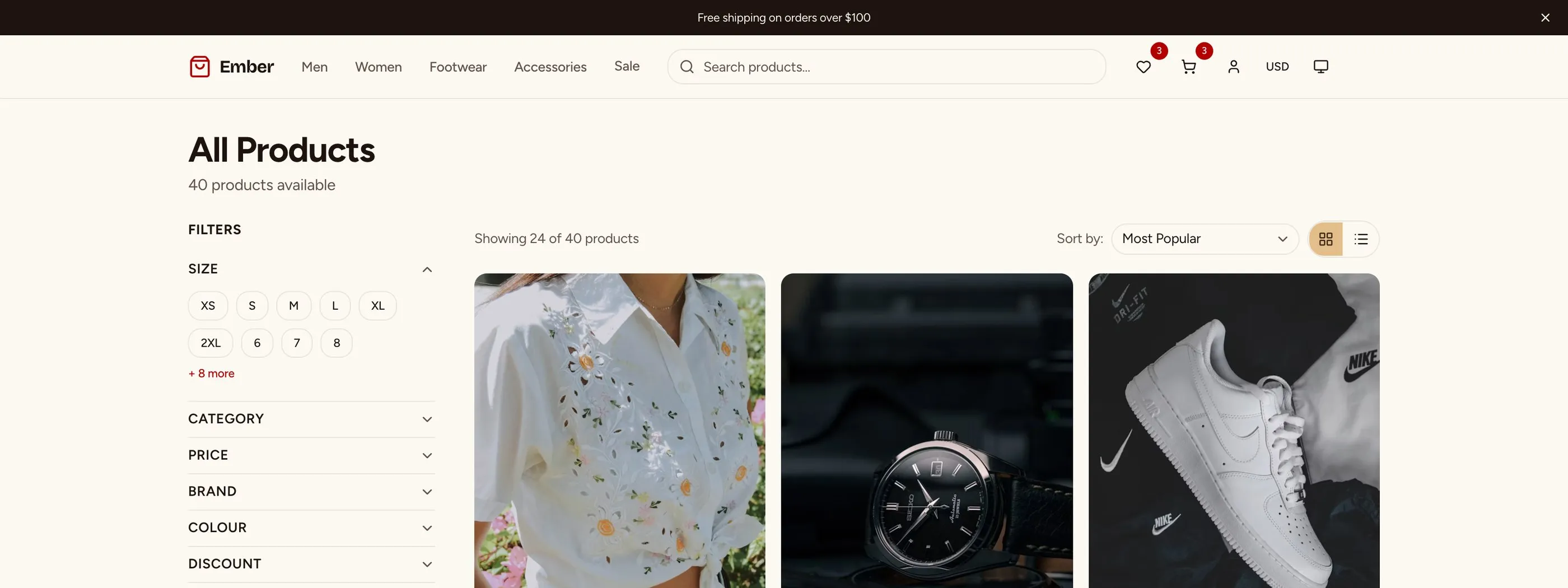
- 27 storefront screens (homepage, products, cart, checkout, wishlist, compare, gift cards, blog, content pages)
- 14 customer account screens (login, orders, tracking, returns, addresses, rewards, settings)
- 13 admin panel screens (dashboard, analytics, products, orders, customers, discounts, returns, reviews)
- WCAG AA accessibility across every screen
- A production-ready design token system for consistent theming
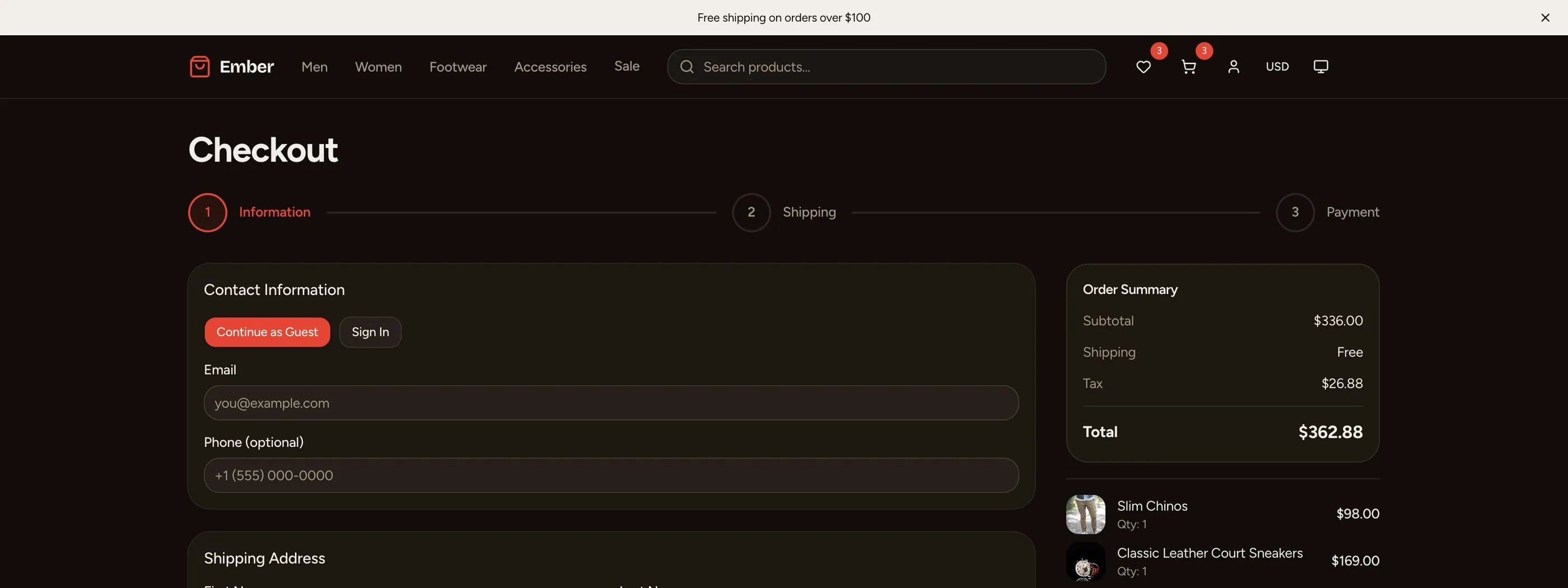
- A multi-step checkout UI ready to connect to Stripe or any processor
You still connect your own product data, payment provider, and backend. But the UI work, the part that usually takes the longest, is done.
Decision Framework
Ask yourself these questions:
- Do you need a custom UI? If yes, Next.js. If the Shopify Dawn theme works, Shopify.
- Is performance a competitive moat? If yes, Next.js with edge deployment.
- Do you have developers on the team? If no, Shopify.
- Do you need to launch this week? If yes, Shopify.
- Is vendor lock-in a concern? If yes, Next.js.
- Is your business model non-standard? If yes, Next.js.
- Do you need an app ecosystem? If yes, Shopify.
Most developers reading this probably lean toward Next.js because they want control. That is a valid choice. Just go in with realistic expectations about the amount of UI work involved, and consider whether a template can close the gap.