Why Social Media Dashboards Become Noise After 30 Days
Why Social Media Dashboards Become Noise After 30 Days
The pattern is consistent across the agencies and brand teams I've talked to. Week 1: the dashboard is opened multiple times a day. Week 2: once a day. Week 3: a few times. Week 4: only when someone asks about a specific post. Month 2: nobody opens it unless there's a problem.
The platform isn't broken. The team is making the same mistake most dashboards make: showing a lot of numbers without showing what to do about them.
Or skip the build entirely: get the Social Media Dashboard Kit
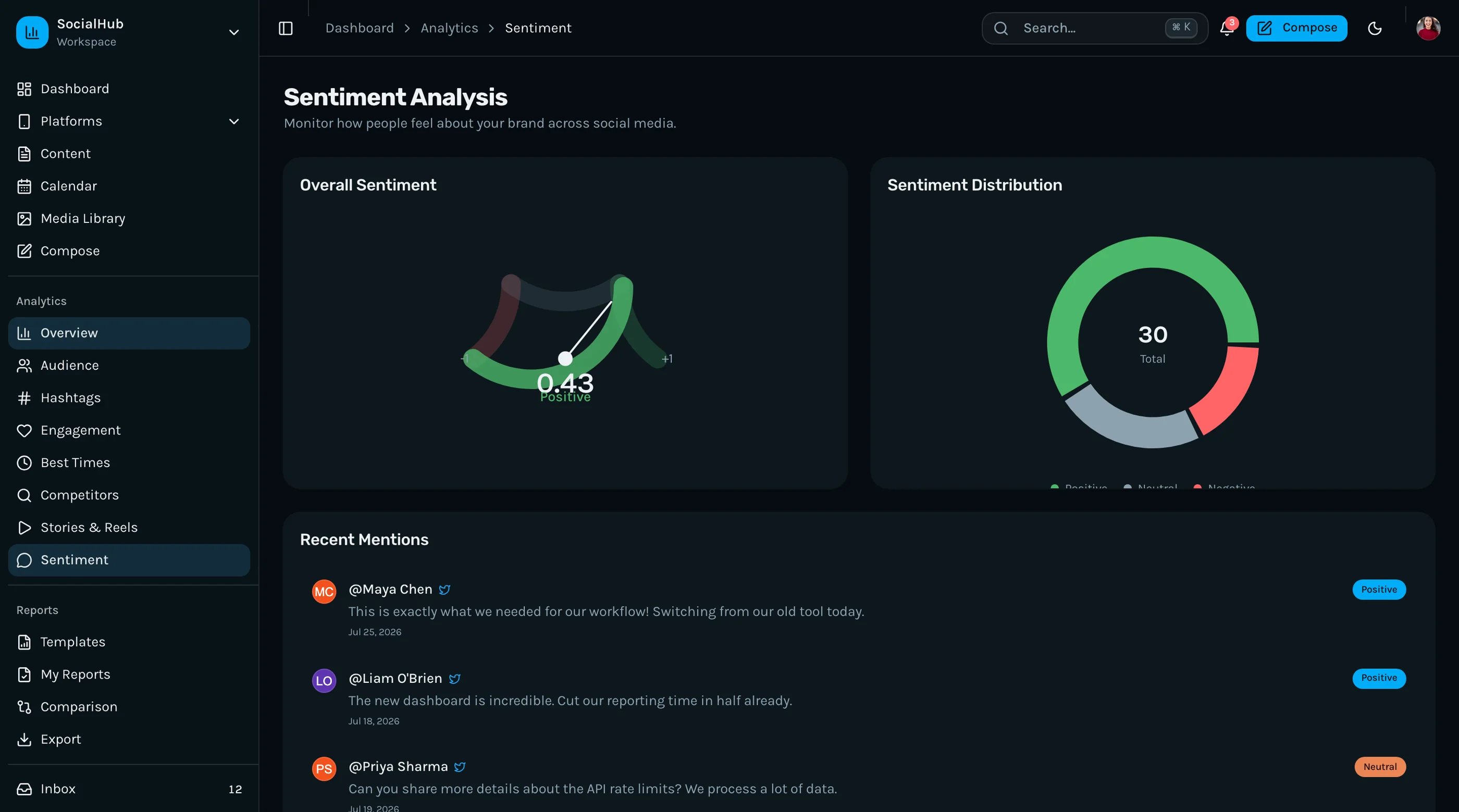
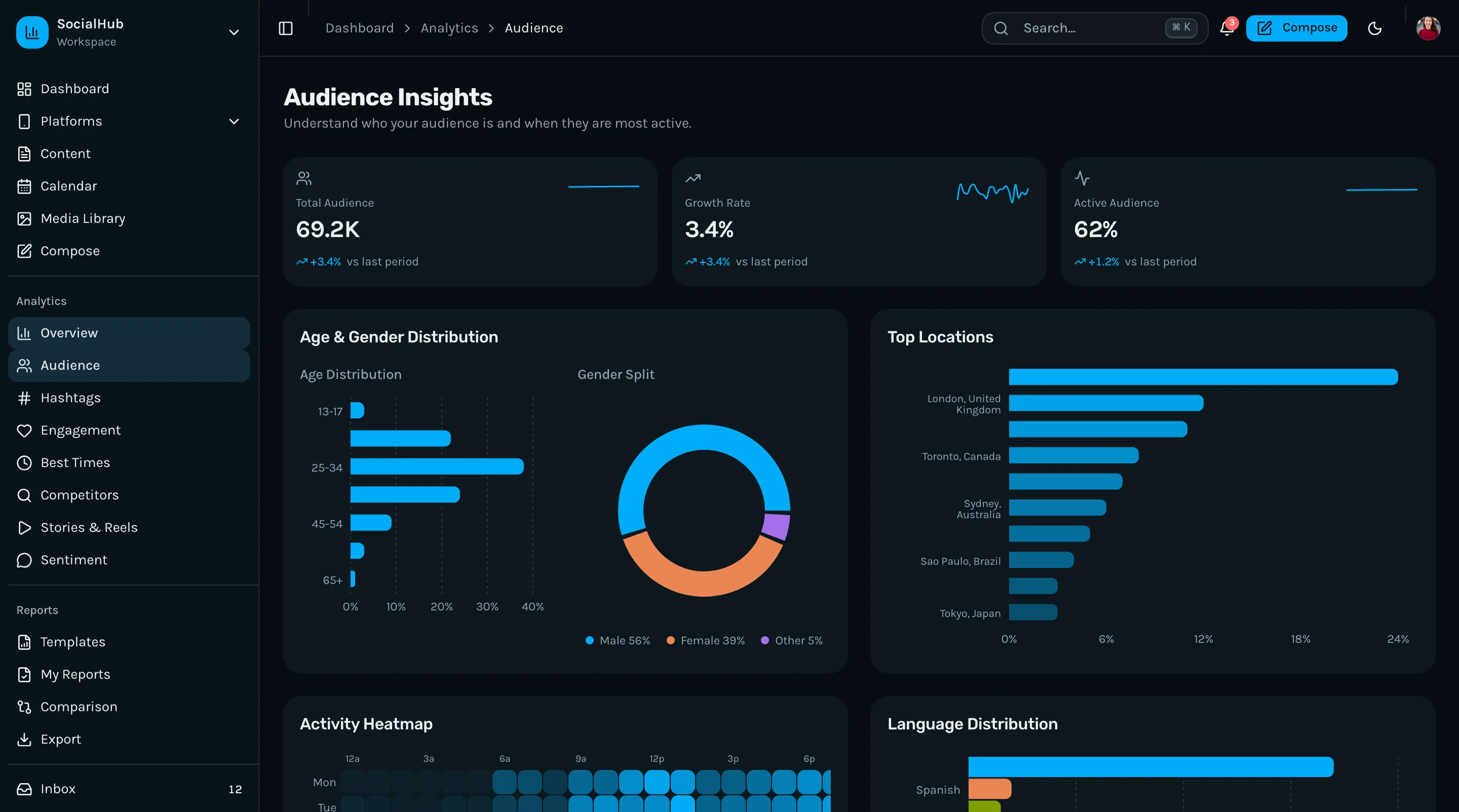
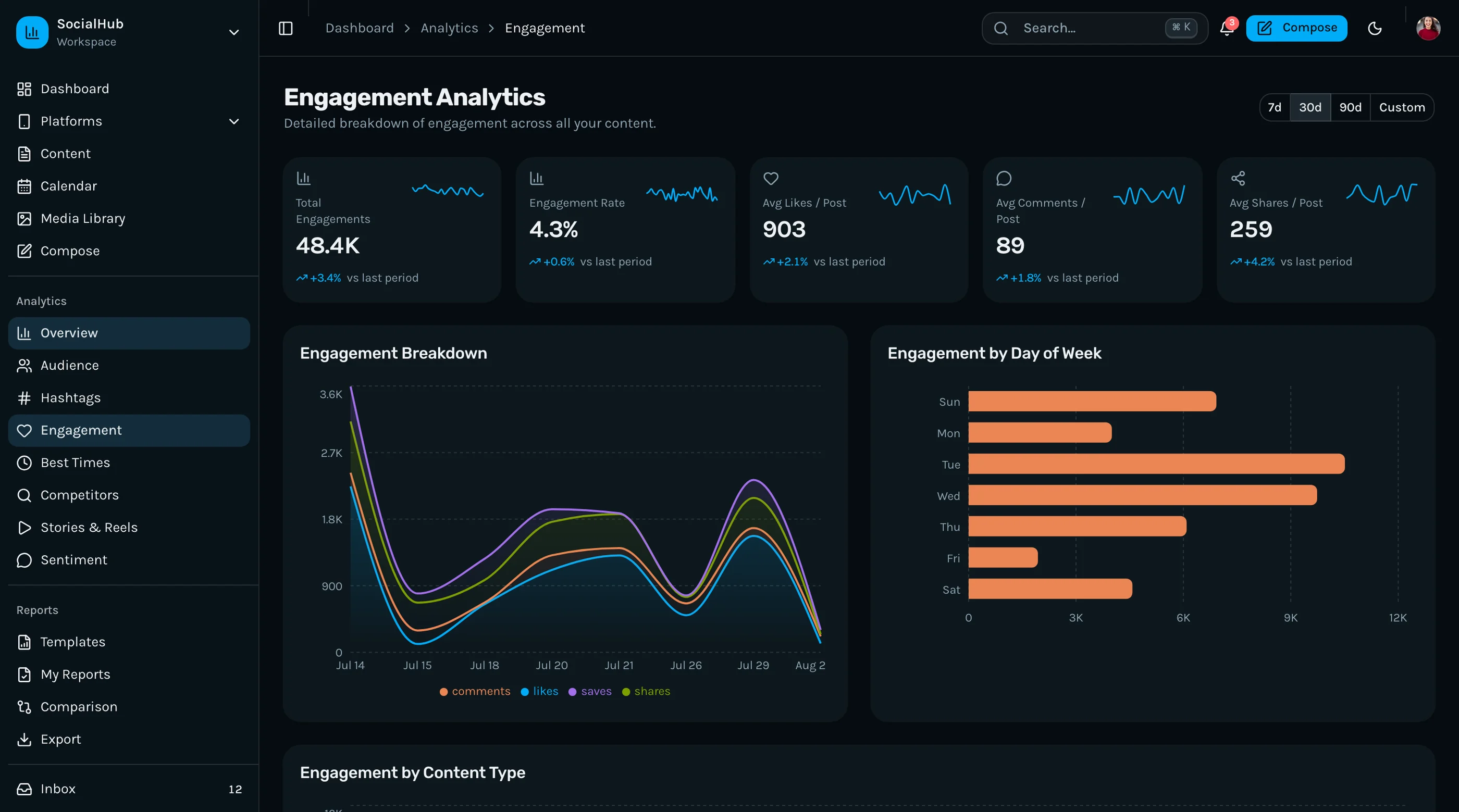
The Social Media Dashboard Kit ships with the failure modes below engineered around: decision triggers on top of metrics, integration health visible at all times, and a content calendar that's the reason to open the app every day. Next.js + Tailwind + shadcn/ui. $131 solo, $199 team, $349 agency.
Get the Social Media Dashboard Kit → or get every kit (18 total) for $749 via All UI Kits →
Failure 1: Vanity Metric Overload
The dashboard opens to 14 charts: impressions, reach, engagement rate, follower growth, profile visits, link clicks, story views, comment count, share count, save count, video views, watch time, average watch percentage, CTR.
What does the team do with this? Nothing, mostly. The numbers go up sometimes, down sometimes, and the team learns to ignore the variance because they don't know which signals matter.
The fix: pick 3 metrics that drive decisions. For most brands: reach, engagement rate, and link clicks (or signups). Show those big at the top. Everything else collapses behind a "more metrics" view.
The bigger fix: pair each metric with a decision rule. "Reach down 20% week-over-week → check posting frequency." Without rules, metrics are noise.
Failure 2: No Decision Triggers
The chart shows engagement dropped last week. So what? Should we post more? Less? Different content? Try a new format? The dashboard doesn't say.
What good dashboards do: tag drops and spikes with possible causes. "Engagement -18% week-over-week. Posting frequency unchanged. Three posts were product-only without context." Or: "Reach +42% week-over-week. Tuesday's behind-the-scenes post drove most of it. Try that format again."
This is the half-step between analytics and recommendations. It's not AI magic. It's pattern-matching on past data with simple rules. Done well, it's the difference between a dashboard that gets opened daily and one that sits ignored.
Failure 3: Broken Integrations You Don't Know About
Three weeks after launch, the LinkedIn token expires. Posts stop publishing. The team doesn't notice until a client asks why this week's posts didn't go out. The dashboard was showing scheduled posts as scheduled — it just wasn't actually scheduling them.
The token failure is the most common but not the only kind. Rate-limit hits silently. API responses change subtly. The platform deprecates an endpoint. Most social tools don't surface these well.
What good dashboards do:
- Top-level "Integrations" health indicator with a green/yellow/red dot per account
- Specific error states (
token_expired,rate_limited,account_suspended) with one-click reauth - Failed-post log surfaced prominently, not buried in settings
- Daily integration check that hits each platform's "me" endpoint and reports back
The visible health indicator is the unfair advantage. If the team trusts that the dashboard tells them when something breaks, they trust the dashboard more.
Failure 4: The Calendar Tax
The team spends 15 minutes on Monday filling the calendar for the week. By Wednesday the calendar is out of date because client requests changed the plan. By Friday nobody trusts the calendar.
This is the deeper problem with most content calendars: they're built for planning, not for the actual rhythm of social work, which is reactive at least half the time.
What works:
- Quick re-arrangement (drag-and-drop, not edit-modal-save)
- Bulk shift (move all of next week's posts forward 2 days)
- Recurring slots ("3pm every weekday" as a placeholder until content is decided)
- Live reflow when something moves (downstream posts adjust)
The calendar that gets used is the one that respects how social actually works: chaotic, reactive, and last-minute.
Failure 5: Reporting That Nobody Asked For
The dashboard generates a 12-page weekly PDF. The team sends it to clients. Three months later the team realizes clients haven't been opening the report — they only ever opened the first page.
The fix isn't a shorter report. The fix is figuring out what the client actually wants:
- The single number they care about (usually total reach or signups attributed)
- The 3 posts that performed best, with screenshots
- One sentence on why it worked
- Ask-and-action: "We're trying X next week"
Length isn't the value. Specificity is.
For agencies: ask each client what they want in the report on day one of the engagement. Different clients want different things. Standardize the format, customize the metrics.
The Cumulative Effect
Vanity metrics make the team tune out. No decision triggers makes the dashboard feel pointless. Broken integrations destroy trust. Calendar tax means it's faster to use Google Calendar. Bad reports lose client confidence.
Most social dashboards fail not because they lack features but because they show data without context, and stop getting opened. The teams that succeed treat the dashboard as a place that surfaces decisions, not a place that displays numbers.
What to Do If You're Buying
Test the dashboard in week 4, not week 1. The honeymoon period is 2-3 weeks for most tools. After that, ask:
- Is the team opening this daily, or only when prompted?
- Do the metrics on the dashboard map to decisions we're actually making?
- When something breaks, do we know within an hour?
If any of the answers are no, the tool isn't working, regardless of how good its onboarding was.
What to Do If You're Building
Five rules:
- Three top metrics, max. Pick the ones that drive decisions. Hide the rest.
- Pair every metric with a decision rule. Even simple ones beat raw numbers.
- Make integration health visible. Green dot per account, top of the dashboard.
- Build the calendar for reality, not for plans. Drag-and-drop, bulk shift, quick reflow.
- Ask clients what they want in reports. Don't ship a generic PDF.
For the broader comparison of build vs buy, see Hootsuite Alternatives: 6 Self-Hosted Options. For the technical walkthrough, see How to Build a Social Media Dashboard in Next.js.
The Shortcut
The Social Media Dashboard Kit ships with the five failures in mind: a focused metrics layout (3 top, rest behind expand), integration health indicators per account, drag-and-drop calendar with bulk shift, and white-label report templates the team can customize per client.
Get the Social Media Dashboard Kit → or See All UI Kits →
The honest take: a dashboard that gets opened twice on day one and never again isn't a dashboard. It's a setup wizard. The interesting question is what makes the team open it on day 31. Build (or buy) for that day.