How to Build a Sales Dashboard in Next.js (2026)
How to Build a Sales Dashboard in Next.js in 2026
Salesforce Sales Cloud is $80/user/month for the Professional tier. HubSpot Sales Hub Professional is $90/seat/month. Pipedrive Power is $49/user/month. For a 10-person sales team, that's $6-10K/year just for the CRM, and the dashboards that come with them are often the part nobody likes.
Most sales teams either build their own dashboard on top of the CRM data (BI tool, custom Looker workspace, hand-rolled internal app) or live in the CRM's UI and complain. The right answer is often a focused custom dashboard that pulls from the CRM but presents it the way your team actually works.
This guide walks through what a real sales dashboard has to show, the data model, the calculations that matter, and the parts most builders skip.
Or skip the build entirely: get the Sales Dashboard Kit
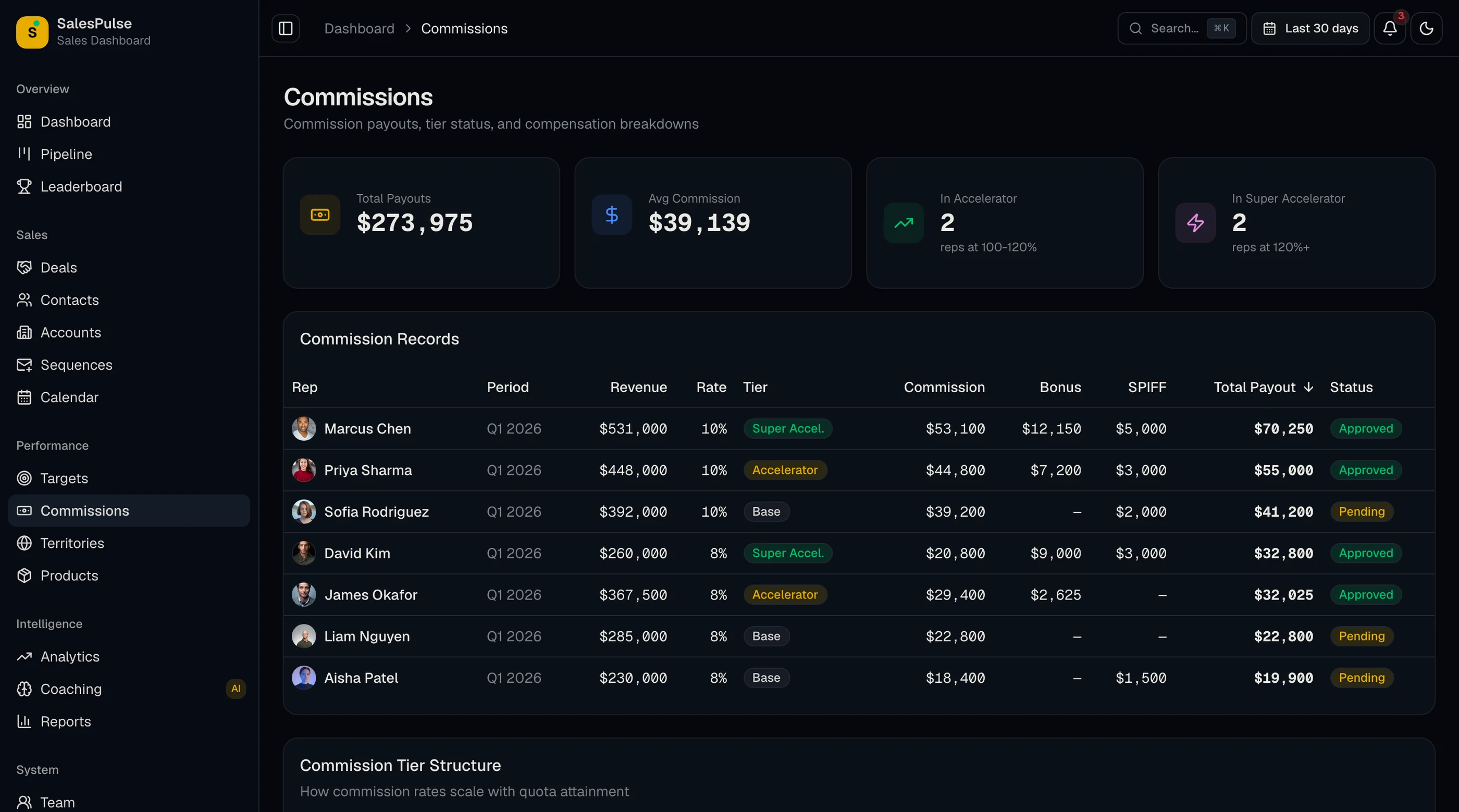
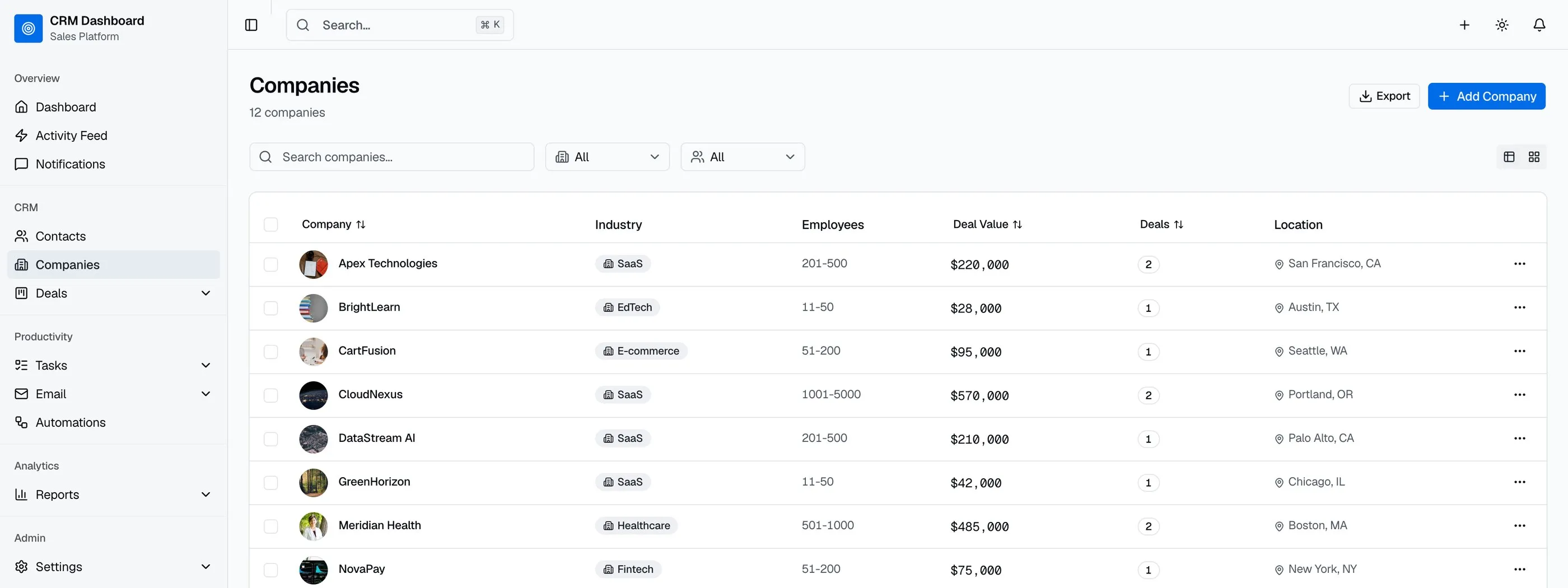
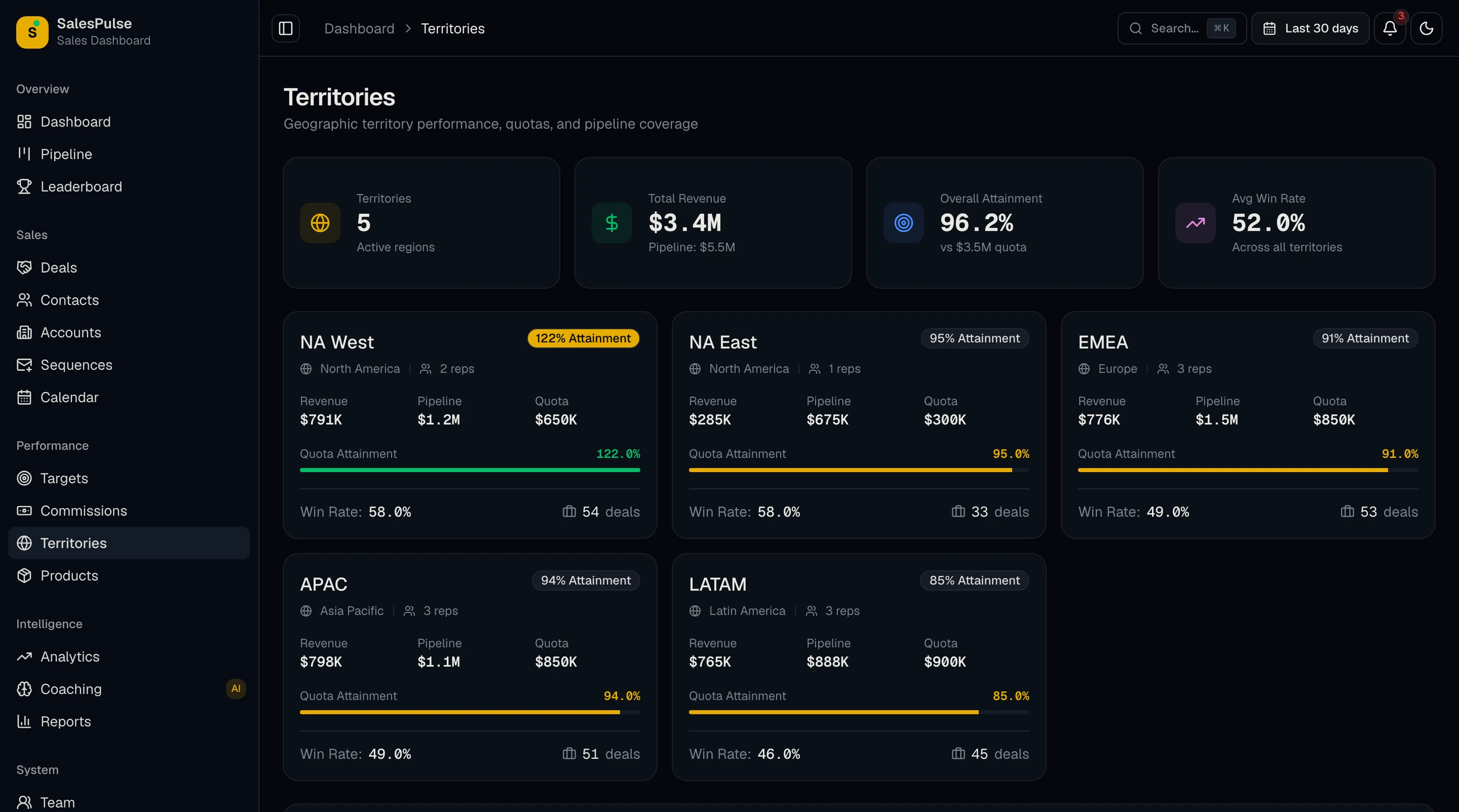
The Sales Dashboard Kit is shipped: screens for pipeline, quota progress, forecast, leaderboard, activity, deals, and reporting. Next.js + Tailwind + shadcn/ui. $131 solo, $199 team, $349 agency.
Get the Sales Dashboard Kit → or get every kit (18 total) for $749 via All UI Kits →
What a Real Sales Dashboard Has to Show
The minimum for any team:
- Pipeline by stage (count of deals × value × win probability per stage)
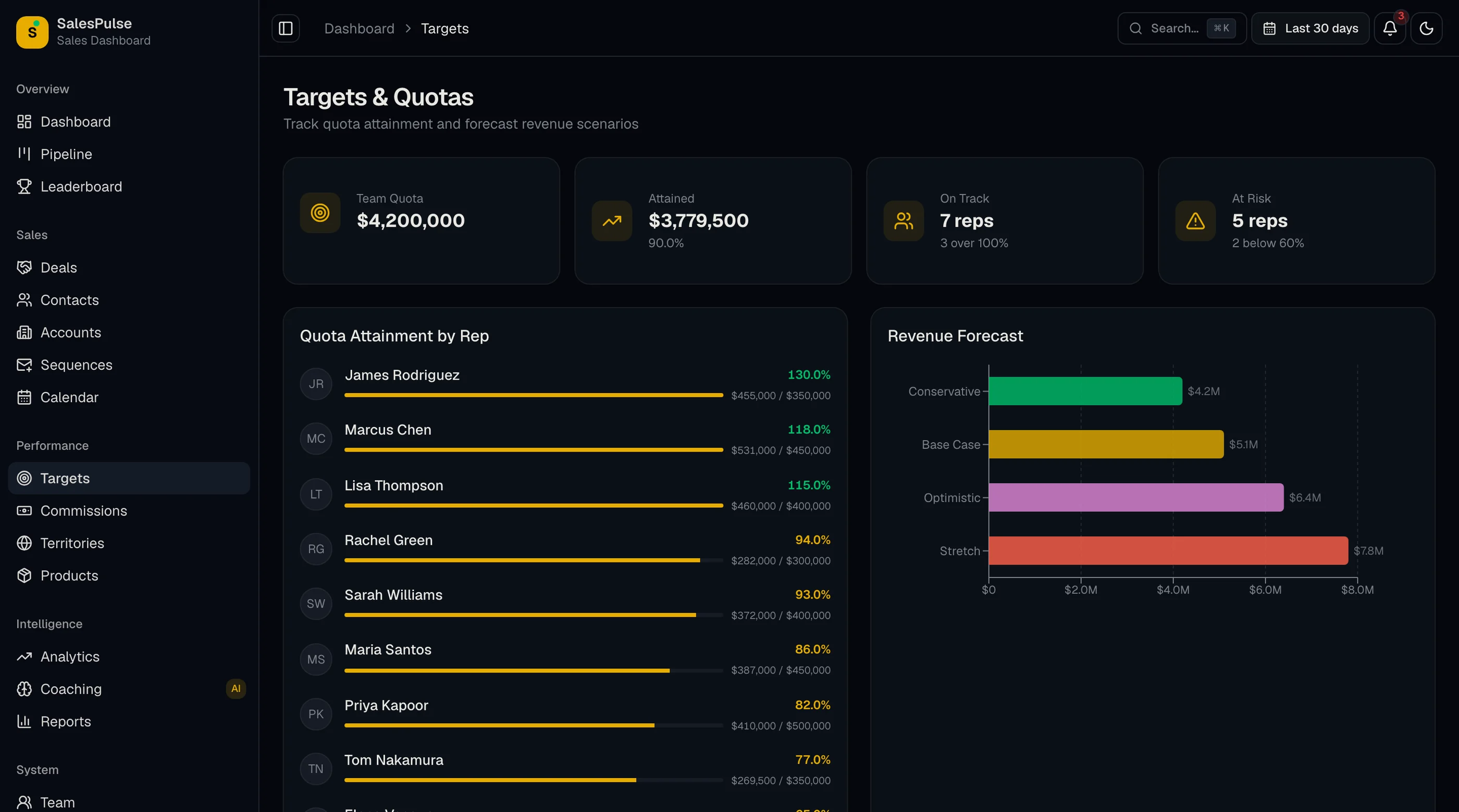
- Quota progress per rep, per team, per quarter
- Forecast (committed, best-case, pipeline coverage)
- Activity metrics (calls, emails, meetings, demos)
- Win/loss analysis with reason categorization
- Deal velocity (average days per stage, total cycle)
- Leaderboard for team-level rep performance
- Conversion rates between stages
If your dashboard is just a list of deals, it's a CRM view, not a dashboard.
The Data Model
Four core entities (assuming you're pulling from a CRM, not building one):
deals: the opportunity. id, external_crm_id (Salesforce/HubSpot/Pipedrive ID), name, account_id, owner_id (rep), stage, amount, expected_close_date, probability, created_at, closed_at, is_won, loss_reason.
deal_stage_history: append-only log of stage changes. id, deal_id, from_stage, to_stage, changed_at, changed_by. The only way to compute velocity per stage and identify stuck deals.
activities: anything a rep did. id, deal_id, owner_id, activity_type (call, email, meeting, demo, note), subject, outcome, duration_seconds, created_at.
quotas: per-rep, per-period targets. id, owner_id, period_start, period_end, amount, quota_type (revenue, deals, new logos).
The trap: most builders skip deal_stage_history. Then they can't compute stage velocity, can't identify stuck deals, can't answer "why did Q3 forecast miss." Append-only stage history is the unfair advantage.
CRM Integration: Source of Truth
If your team uses Salesforce, HubSpot, or Pipedrive, the CRM is source of truth. Your dashboard syncs from it:
- Webhook on change (preferred — real-time updates)
- Polling every 5-15 minutes (fallback — most CRM APIs support this)
- Nightly full sync (correctness — catches anything webhooks missed)
The bidirectional question: do you want to write back to the CRM? Probably not for the dashboard. Reps work in the CRM. Your dashboard surfaces the insight. Writing back creates a sync conflict you don't want.
Common gotcha: CRM custom fields. Salesforce admins love them. Your sync needs to pull custom fields too, store them flexibly (jsonb column or EAV table), and let the dashboard query them.
Pipeline by Stage
The most-looked-at chart. Three valid layouts:
Funnel chart — visualizes the drop-off from stage to stage. Strong for conversion rate analysis.
Stacked bar — total pipeline value per stage. Strong for forecasting.
Kanban board — cards per stage, drag-and-drop to advance. Strong for the rep's own view, weaker for the manager's.
Build the funnel + stacked bar combo for management. Build the Kanban for reps. They're different audiences with different needs.
The query that powers it:
SELECT
  stage,
  COUNT(*) as deal_count,
  SUM(amount) as total_amount,
  SUM(amount * probability) as weighted_amount,
  AVG(EXTRACT(EPOCH FROM (NOW() - last_stage_change)) / 86400) as avg_days_in_stage
FROM deals
LEFT JOIN deal_stage_history h ON h.deal_id = deals.id AND h.is_latest = true
WHERE owner_id IN (...) AND closed_at IS NULL
GROUP BY stage
ORDER BY stage_order
The "avg days in stage" is what identifies stuck deals at a glance.
Quota Progress
Per-rep quota progress is the dashboard the rep opens 5 times a day during a closing quarter.
The math:
attainment = closed_won_amount / quota_amountpace = (closed_won + weighted_pipeline) / quota_amountdays_remaining_in_period = days until period_enddaily_run_rate_needed = (quota_amount - closed_won_amount) / days_remaining
The display: progress bar, percentage, daily run rate needed, and the gap. Color: green if on pace, yellow if pace is below 100%, red if pace is below 80%.
Per-team aggregations: same math, summed.
Forecast
The three numbers every sales manager wants:
Committed: deals the rep has explicitly committed to close this period. From the CRM's commit field or a custom dashboard input.
Best case: committed + high-probability deals (e.g., probability ≥ 75%).
Pipeline coverage: (total pipeline weighted by probability) / (quota - already-closed). A coverage ratio of 3x is healthy, 5x is over-stocked, 1.5x is below water.
The forecast chart shows these three lines against quota over time. The manager's job is to know when they're going to miss before they miss.
Forecast accuracy itself is its own metric: how close was last quarter's forecast to actual? Reps and managers who consistently over-forecast need different coaching than ones who sandbag.
Activity Metrics
The "are reps doing the work" layer. Per-rep, per-week:
- Calls made
- Emails sent
- Meetings booked
- Demos given
- New deals created
- Stage advancements
Quality matters more than quantity, but quantity is what's easily measurable. Treat the activity dashboard as a leading indicator, not a performance review tool. (When activity metrics become the performance review, reps optimize for them, and the numbers stop being meaningful.)
The trap: counting activities through CRM logging only. Reps don't log every call. Pull from email server (sent count), calendar (meeting count), call tool (Aircall, Dialpad) for accurate numbers.
Win/Loss Analysis
The retrospective. For closed deals over the last 90 days:
- Win rate overall and per rep
- Loss reasons (with categorization)
- Win/loss by deal size band
- Win/loss by lead source
- Win/loss by competitor (where known)
The categorized loss reason is what turns the analysis into action. "Price" is too vague. "Price + competitor X was 30% cheaper" tells the team what to do.
Deal Velocity
Per-stage average time and total cycle time:
- Average days in each stage (computed from
deal_stage_history) - Total cycle from created to closed (won)
- Per-rep cycle (some reps close faster, some slower; ratios matter)
- Per-deal-size cycle (bigger deals naturally take longer; normalize)
This is what identifies process bottlenecks. If every deal sits in "Proposal Sent" for 21 days on average, your proposal turnaround is the bottleneck.
Performance Reality
At 100 deals and 1,000 activities per quarter, queries are fast. At 10,000 deals and 100K activities, materialize aggregations.
Index strategy:
dealson(owner_id, created_at),(stage, expected_close_date),(is_won, closed_at)deal_stage_historyon(deal_id, changed_at)activitieson(owner_id, created_at, activity_type)
Materialize the dashboard summary tables nightly. Quarterly aggregations especially. Caching 5-15 minutes on the live dashboard view.
What's the Build Time?
For a single engineer:
- CRM integration + sync: 2 weeks
- Pipeline + forecast UI: 2 weeks
- Quota progress + leaderboard: 1 week
- Activity metrics ingestion: 2 weeks
- Win/loss + velocity analytics: 1 week
- Reporting + exports: 1 week
- Polish + mobile + permissions: 2 weeks
Total: ~11 weeks. 5-6 weeks with 2 engineers. With a kit that has the dashboards, ~3-4 weeks because the work is CRM integration and the analytics, not the UI.
For a more focused look at existing options, see Best Sales Dashboard Templates 2026. If the question is whether to build at all or switch CRM tools instead, our Pipedrive alternatives comparison walks through 10 options including the build path.
The Shortcut
The Sales Dashboard Kit ships the UI: pipeline funnel, stacked bar, Kanban board, quota progress per rep, forecast chart, activity metrics, win/loss, deal velocity, leaderboard. Token-driven design system. Charts via Recharts.
You bring the CRM integration and the data ingestion. $131 solo, $199 team, $349 agency.
Get the Sales Dashboard Kit → or See All UI Kits →
The honest take: every sales dashboard solves the same UX problems (pipeline, quota, forecast, activity). The differentiator is how cleanly the dashboard matches your sales motion and how reliable the CRM sync is. Spend engineering on those, not on rebuilding the chart components.
For the failure modes that hit most sales dashboards (whether hosted or built), see Why Sales Dashboards Stop Getting Opened After 6 Weeks.
Want it shipped without hiring a developer?
The build path above assumes you have engineers. If you don't, the team behind thefrontkit does done-for-you launches: we deploy the kit, apply your branding, and wire it to your stack. Fixed quotes, most builds ship in 2-4 weeks, from $1999.