Why Sales Dashboards Stop Getting Opened After 6 Weeks
Why Sales Dashboards Stop Getting Opened After 6 Weeks
Every sales team I've watched go through a new dashboard rollout has the same arc. Week 1: leadership demos it in standup. Week 2: most reps have opened it once. Week 3: managers check it Monday morning. Week 4: only the VP of Sales opens it. Week 6: nobody.
The dashboard isn't broken. The team is making the same mistake most sales dashboards make: presenting data to people who already have a copy of that data somewhere else, with no specific reason to switch their workflow.
Five specific failure modes that kill sales dashboards. Worth understanding because the dashboard is usually a meaningful investment, and shipping it dead is expensive.
Or skip the build entirely: get the Sales Dashboard Kit
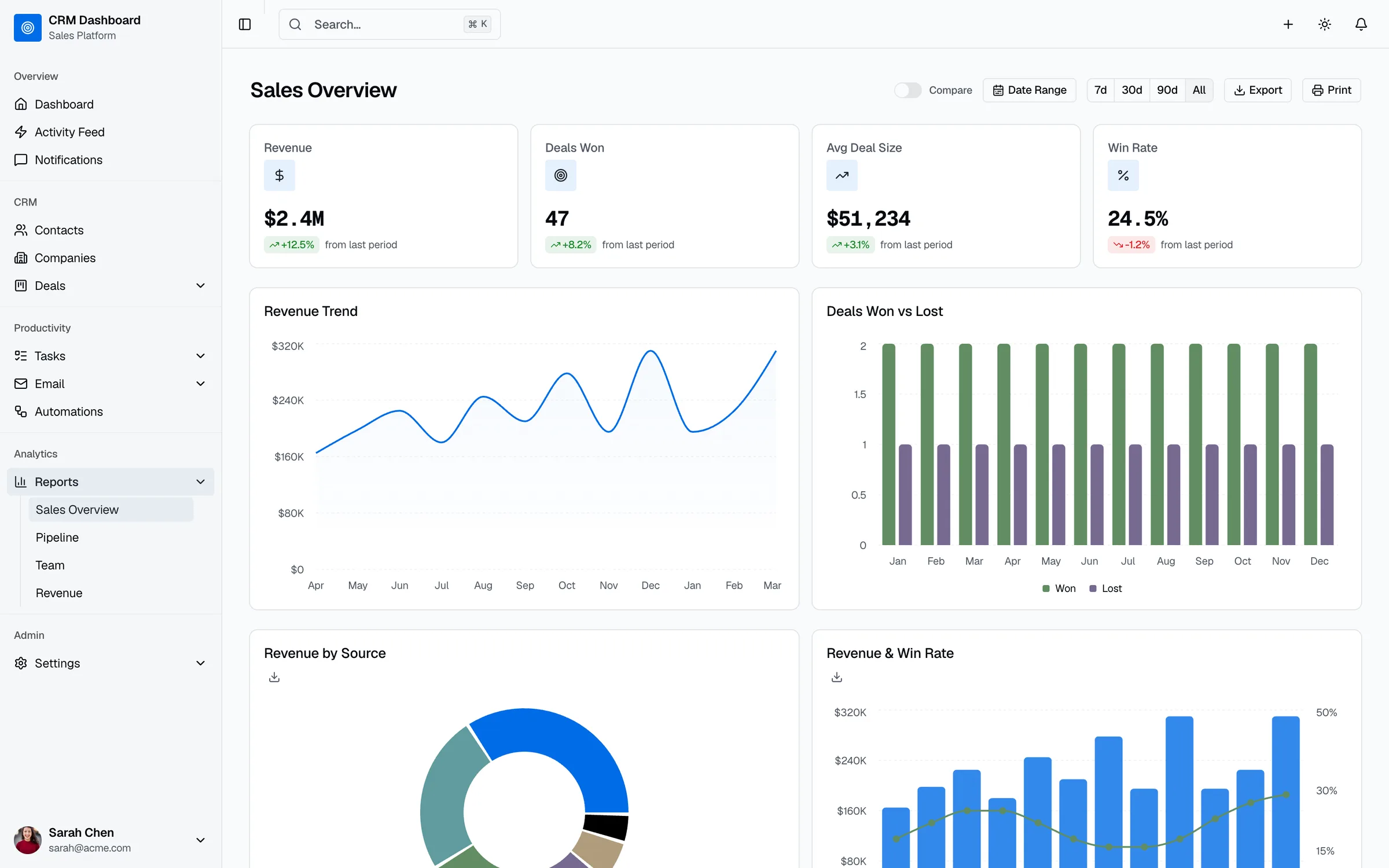
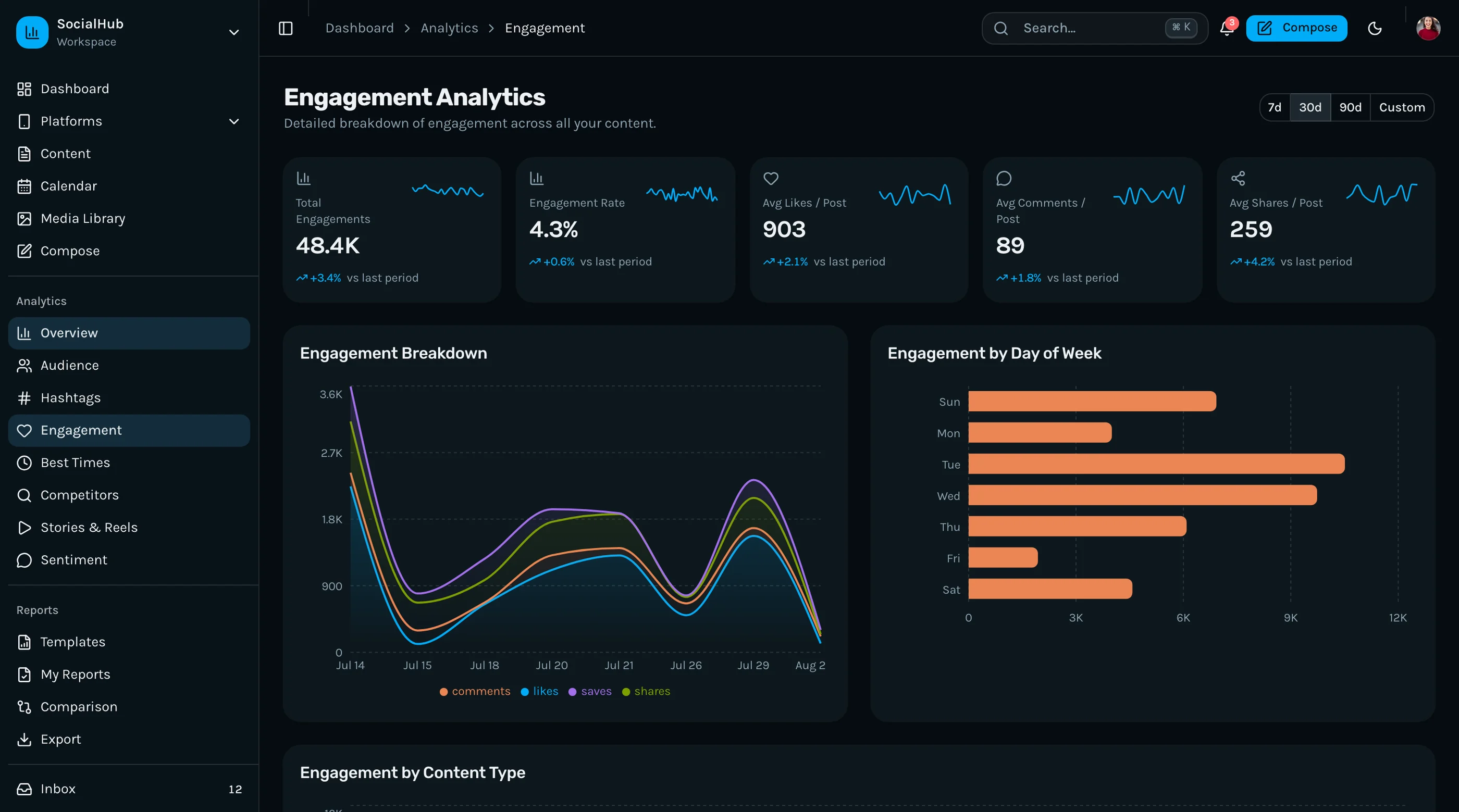
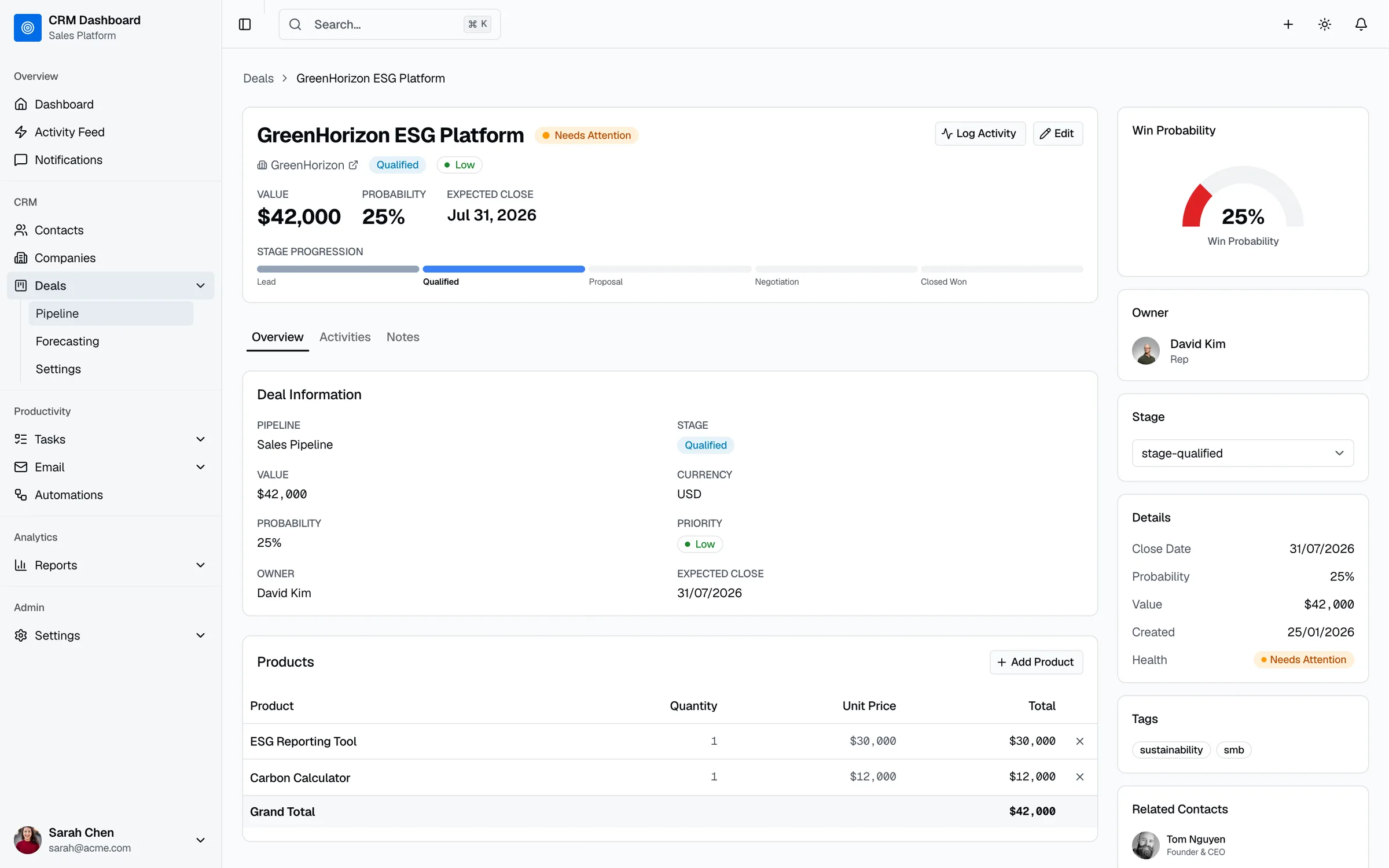
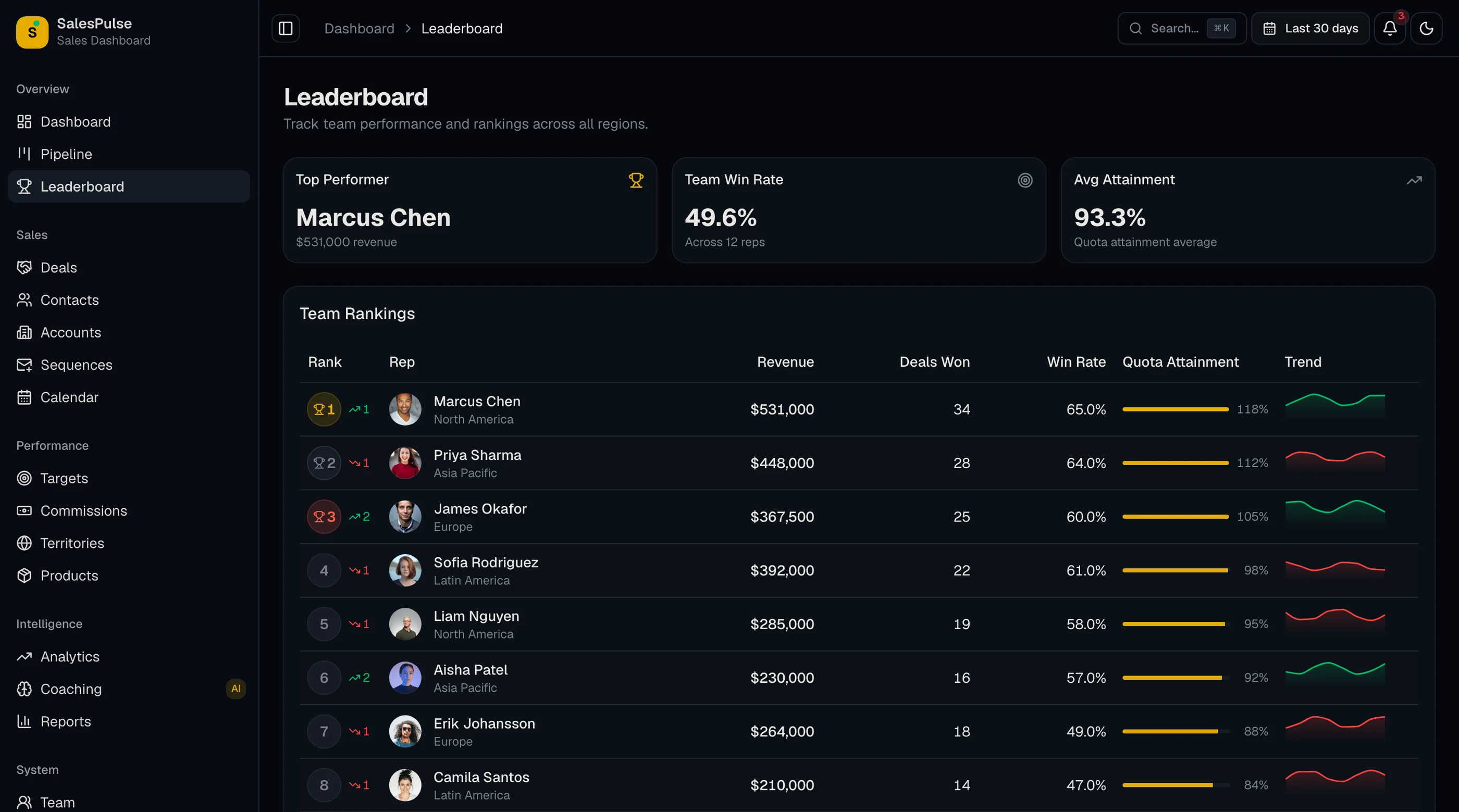
The Sales Dashboard Kit ships with the failure modes below engineered around: real-time CRM sync, decision triggers paired with metrics, manager-vs-rep views, and forecast tools that surface why the quarter will miss before it misses. Next.js + Tailwind + shadcn/ui. $131 solo, $199 team, $349 agency.
Get the Sales Dashboard Kit → or get every kit (18 total) for $749 via All UI Kits →
Failure 1: Data Lag
The dashboard pulls from the CRM nightly. The rep updates a deal in Salesforce at 2pm. The dashboard shows the old stage until tomorrow morning. The rep logs in, sees stale data, closes the tab.
Within two weeks, every rep has learned: the dashboard is wrong. They go to Salesforce directly.
How to prevent:
- Webhook-based sync for stage changes and deal creation (Salesforce, HubSpot, Pipedrive all support this)
- Polling every 5-15 minutes as fallback for things webhooks miss
- Real-time refresh on dashboard open for high-stakes screens (forecast, pipeline)
- Visible "last synced" timestamp so users know what they're looking at
The principle: a dashboard that lags reality by hours is a dashboard that loses to "just check the CRM."
Failure 2: Vanity Metrics for Reps
The dashboard shows the rep: "12 deals in pipeline. $1.2M weighted." Cool. So what?
Reps don't care about portfolio metrics. They care about: "What deal needs my attention today?" "Am I on track for quota this quarter?" "Where am I against last quarter?"
How to prevent:
- Rep view ≠ manager view — completely different layouts
- Lead with quota progress for reps (the number they actually care about)
- Next-action queue — deals with stuck > 14 days, no activity > 7 days, expected close < 14 days but no recent updates
- Daily activity goal — calls, emails, meetings — tracked against their own benchmark
The rep view should answer "what should I do today" in 3 seconds. If the rep has to think, it's wrong.
Failure 3: Manager Views Without Decision Triggers
The manager opens the dashboard. Pipeline coverage is 3.2x. Forecast says $850K committed. Quota is $1.2M. So what?
Without decision triggers, these are numbers without action. The manager is left to figure out what to do.
How to prevent:
- Pace analysis — "Forecast trending to miss by $350K. Largest gap: Enterprise segment, down 40% week-over-week."
- Stuck-deal surfacing — "5 deals over $100K stuck in Proposal Sent > 21 days. Click to review."
- Rep ranking with context — "Sarah closing 30% faster than team average on similar deals. Worth pattern-matching her motion."
- Risk flags — "8 forecast deals have no activity in 14 days. Verify commitment with reps."
The manager view should surface 3-5 actions per week. Otherwise the dashboard is just a status report.
Failure 4: CRM Sync Breaks Quietly
Tokens expire. Custom fields change. The CRM team adds a new required field. Your dashboard's daily sync fails. For three weeks, nobody notices because the dashboard still shows old data correctly.
By the time someone notices, the team has lost trust in the numbers. Trust takes months to rebuild.
How to prevent:
- Sync health badge — top of every dashboard, green/yellow/red, with timestamp
- Aggressive notification when sync fails (email to admins + Slack)
- Daily check that runs a basic count query against the CRM and your store, flags discrepancies
- Visible reconciliation log so anyone can see why a number changed
Sync reliability is the single most important non-feature of any CRM-connected dashboard. Treat it as production-critical.
Failure 5: Reports Built for the Tool, Not the Audience
The dashboard exports a 15-page PDF every Monday. The VP of Sales never opens past page 2. The board deck pulls one chart from the report and ignores the rest.
The dashboard team built what was easy. The audience needed what was specific.
How to prevent:
- Ask each audience what they want — the VP, the head of each segment, the board, finance — separately
- Different reports for different audiences — VP gets pipeline + forecast + outliers. Board gets quarter summary + trend. Finance gets revenue recognition + commission view.
- One-page format for executives — the second page is rarely read
- Live link instead of PDF when possible — the audience can drill if they want, but the default is the summary
Length isn't the value. Specificity is.
The Cumulative Effect
Data lag teaches reps the dashboard is wrong. Vanity metrics for reps make it useless to them. Manager views without triggers make it pointless. Broken sync destroys trust permanently. Generic reports lose every audience.
By week 6, the dashboard is open only when someone has to make a slide. The team is back to using the CRM directly and spreadsheets for analysis.
The pattern: a dashboard that wasn't designed for who opens it doesn't get opened.
What to Do If You're Picking a Dashboard
Test it in week 6, not week 1. Look at:
- Is the CRM sync real-time or near-real-time? How often does it fail?
- Does the rep view answer "what should I do today" in 3 seconds?
- Does the manager view surface decisions, or just data?
- Are reports built for the audience or generated by the tool?
If any answer is unclear, the dashboard probably won't survive its first quarter.
What to Do If You're Building
Five rules:
- Webhook sync, not nightly batch. And make sync health visible.
- Build separate views for reps and managers. They have different jobs.
- Pair every metric with a decision rule. Numbers alone are noise. Our CRM dashboard examples list the metrics and formulas for eight common dashboards.
- Surface 3-5 manager actions per week. Otherwise the dashboard is a status report.
- Ask each audience what they want in reports. Then build that.
For the broader comparison of options, see Pipedrive Alternatives: 10 Options Compared. For the technical walkthrough, see How to Build a Sales Dashboard in Next.js.
The Shortcut
The Sales Dashboard Kit ships with the five failures in mind: webhook-friendly sync patterns, separate rep and manager dashboard views, decision-trigger UI patterns on every metric, sync health indicators, and configurable report templates.
Get the Sales Dashboard Kit → or See All UI Kits →
The honest take: most sales dashboards are built to show data. The ones that get opened on day 42 are built to drive decisions. Build (or buy) for the audience, not for the tool.