Why AI Ops Dashboards Don't Prevent Incidents
Why AI Ops Dashboards Don't Prevent Incidents
The AI ops pitch has been the same for three years now: ML-powered anomaly detection will catch incidents before they happen. Predictive alerts. Correlation across services. Autonomous runbook execution. The market has spent billions on this premise. Outages still happen with roughly the same frequency.
The promise isn't wrong in theory. The problem is that most AI ops dashboards stop at "we detected something unusual" and don't help with the actual work of incident response. Five specific failure modes that keep AI ops from being prevention.
Or skip the build entirely: get NeuralDesk
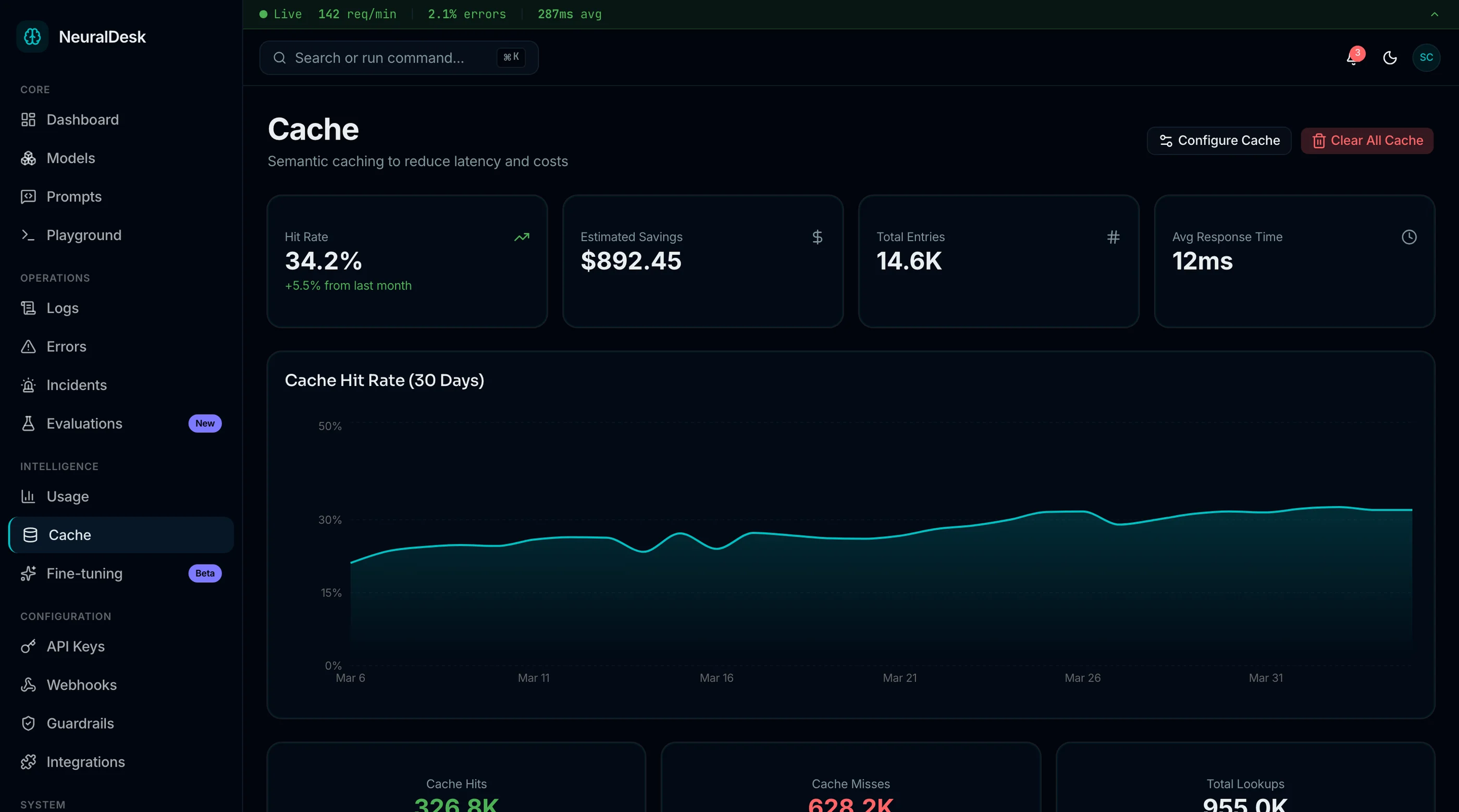
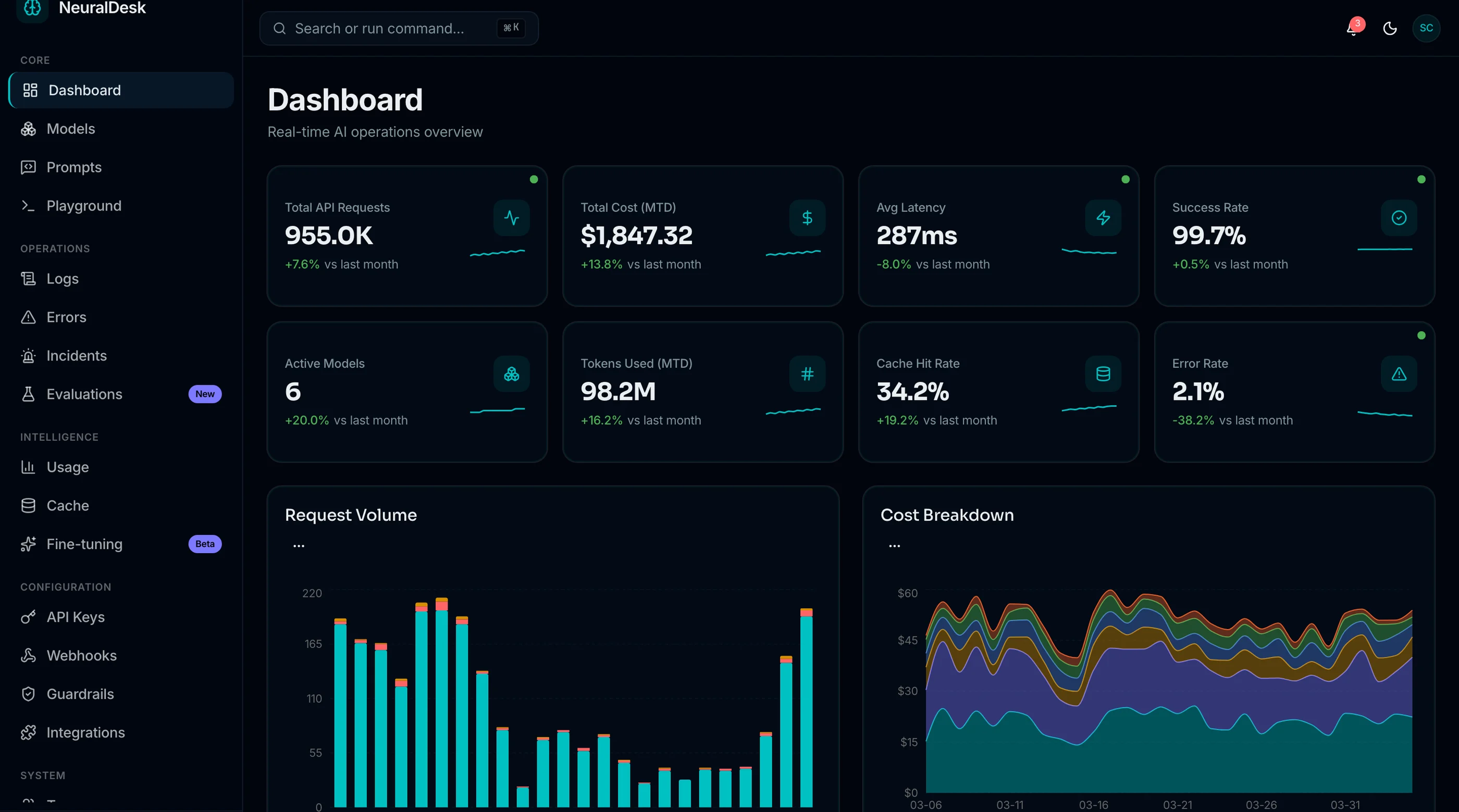
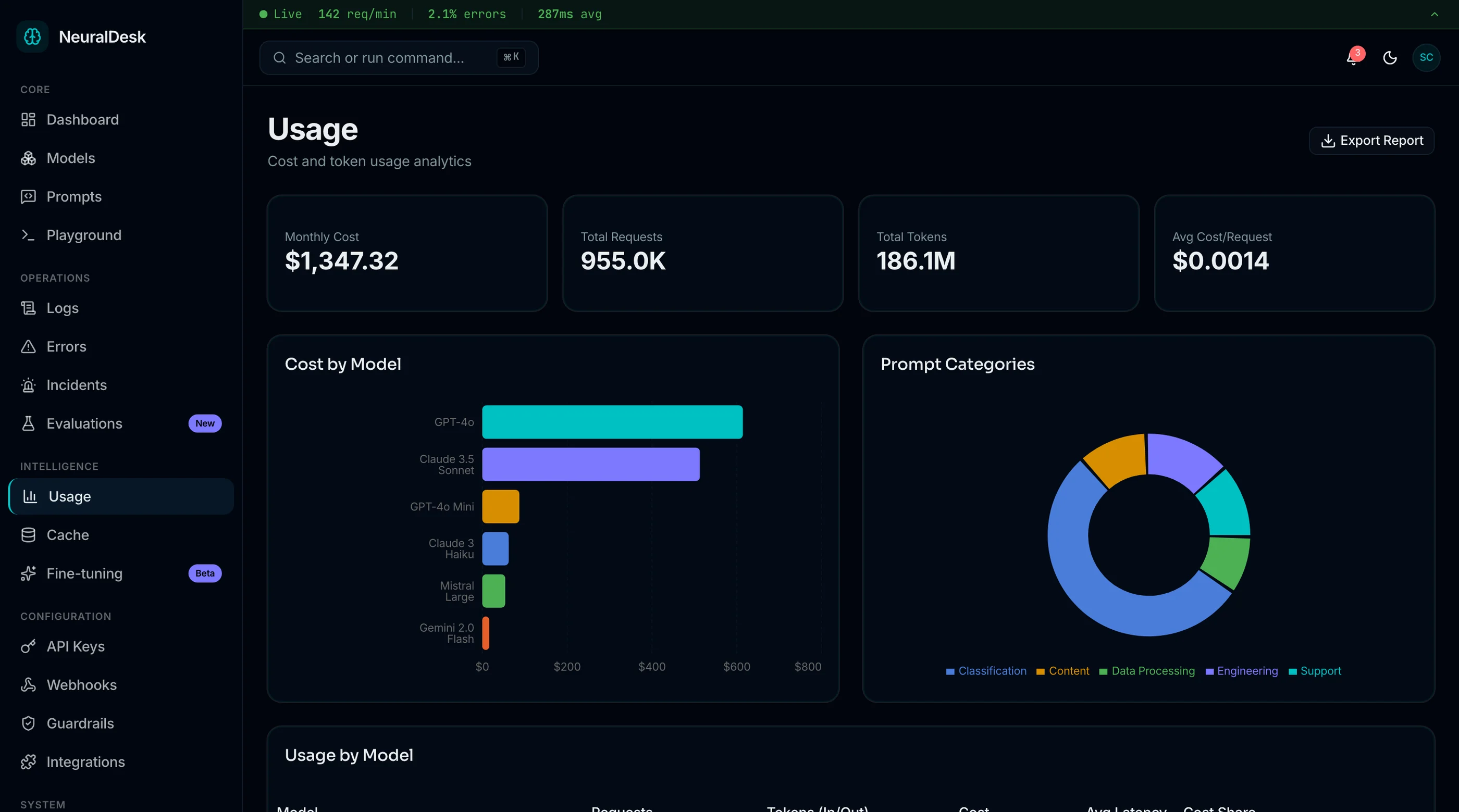
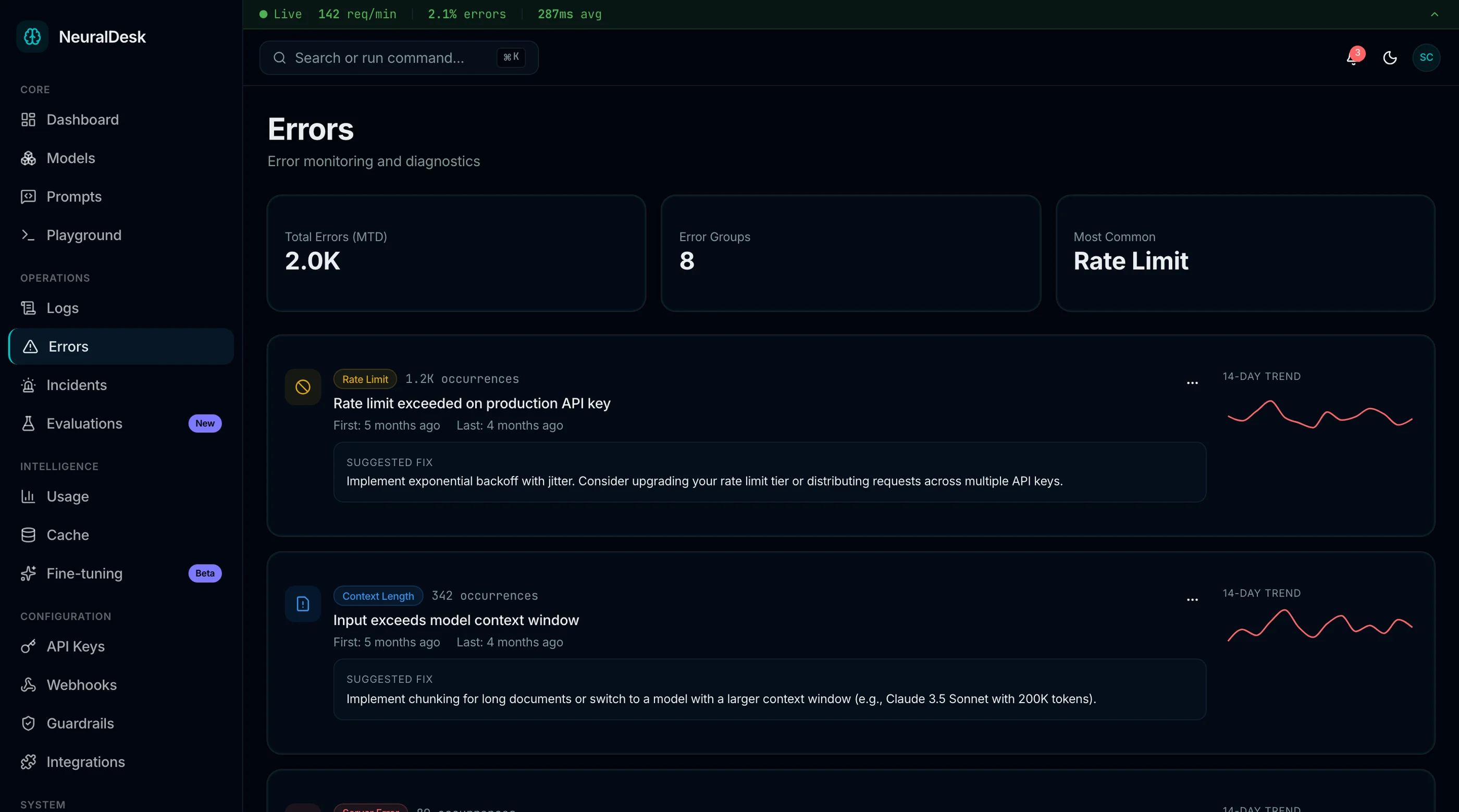
The NeuralDesk AI Ops Dashboard is shipped with the failure modes below in mind: detection paired with suggested action, alert deduplication beyond regex, runbook context surfaced inline, feedback loops for AI suggestions, and on-call workflow respected throughout. Next.js + Tailwind + shadcn/ui. $131 solo, $199 team, $349 agency.
Get NeuralDesk → or get every kit (18 total) for $749 via All UI Kits →
Failure 1: Prediction Without Action
The AI ops dashboard detects an anomaly: "CPU on web-prod-3 has trended up 23% over the last 2 hours, anomalous vs the trailing 30-day baseline." Cool. Is this an incident? Should I scale up? Restart the service? Investigate slow queries? Wait?
The dashboard doesn't say.
What good systems do:
- Pair every detected anomaly with a suggested action. Not a generic "investigate," but a specific "review query log for slow queries on shard-3" or "scale web tier from 6 to 8 hosts."
- Show the system's reasoning. Why does it think this matters? What other signals correlate? The on-call engineer can sanity-check the AI's logic instead of just trusting it.
- Confidence-tier the suggestion. High-confidence anomalies get one-click actions. Medium ones get suggested actions with manual review. Low ones get FYI only.
Detection without action is just an alert with extra steps. The AI part is wasted.
Failure 2: Alert Fatigue with AI Sauce
The promise was that AI would reduce alert noise. The reality at most teams: AI surfaces "anomalies" at roughly the same rate as the old threshold-based alerts, just labeled as "anomalies" instead of "warnings."
The on-call engineer learns within a week that the AI alerts are mostly noise, same as the old alerts. They start ignoring them. The eventual real incident gets missed because it looked like every other anomaly.
How to prevent:
- Cross-signal correlation before alerting. CPU anomaly alone is noise. CPU anomaly + error rate increase + latency spike is an incident.
- Severity scoring that respects historical patterns. "This pattern preceded an outage twice in the last 6 months" is a real signal.
- Per-team noise budget. Track the alerts → real-incidents ratio. When the ratio drifts, retrain or retune.
- Snooze with reason. When someone snoozes an alert, capture why. Use the captured reason to suppress similar alerts in the future.
The principle: the AI part has to actually reduce noise, not relabel it.
Failure 3: Missing Runbook Context
An alert fires at 3am. The on-call engineer opens the dashboard. They see the anomaly. They don't see what to do about it.
The runbook lives in Confluence, Notion, or a private repo. The engineer is half-asleep and now context-switching between the dashboard and the documentation. Minutes pass. The incident worsens.
How to prevent:
- Inline runbook surfacing based on alert pattern. The system maps "Redis connection refused on cluster X" to the existing runbook and shows the relevant section without leaving the dashboard.
- Auto-suggested runbook based on past incidents. If this same alert pattern happened three times in the last quarter and the resolution was always the same, surface it.
- First-action button when the runbook starts with a single command (e.g., "Restart deployment X"). The dashboard offers it inline.
- Update runbooks from post-mortems. When a post-mortem reveals a missing step, write it back to the runbook so the next incident finds it.
The principle: the on-call engineer should never have to context-switch to find what to do.
Failure 4: No Feedback Loop on AI Suggestions
The AI suggests scaling web-prod from 6 to 8 hosts. The engineer agrees, executes it. The incident resolves. Did the AI help?
In most systems, this signal is lost. The AI doesn't learn from the engineer's action that its suggestion was correct. Six weeks later, the same pattern recurs and the AI suggests something completely different.
How to prevent:
- Action capture when the engineer follows (or rejects) the AI's suggestion. Even a binary "this worked" is signal.
- Reasoning trace stored so future incidents can refer back. "Last time this happened, the suggestion was X, and it worked."
- Per-team feedback so the system tunes to your stack and your team's preferences (some teams scale up first; others investigate root cause first).
- Visible learning curve showing the AI is getting better month over month (or admitting it's not, and why).
The AI ops product without a feedback loop is fancy regex.
Failure 5: On-Call Workflow Ignored
The dashboard assumes the on-call engineer is sitting at a desk looking at a monitor. Real on-call: it's 3am, they're on a phone, they're tired, they need to know in 30 seconds whether to wake up the team.
How to prevent:
- Mobile-first incident pages with the 3 most important facts at the top
- One-tap escalation to wake the secondary on-call
- Acknowledge from phone so the alert pager stops while they investigate
- Slack/PagerDuty integration so the incident lives where the team coordinates, not just on the dashboard
- Resolution actions invocable from mobile for the common cases
The principle: the dashboard isn't where incidents are managed. The phone, Slack, and PagerDuty are. The dashboard has to fit those channels, not pretend they don't exist.
The Cumulative Effect
Detection without action wastes the AI. Alert fatigue with AI sauce destroys trust. Missing runbook context costs minutes per incident. No feedback loop means the system never improves. On-call workflow ignored means the dashboard isn't where the action happens.
By month 3, the on-call rotation is back to using Datadog dashboards and runbook docs, ignoring the AI ops layer. The dashboard was an expensive experiment.
The pattern: AI ops dashboards that focus on detection instead of response don't prevent incidents because detection isn't where incidents are won or lost.
What to Do If You're Picking an AI Ops Tool
Test it in week 8 of an actual on-call rotation. Look at:
- Did any AI-detected anomalies lead to actions that prevented an incident?
- What's the actual signal-to-noise ratio of AI-generated alerts?
- Where do on-call engineers go when an alert fires — the dashboard, or somewhere else?
- Has the AI's reasoning visibly improved over time, or does it feel the same as week 1?
If the answers are concerning, the tool probably isn't earning its keep, regardless of marketing claims.
What to Do If You're Building
Five rules:
- Pair detection with action. Suggest something specific. Show reasoning.
- Cross-correlate before alerting. Single-signal AI alerts are just regex with vibes.
- Surface the runbook inline. Don't make the engineer leave the dashboard at 3am.
- Capture action feedback. The AI has to learn from what works.
- Build for the phone and Slack. That's where on-call lives.
For the broader competitor comparison, see Datadog Alternatives: 6 Self-Hosted Observability Options. For the existing options listicle, see Best AI Ops Dashboard Templates 2026.
The Shortcut
The NeuralDesk AI Ops Dashboard ships with the five failures in mind: anomaly detection paired with suggested action, cross-signal correlation before alerting, inline runbook surfacing, action capture for feedback loops, and mobile-first incident pages.
Get NeuralDesk → or See All UI Kits →
The honest take: AI ops dashboards that focus on detection get sold but don't get used. The ones that focus on response get used and earn their keep. Build (or buy) for the actual on-call workflow, not for the demo.