Why Most Crypto Dashboards Break in a Real Market
Why Most Crypto Dashboards Break in a Real Market
The dashboard works great in your demo. Prices update in real time. P&L is accurate. Charts render fast. Then BTC drops 12% in 90 minutes and the whole thing falls apart.
This isn't theoretical. It's what happened to most crypto dashboards during the March 2024 and August 2024 volatility events. Four specific failure modes, all of them preventable, none of them obvious until they hit.
If you're building a crypto dashboard or evaluating one, the test isn't "does it work?" The test is "does it work when the market is actually moving?"
Or skip the build entirely: get the Trading Dashboard Kit
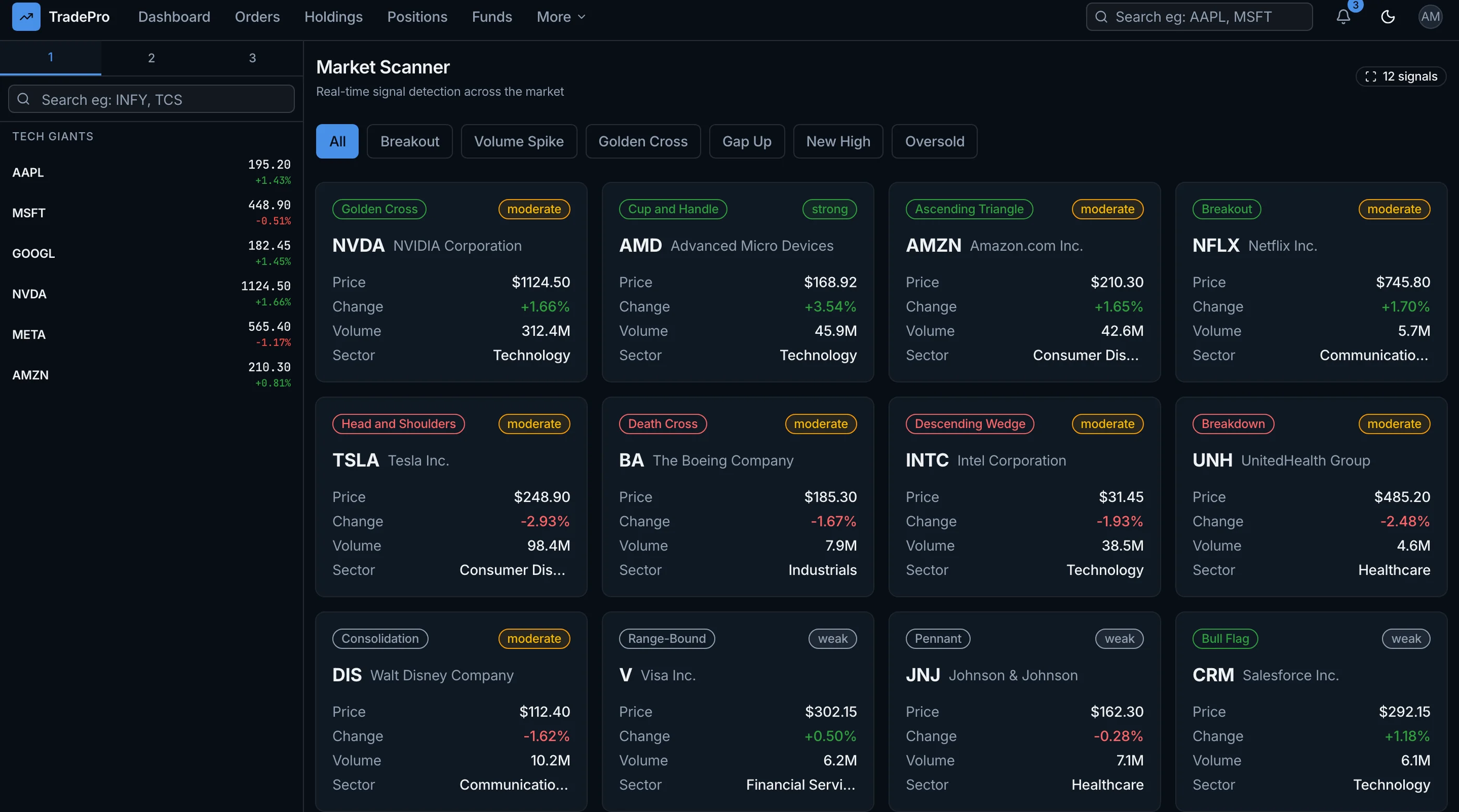
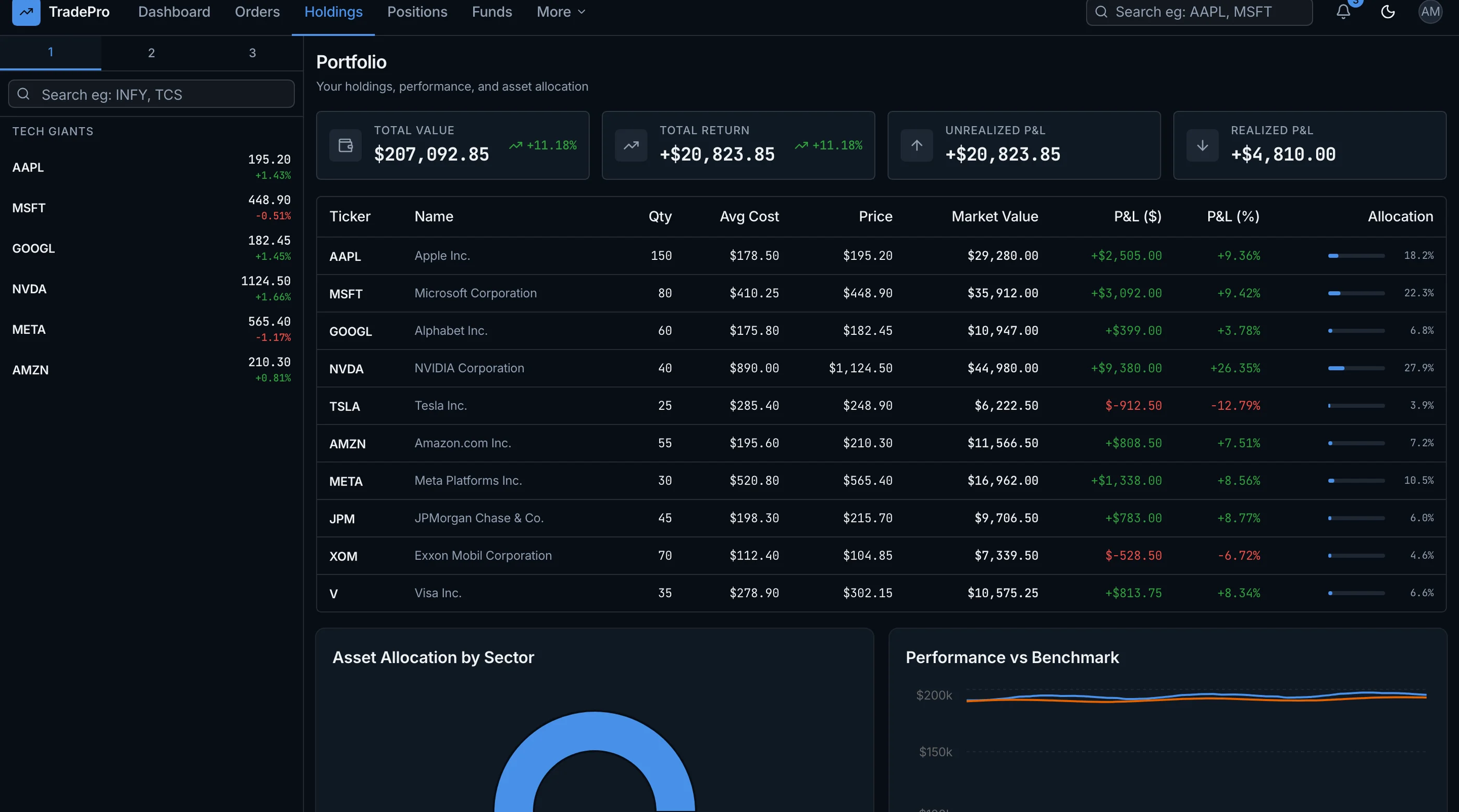
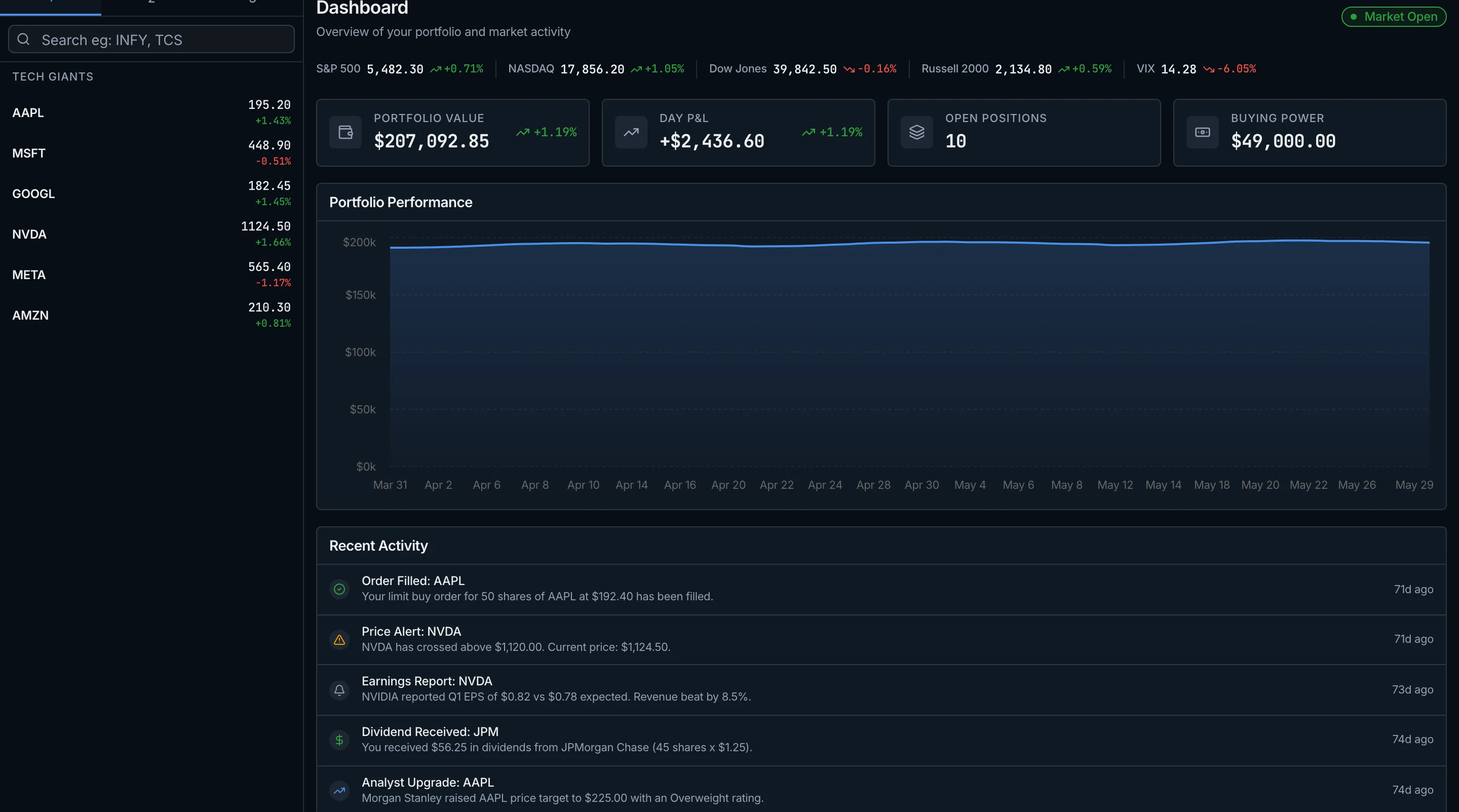
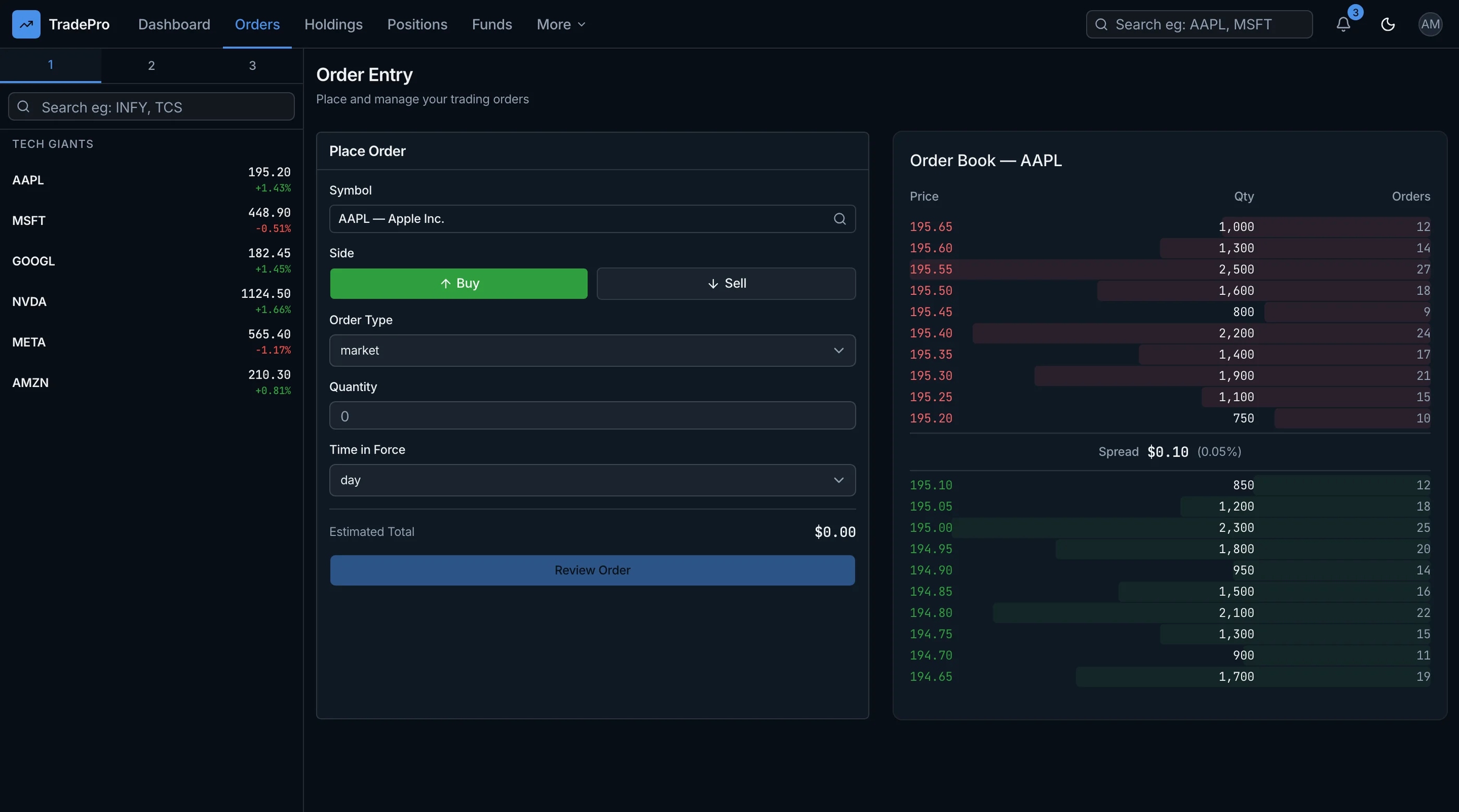
The Trading Dashboard Kit is shipped with the four failures above engineered around: shared upstream cache pattern, WebSocket-health UI with stale-data warning, FIFO/HIFO cost basis calculator, and canonical token IDs that survive renames. Next.js + Tailwind + Lightweight Charts. $131 solo, $199 team, $349 agency.
Get the Trading Dashboard Kit → or get every kit (18 total) for $749 via All UI Kits →
Failure 1: Exchange API Rate Limits During Volatility
Exchanges throttle aggressively during volatile periods. Binance's spot REST API limit is 1,200 requests per minute under normal conditions. During the May 2024 ETH ETF volatility, they tightened it without notice and dashboards that were polling at 600/min started getting 429s.
What happens: your dashboard goes blank or shows prices from 4 minutes ago. Users who need to act now don't have current data. Trust evaporates in one bad event.
How to prevent:
- Cache prices in Redis with a sub-second TTL, shared across all users
- Use WebSocket subscriptions for price updates instead of REST polling
- Implement exponential backoff on 429 responses, not retry-immediately
- Aggregate user-facing data so 1,000 users share the same upstream calls
Most "crypto dashboard templates" you find online poll the exchange REST API directly per-user. That works for one user. It breaks at 50.
Failure 2: WebSocket Reconnect Logic That Doesn't
WebSocket is the right answer for real-time prices. The problem: connections drop. They drop more often during volatility (exchange infrastructure under load, network paths congested). If your reconnect logic is broken, your dashboard shows stale prices and you don't know it.
What happens: BTC moves 8% in 20 minutes. Your dashboard shows the price from 18 minutes ago. Users see a number that looks reasonable, make decisions on it, and get burned.
How to prevent:
- Heartbeat ping/pong on the WebSocket connection
- Automatic reconnect with exponential backoff
- Visual indicator when the connection is stale (red dot, "reconnecting" toast, last-update timestamp)
- After reconnect, fetch a snapshot via REST to bridge the gap
The visual indicator matters most. A dashboard that knows it's stale and tells you is honest. A dashboard that silently shows old data is dangerous.
Failure 3: P&L Calculation That Ignores Cost Basis Method
The deeper bug. Most crypto dashboards calculate P&L as current_price * quantity - average_price * quantity. This is wrong for tax purposes, wrong for partial position tracking, and wrong in any scenario where you've done multiple buys and sells.
The right approach: track every transaction with a specific cost basis method (FIFO, LIFO, HIFO, specific-lot). When you sell, the dashboard decides which lot is being sold based on the method. The remaining unrealized P&L accounts for the remaining lots.
What happens if you ignore this: your dashboard shows P&L that doesn't match your tax software, doesn't match your exchange's own reporting, and isn't useful for any real decision. Users notice. They stop trusting the numbers.
How to prevent:
- Store every transaction (buy/sell/transfer/fee) as an immutable row with timestamp, price, quantity, fee
- Implement at minimum FIFO (default) and HIFO (most tax-advantaged for sellers)
- Calculate cost basis lazily from the transaction history, not as a stored average
- Provide a toggle so users see P&L in their preferred method
This is 2-3 weeks of engineering to do right. It's the difference between a portfolio toy and a serious tool.
Failure 4: Token Rename and Migration Events
The most invisible failure. Tokens get renamed. Tokens migrate from one chain to another (ETH-based to Solana-based). Tokens fork. Tokens get delisted from your exchange of choice and remain real on others.
What happens if your dashboard ignores this: a user's portfolio "loses" a position because the dashboard is looking for a symbol that no longer exists on the exchange. The user panics. They reach out. You discover the rename. You patch. The next rename happens.
How to prevent:
- Use a canonical token registry (CoinGecko, CoinMarketCap, on-chain contract address) as the source of truth, not exchange-specific symbols
- Subscribe to token list updates and reconcile on schedule
- Display the user's position by canonical token ID, with current exchange symbol shown for clarity
- Have a manual override path for tokens the registry doesn't know about yet
The canonical-ID pattern is the unfair advantage. Once you've built it, token migration is a data update, not a customer support fire drill.
The Cumulative Pattern
The four failures hit together during volatility events because volatility is when everything stresses at once. Rate limits tighten. WebSockets drop. Users check P&L compulsively (so accuracy matters more). And the volatility itself sometimes coincides with token-level events (delistings during exchange stress, forks during regulatory pressure).
The dashboards that hold up in real markets are the ones where someone spent a week thinking through the bad days, not just the good ones.
What to Do If You're Buying
Test the dashboard during volatility. Or simulate it: cap your local API client at 100 requests/min and see if the dashboard degrades gracefully. Drop the WebSocket and watch what the UI does. Check whether P&L matches your exchange's own reporting after a partial sale. Look at how the dashboard handles a token rename in their changelog history.
If any of those tests fail, the dashboard is a normal-market tool. Use accordingly.
What to Do If You're Building
The four failures translate to four engineering investments:
- A shared upstream cache layer (Redis or similar) that all user dashboards read from.
- WebSocket connection management with heartbeat, reconnect, and visible staleness state.
- A real cost basis calculator with multiple methods and lot-level tracking.
- A canonical token registry decoupled from any single exchange's symbols.
Each is 1-2 weeks of focused work. Together they're the difference between a portfolio toy and a tool a serious trader would put real money against.
For the alternatives if you don't want to build, see TradingView Alternatives: Self-Hosted Trading Dashboards. For the build path, see How to Build a Trading Dashboard in Next.js.
The Shortcut
The Trading Dashboard Kit ships with these four failures in mind: the cache pattern, the WebSocket-health UI, the FIFO/HIFO P&L calculator, and the canonical-token-ID layer. The kit handles the operational surface so you focus on strategy or product UX.
Get the Trading Dashboard Kit → or See All UI Kits →
The honest take: a dashboard that works on a calm Tuesday isn't a dashboard. It's a screenshot. The interesting question is what happens at 3:42pm when BTC drops 4% in 8 minutes. Build (or buy) for that day.