Why Most Budget Apps Fail After 90 Days
Why Most Budget Apps Fail After 90 Days
The data on this is grim. App store usage curves for personal finance apps show a steep drop-off between day 30 and day 90. People sign up, use it intensely for a month, taper off in month two, and barely open it by month three. The apps that do retain users (YNAB has the best numbers in the space) do it through methodology and community, not features.
The apps fail at 90 days for five specific reasons. Most are preventable. The teams building budget apps mostly know about them and ship anyway. Worth understanding what kills retention so the next attempt doesn't repeat the pattern.
Or skip the build entirely: get the Finance Dashboard Kit
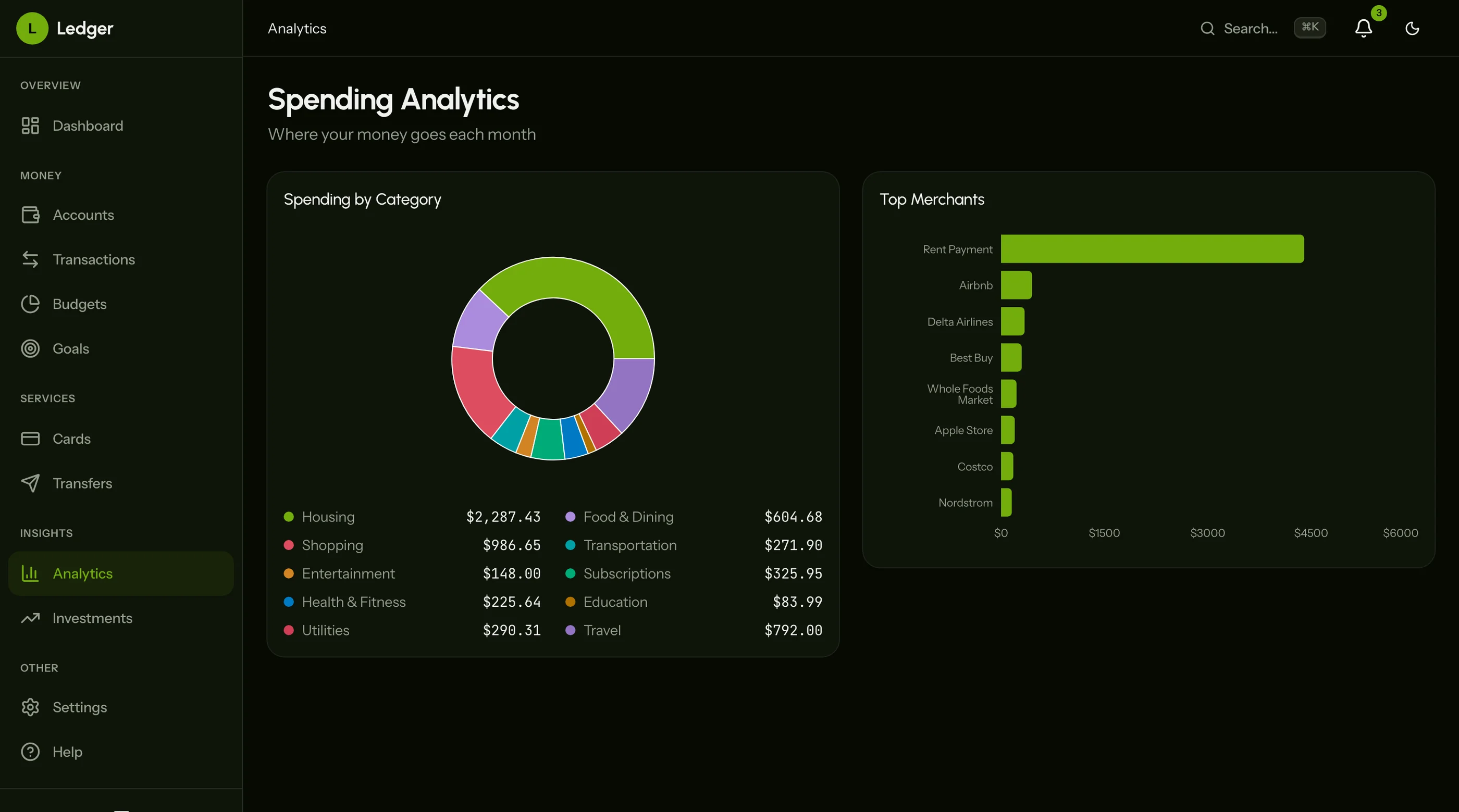
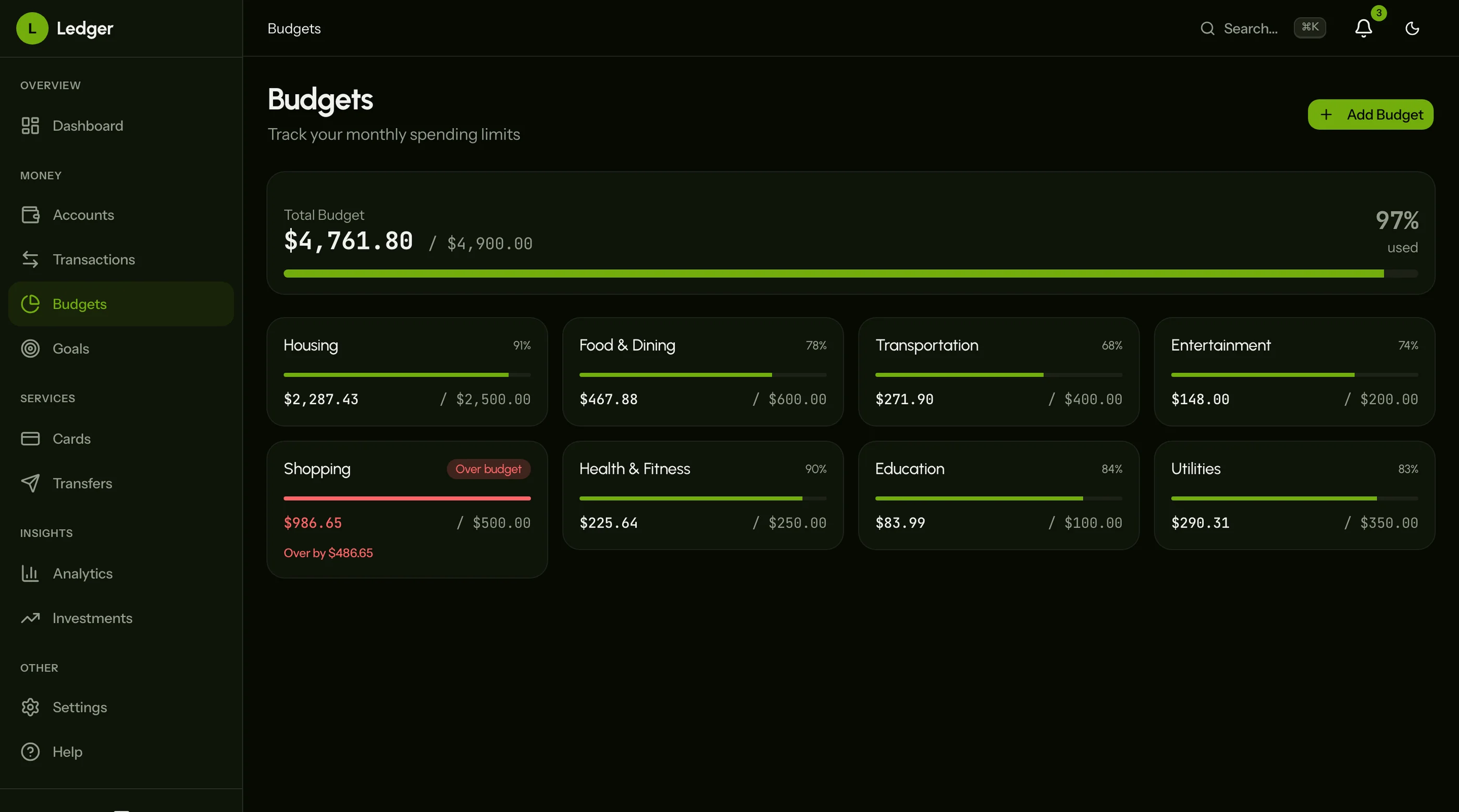
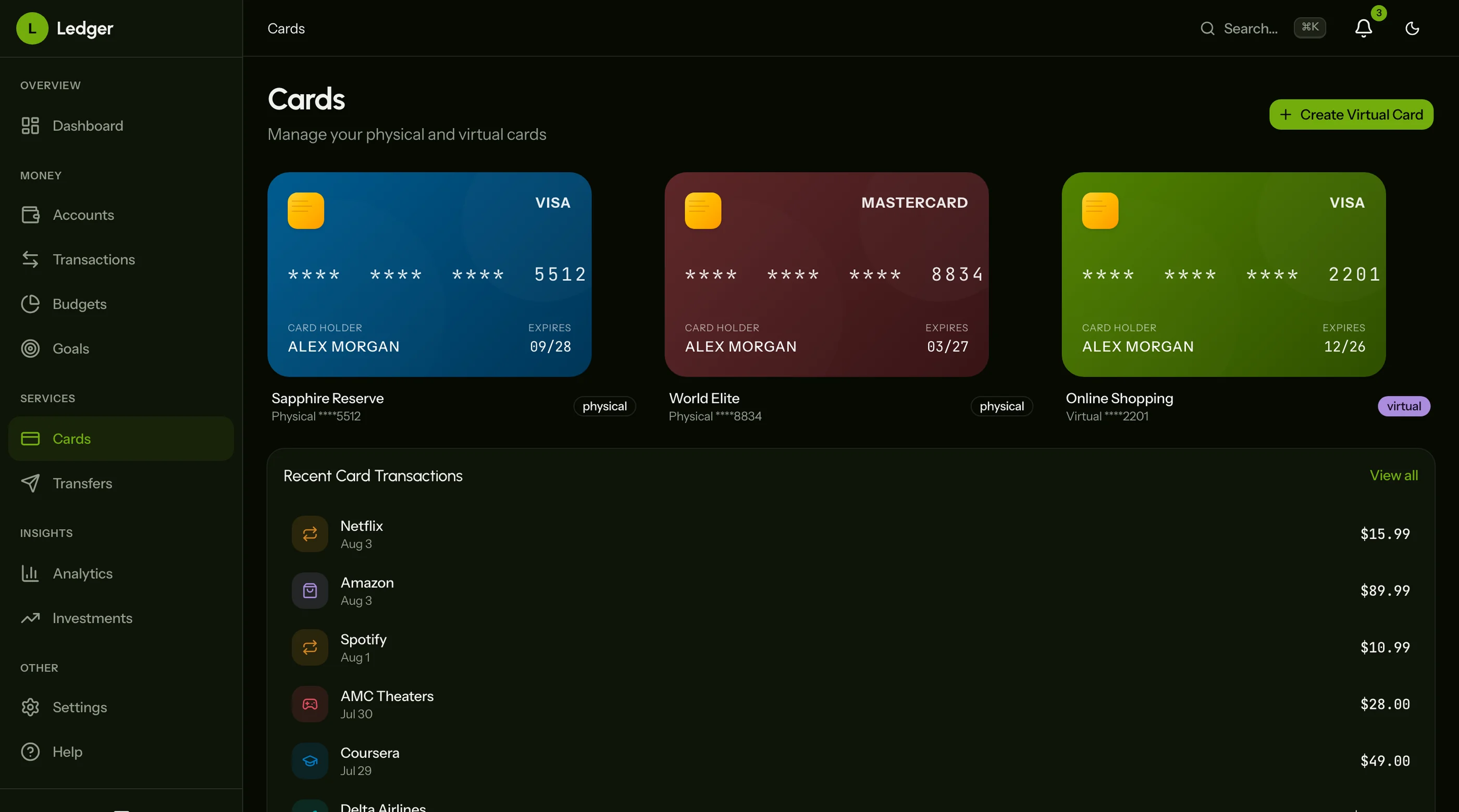
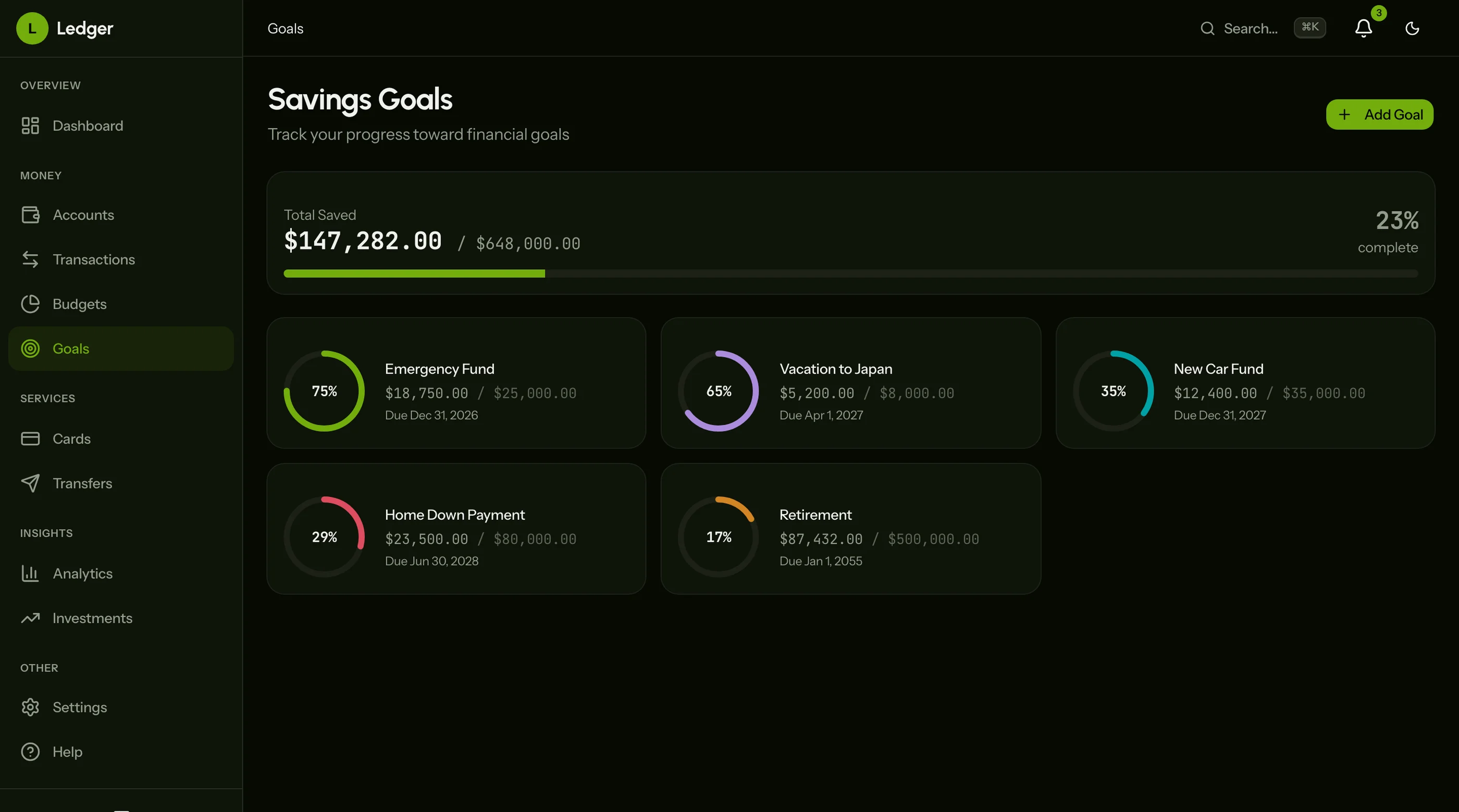
The Finance Dashboard Kit ships with the failure modes below engineered around: smart categorization that improves over time, visible bank connection health, flexible budget categories, and reports that pair data with actions. Next.js + Tailwind + shadcn/ui. $131 solo, $199 team, $349 agency.
Get the Finance Dashboard Kit → or get every kit (18 total) for $749 via All UI Kits →
Failure 1: Transaction Backlog at Month 2
Week 1, you categorize every transaction as it comes in. Week 4, you're behind. Week 6, there are 200 uncategorized transactions and the dashboard is showing $4,500 in "Uncategorized" which is meaningless. By week 8, you've lost confidence in the numbers and you stop logging in.
The root cause: the app makes you do work to categorize each transaction. That work compounds. People don't.
How to prevent:
- Auto-categorize on import with a default category per merchant
- Show prediction confidence (high = silent, medium = subtle highlight, low = ask user)
- Learn from corrections (if user moves Amazon from "Shopping" to "Groceries" three times, change the default)
- Batch-categorize when possible ("All 12 Starbucks transactions → Coffee. Confirm?")
The principle: every untyped transaction is a tax on the user's attention. Minimize them by month 2.
Failure 2: Miscategorized History Erodes Trust
The categorization was wrong on dozens of transactions in months 1-2. The user notices in month 3 when looking at the year-over-year spending in "Restaurants" and the number is obviously high.
They start fixing. There are 80 corrections to make. They give up halfway. Now the "Restaurants" number is wrong by some amount and they don't know which transactions are correct.
How to prevent:
- Bulk-recategorize via rules ("All Square charges → Coffee" should be one action, not 50)
- "Recategorize since X" lets users apply new rules retroactively
- Show category source (auto-rule, user-set, default) so users know what they can trust
- Confidence-aware reporting (gray out "Restaurants" if 40% of the transactions are low-confidence auto-categorized)
The principle: if the data shown is partly wrong, the dashboard is fully untrustworthy. Make corrections cheap and propagate them.
Failure 3: Bank Connections Break Silently
Plaid tokens expire after 90 days for many banks, by design. Or the bank rotates security, or the user changes their password, or the bank updates their MFA. Your app stops seeing new transactions. The user doesn't notice for two weeks because the dashboard still shows the old transactions correctly.
By the time they notice, the gap is too painful to backfill manually.
How to prevent:
- Visible bank connection health (green/yellow/red badge per account, top of dashboard)
- Aggressive notification on token expiry (in-app banner + email + push)
- One-click reconnect, not "go to settings → accounts → reauthorize"
- Auto-attempt token refresh before expiry where the provider supports it
- Daily integration check that pings each linked account's status
This is the most common reason finance apps lose users. Make it the most visible part of the UI.
Failure 4: Budget Categories Don't Fit Real Life
The app gives you 20 default categories: Groceries, Restaurants, Coffee, Gas, etc. Real life is messier. The Costco run includes groceries, gas, household, electronics. The Amazon order includes 6 categories. The Uber Eats charge is "restaurant" but it's groceries-style for some people.
The user fights the categories for a month, then gives up.
How to prevent:
- Subcategories (Groceries → Costco, Whole Foods, Local Market)
- Multi-category transaction splits ("$125 at Costco: $75 Groceries, $30 Household, $20 Electronics")
- Per-user category trees, not enforced taxonomy
- Smart suggestions for splits based on merchant ("$80 at Target — split into Household/Groceries?")
- Tag system in addition to category (work-related, kids, special-occasion)
The principle: respect that the user knows their spending better than your taxonomy does. Make it easy to model the way they think about money.
Failure 5: Reports That Don't Change Behavior
End of month, the app generates a report. "You spent $4,200 this month. $1,400 on Restaurants. $800 on Shopping." The user reads it and feels guilty.
Next month, they spend roughly the same. The report doesn't change behavior because it shows what happened, not what to do.
How to prevent:
- Pair every report number with an actionable comparison ("$1,400 Restaurants — up 38% from your 6-month average. Most of the increase: $300 at Higher Ground Coffee.")
- Show forward-looking projections ("At this pace, $1,650 this month. Target was $1,200.")
- Surface specific behavioral patterns ("12 lunch orders Mon-Fri this month. Last month: 6.")
- Suggest one specific action ("Cap weekday Uber Eats at 2x/week to save ~$200/month.")
The principle: reports are useful if they change next month's behavior. If they don't, they're an emotional tax.
The Cumulative Effect
Transaction backlog erodes the input quality. Miscategorized history erodes trust in the math. Bank connection breaks erode trust in the data. Categories that don't fit real life create friction. Reports that don't change behavior create guilt without action.
By month 3, the user has all five problems and stops logging in. The pattern isn't user laziness — it's an honest response to a tool that demands attention without paying it back.
What to Do If You're Picking an App
Test it on month 3, not month 1. Look at:
- How many transactions are sitting uncategorized?
- How often did the bank connection break, and how bad was reconnecting?
- Did the budget categories match how you actually think about spending?
- Did the monthly report change anything you did the next month?
If the answer to most is "no," the app isn't working, regardless of how good the onboarding was.
What to Do If You're Building
Five rules:
- Categorize aggressively on import. Default + confidence-aware UI. Don't make users tax themselves.
- Make corrections propagate. Bulk recategorize, retroactive rules.
- Surface connection health prominently. This is the #1 reason apps lose users.
- Make categories user-shaped. Subcategories, splits, tags. Their model, not yours.
- Pair numbers with actions. Reports without recommendations are emotional tax.
For the broader competitor comparison, see Mint Alternatives: 6 Personal Finance Options for 2026. For the technical walkthrough, see How to Build a Finance Dashboard in Next.js.
The Shortcut
The Finance Dashboard Kit ships with the five failure modes engineered around: auto-categorization patterns, bulk-correction UI, visible connection health, multi-category splits, and reporting templates that pair numbers with suggested actions.
Get the Finance Dashboard Kit → or See All UI Kits →
The honest take: budget apps fail at 90 days when they demand attention without giving back insight. Build (or buy) the one that respects the user's time and actually changes behavior.