Why Most LMS Templates Fail Course Creators
Why Most LMS Templates Fail Course Creators
Search for "LMS template Next.js" or "course platform template" and you'll find dozens of options. Almost all of them are the same thing: a video catalog UI with a list of courses, a player that plays videos, and a Stripe checkout. They look great in screenshots.
What they're missing is the 80% of an LMS that course creators actually need. The video catalog is the easy part. The reasons creators leave their first LMS template are almost always the same five reasons.
If you're picking a template or building one, the five things below are what separates a launchable product from a demo.
Or skip the build entirely: get the LMS Kit
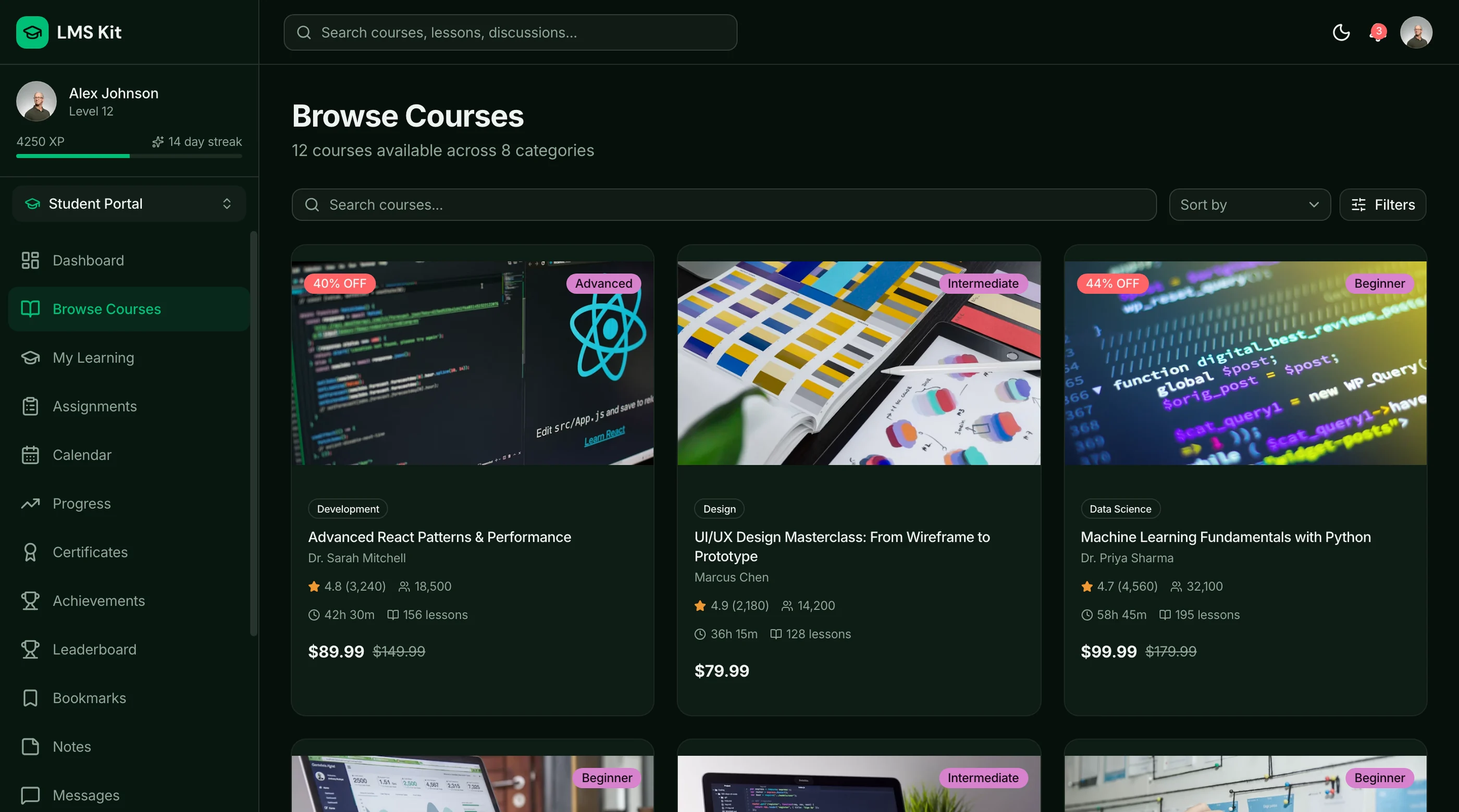
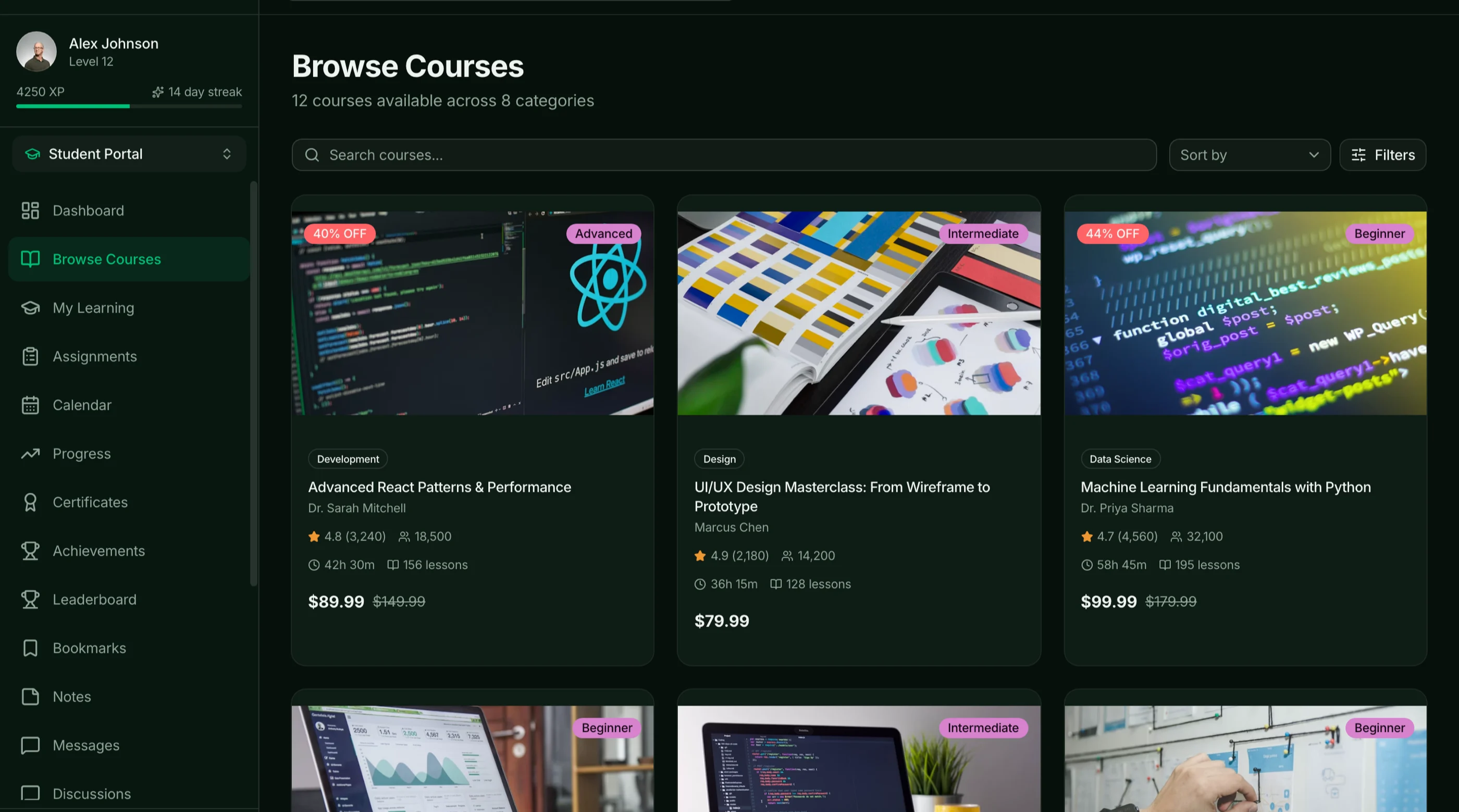
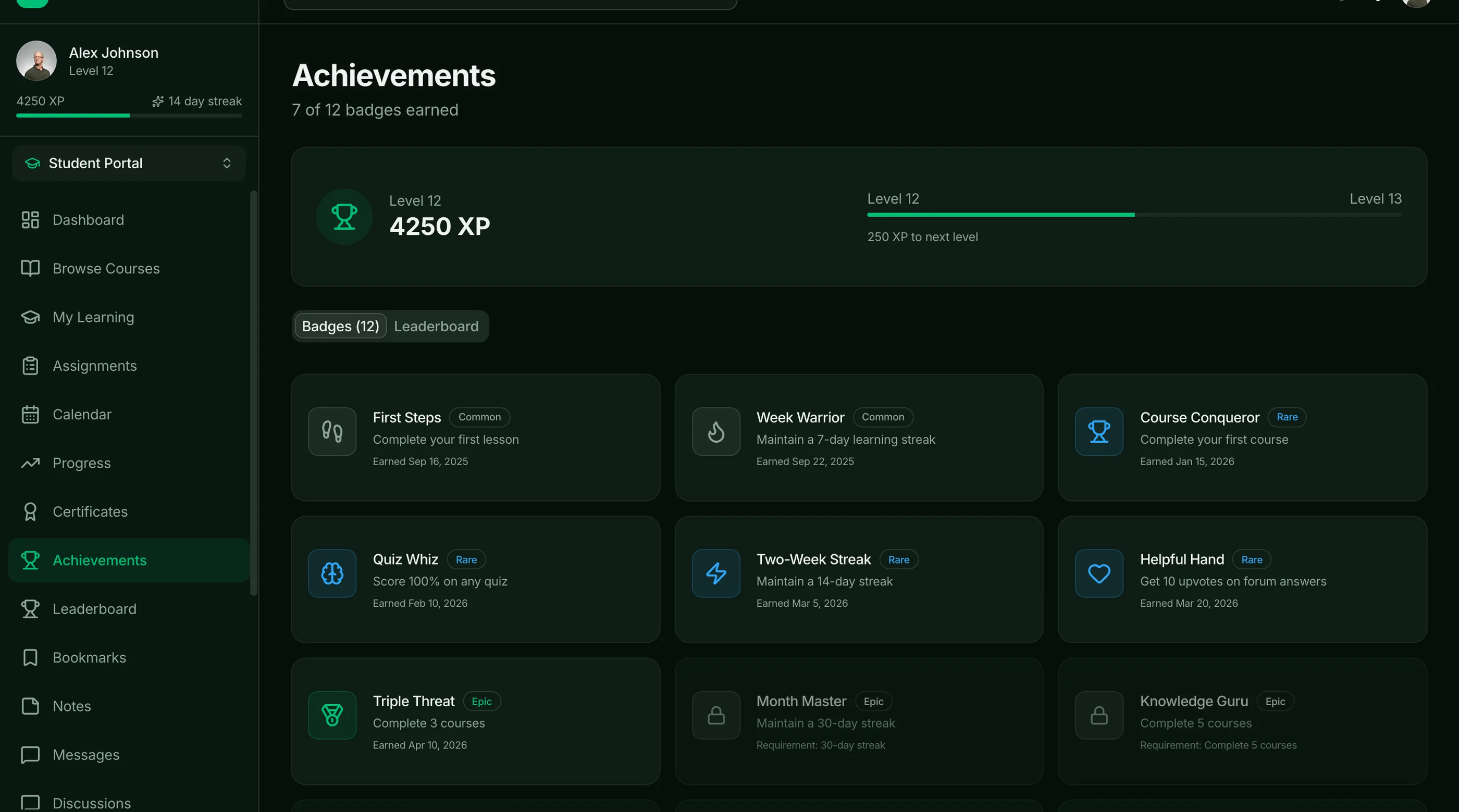
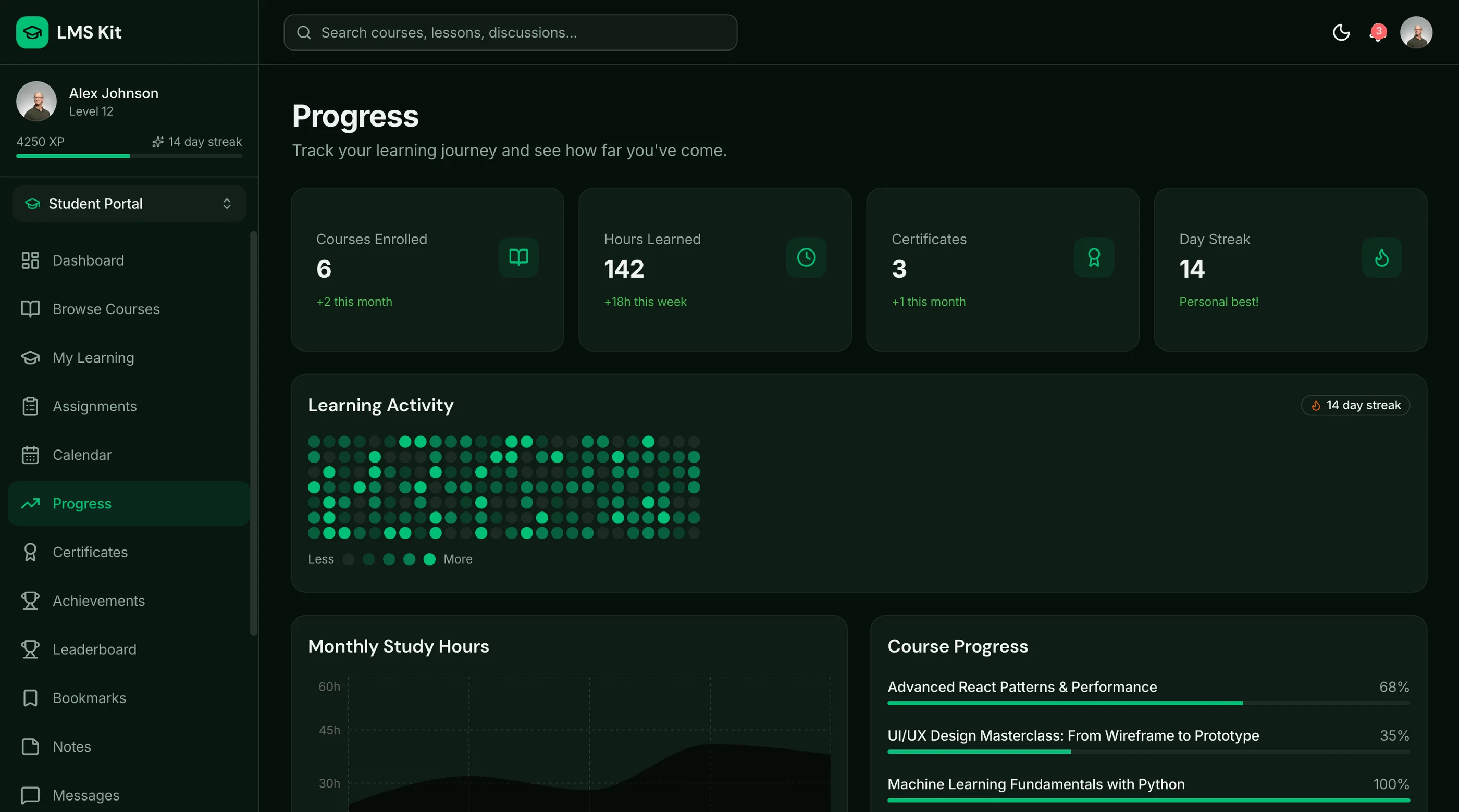
The LMS Kit is shipped with the five missing pieces above solved: video player with resume/speed/captions, granular progress tracking, drip and cohort scheduling, payment handling docs (Stripe + Lemon Squeezy options), and email lifecycle hooks. Next.js + Tailwind + shadcn/ui. $131 solo, $199 team, $349 agency.
Get the LMS Kit → or get every kit (18 total) for $749 via All UI Kits →
Missing 1: A Real Video Player
Templates ship a basic HTML5 video player. It plays the video. That's where it ends.
What a real LMS video player has to do:
- Resume from where the student left off across devices (so they can start on laptop, finish on phone)
- Speed controls (1x, 1.25x, 1.5x, 2x) because adult learners watch at 1.5x and you lose them without it
- Auto-generated captions and the ability to edit them (accessibility, but also SEO and ESL students)
- Mobile fullscreen that doesn't fight with the browser chrome
- Bandwidth-adaptive streaming (HLS or DASH) so the 240p version exists for the student on a phone in a coffee shop
- DRM optional for premium courses where leakage matters
- Watch-time analytics so you can see where students drop off
This is the difference between Mux ($1/1000 minutes plus encoding) or Cloudflare Stream ($1/1000 minutes flat) and a self-hosted video file on a CDN. The cost is meaningful. The student experience difference is huge.
Most templates use a basic <video> tag and call it done. Real courses lose 30-40% of completion at the first network hiccup or device switch.
Missing 2: Progress Tracking and Completion Gating
Templates often have a "mark as complete" button. Real LMSes track granular progress.
What real progress tracking measures:
- Watch percentage per lesson (75% watched means watched, not just "marked complete")
- Quiz score per lesson (for courses with assessments)
- Module-level progress rolled up from lessons
- Course completion triggering certificates and next-action emails
- Streak tracking for cohort courses where engagement is the whole point
What gating enables:
- Sequential unlocking ("complete module 2 before module 3 unlocks")
- Time-locked drip ("module 3 unlocks 7 days after enrollment")
- Cohort pacing ("module 3 unlocks for everyone on June 15")
A template without real progress tracking is a video catalog with a checkout. A platform with it is an LMS.
Missing 3: Drip and Cohort Scheduling
The single biggest missing feature in LMS templates. Almost no template handles it.
Drip is straightforward to describe: lessons unlock over time after enrollment, not all at once. Module 1 on day 1, module 2 on day 7, etc. The business reason: it pulls students through the course, increases completion rate, and reduces refund pressure (you can't request a refund on content you haven't seen yet).
Cohort scheduling is harder: a group of students all enrolled at the same time progress together. Live sessions, group discussions, week-by-week unlocks. This is how Maven, Section, and most high-ticket course businesses work.
What's required:
- Per-student unlock dates stored from enrollment date plus drip schedule
- Cohort group definitions with absolute unlock dates
- Mid-course enrollment handling (when do they catch up vs follow the cohort)
- Communication triggers when new content unlocks (email, in-app)
Most templates don't have this at all. The ones that do typically do drip, not cohort.
Missing 4: Real Tax and Payment Handling
Templates ship with Stripe Checkout. They charge $99 and call it done. Then the creator gets a notice from the EU about VAT, from the UK about HMRC, from various US states about sales tax on digital goods, and the simple checkout becomes a panic.
What real payment handling has to cover:
- VAT on EU sales with country-specific rates and validation
- UK VAT post-Brexit
- US sales tax in states that tax digital goods (now most states, post-Wayfair)
- GST in Australia, Canada, India, etc. depending on where customers buy from
- Invoice generation with the right business info, tax IDs, and per-country requirements
- Refund handling that updates tax records correctly
The shortcut: use Lemon Squeezy or Paddle as merchant of record. They handle taxes globally for a 5-6% cut. Most templates don't tell you this, leaving you with a Stripe checkout you can't actually use internationally without legal exposure.
The other path: implement Stripe Tax (about 0.5% of transactions) and accept the operational burden of compliance in countries you sell to. Cheaper but more work.
Either way, a template that just wires up Stripe Checkout without addressing taxes is incomplete.
Missing 5: Email Lifecycle
The lifecycle email layer is what turns a course platform into a course business.
What real email lifecycle covers:
- Welcome email with login link and first-action prompt
- Course start email when student begins lesson 1
- Drip notification emails when new content unlocks
- Stalled-student emails when a student hasn't watched in 7 days
- Module completion emails with momentum messaging
- Course completion emails with certificate and next-course recommendation
- Abandoned cart emails for people who started checkout and didn't finish
- Refund window emails before the refund window closes
- Renewal/upsell emails for membership-based platforms
The data layer:
- Student state machine (enrolled, started, stalled, completed, refunded)
- Event triggers tied to course actions
- Integration with a transactional email provider (Resend, Postmark, Loops)
- Unsubscribe and preference management
Most templates have zero of this. The creator implements it manually in ConvertKit or Mailchimp and the integration is brittle. A real LMS template wires this in from the start.
What This Means for Your Decision
If you're picking a hosted LMS: Teachable and Thinkific have all five solved. That's what you're paying for. They earn the subscription on these five things alone.
If you're picking a template to host yourself: ask specifically about the five. Most will fall short on at least three. Adjust your build estimate accordingly. A "complete LMS template" without drip scheduling is a 3-4 week project to add it.
If you're building from scratch: start with the five as your scope, not the video player. Anyone can wire up a video player in a day. The five items above are the months of work that templates skip.
For the hosted alternatives, see Teachable Alternatives: Self-Hosted LMS for Course Creators. For the build path, see How to Build an LMS in Next.js.
The Shortcut
The LMS Kit ships with all five solved: Mux-compatible video player primitive, granular progress tracking, drip and cohort scheduling state UI, Lemon Squeezy and Stripe documentation for payments, and email lifecycle hooks for Resend.
Get the LMS Kit → or See All UI Kits →
The honest take: most "LMS templates" exist because video catalogs are easy to build and look impressive in screenshots. The work that makes them a real course business is invisible until you're three months in and a student is asking why module 4 hasn't unlocked yet. Build (or buy) for that moment.