Win RFPs with Accessibility Receipts
When you respond to an RFP or a procurement questionnaire, someone will ask about accessibility.
"Does your solution meet WCAG 2.1 Level AA?"
"Can you provide evidence of accessibility testing?"
"How do you ensure keyboard and screen reader support?"
If your answer is "we follow best practices" or "we are working on it," you are at a disadvantage. Buyers want evidence. They want to know that your deliverables meet the bar and that they can show that to their own stakeholders.
This post is about what "accessibility receipts" are, why they matter for winning RFPs, and how to have them ready without becoming an accessibility consultancy.
1. Why procurement asks for evidence, not promises
Procurement and legal are not trying to make your life hard. They are trying to reduce risk. Their job is to make sure that what they buy meets policy, regulation, and contract requirements. When the requirement is accessibility, they need something they can point to:
- A short report or checklist
- Test results or clips
- Documentation that shows how the product was built and tested
"We care about accessibility" is a promise. "Here is how we tested it and here are the results" is evidence. Evidence is what turns a vague requirement into a passed checkpoint. Without it, you are asking the buyer to take your word for it, and many of them are not allowed to do that.
So the small thing that wins RFPs is not caring more than the next agency. It is having something to show that you meet the bar.
2. What "accessibility receipts" actually are
"Accessibility receipts" means documentation that proves you have considered and tested accessibility. It does not have to be a hundred page audit. It can be:
- Keyboard testing. Short clips or a written description of core flows (login, main tasks, settings) completed with keyboard only. Shows that interactive elements are reachable and focus is visible and logical.
- Contrast and color. A simple table or report showing that text and UI elements meet minimum contrast ratios (e.g. WCAG AA). Shows that you have checked color use.
- Automated checks. Results from tools like axe or similar, for key screens or flows. Shows that you have run checks and addressed issues.
- Structure and labels. A short note or checklist on form labels, headings, and regions so assistive tech can navigate. Shows that you have thought about structure, not just visuals.
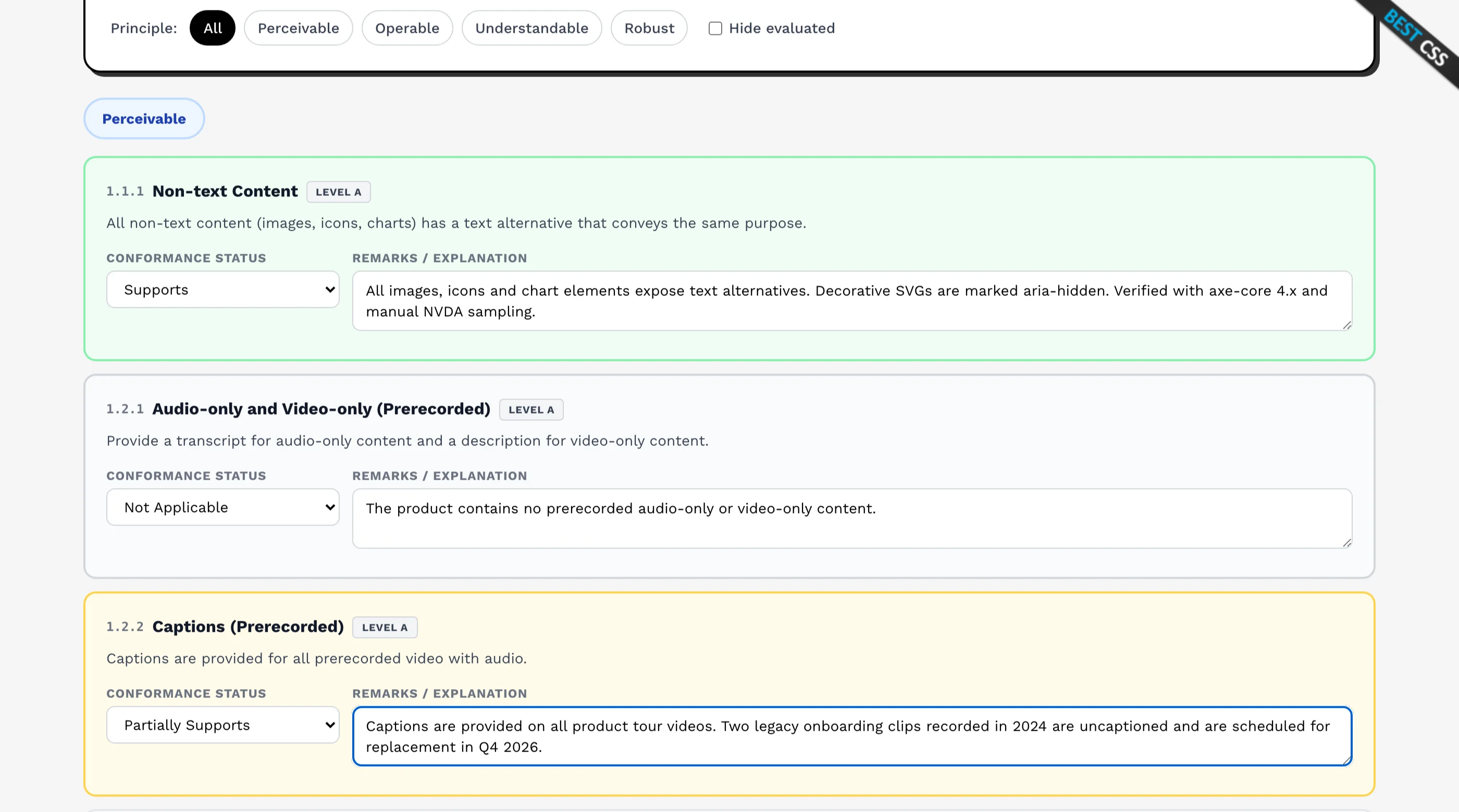
- A VPAT. The formal version of all of the above, and the one enterprise and public-sector buyers ask for by name. See What Is a VPAT? for what goes in one, or fill one in free.
Receipts do not have to be perfect. They have to be concrete. They answer: "How do you know your deliverables meet the bar?" with "Here is what we did and what we found."
3. Why agencies struggle to produce receipts (and why it matters)
Many agencies ship good work but have never formalized accessibility. So when an RFP asks for evidence, they:
- Do not have a standard way to test
- Do not have clips or reports to attach
- Cannot quickly produce something without a scramble
The result is a weak or generic answer: "We follow WCAG guidelines" or "We test with keyboard and screen readers." That might be true, but it is not evidence. The buyer cannot attach it to a file or show it to their compliance team. So you look less prepared than a competitor who can say "see attached."
The agencies that win are often the ones who can say: "Here is our accessibility approach, and here are the receipts for this project (or for our standard delivery)." They do not have to be accessibility specialists. They have to have a repeatable way to produce evidence.
4. How to build receipts into your delivery (without becoming an a11y shop)
You have three realistic options.
Option A: Produce receipts per project.
For each engagement, you run keyboard tests, check contrast, maybe run axe, and document the results. You attach that to the handoff. This works but takes time every time, and quality depends on who does it and how consistent they are.
Option B: Hire an accessibility consultant per project.
You bring in an expert to test and report. You get strong evidence but at a higher cost and with coordination overhead. Good for high stakes deals; heavy for every project.
Option C: Build on a baseline that already has receipts. (See also: how agencies standardize Next.js frontends across clients.)
You deliver client work on top of a UI system that is built for accessibility from the start and that ships with evidence: keyboard test guidance, contrast info, maybe sample reports. Your "receipt" for the client is: "We built this using a system that meets WCAG AA and here is the evidence for that system, plus what we verified for this project." You add only project‑specific checks instead of proving everything from zero.
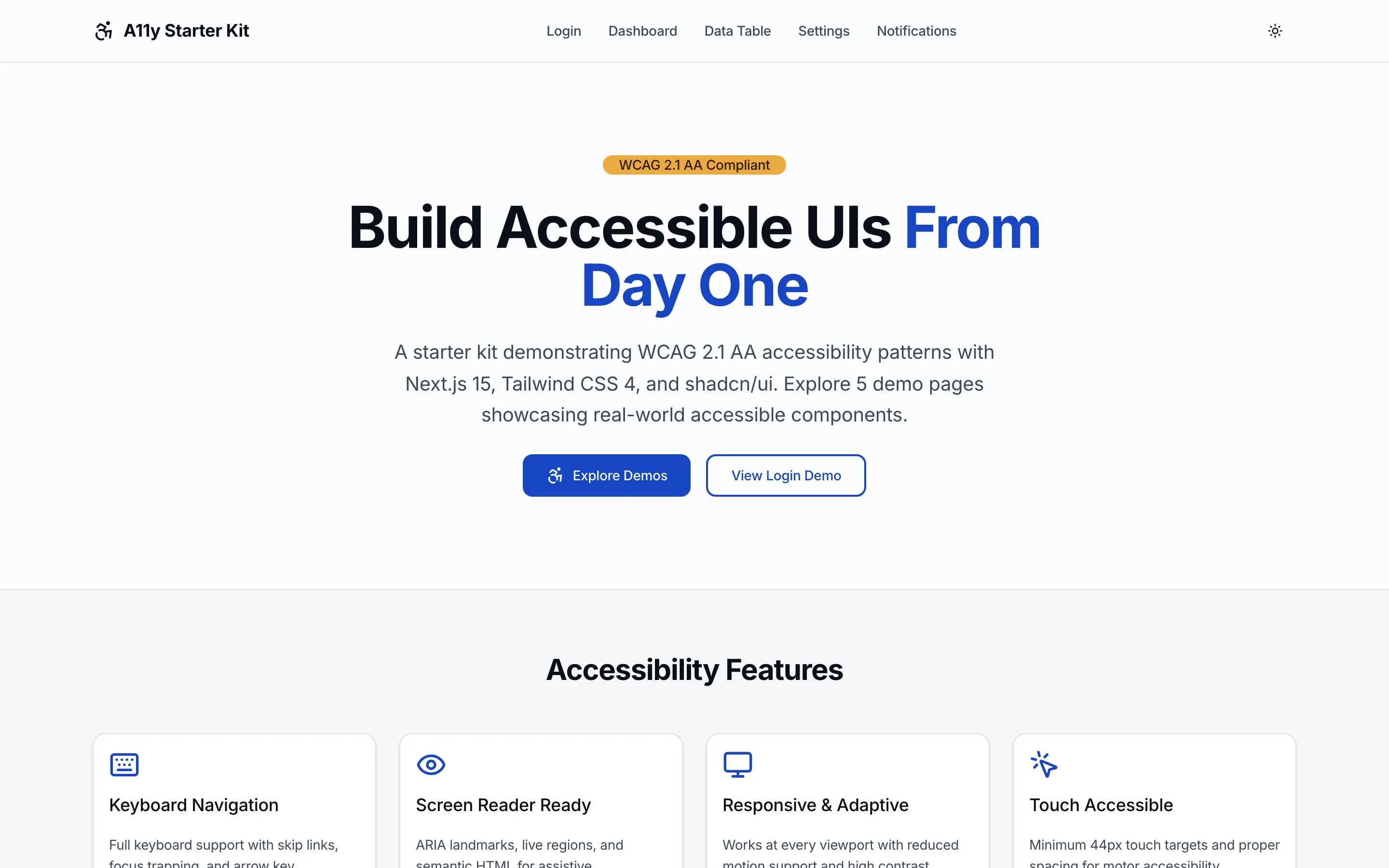
Option C is what thefrontkit is built for. The kits are designed to be WCAG AA aligned and to ship with accessibility receipts: keyboard test guidance, contrast information, and a clear story for how the UI was built and tested. When you deliver a client project using that baseline, you are not starting from "we have no documentation." You are starting from "here is the evidence for the system we use, and here is how we applied it to your project." That is often enough to satisfy RFP and procurement questions without running a full audit on every engagement.
5. What to say in the RFP response
When the RFP asks "How do you ensure accessibility?" or "Can you provide evidence of accessibility testing?", you want to answer in three parts:
1. Approach.
"We build on a WCAG AA aligned UI foundation. Core flows (auth, navigation, forms, key tasks) are designed for keyboard use, screen readers, and contrast from the start. We use a shared component and token system so accessibility is consistent across the product."
2. Evidence.
"Our foundation includes accessibility documentation: keyboard test guidance, contrast information, and testing notes. For this project we [ran the same checks / ran project specific checks / attached a short summary]. We can provide [clips / a short report / a checklist] as part of handoff."
3. Handoff.
"At delivery we will provide [e.g. a short accessibility summary, links to evidence for the foundation, and any project specific findings]. This gives your team something to keep on file for compliance and future audits."
You are not claiming to be an accessibility consultancy. You are saying: we use a system that meets the bar, here is the evidence for that system, and here is how we applied it to your project. That is usually enough to get past the checkpoint.
6. European Accessibility Act and other regulations
In the EU and in other regulated markets, accessibility requirements are getting stricter. (See how accessibility prevents deal blockers for startups.) The European Accessibility Act and similar rules mean that more clients will have to show that the digital products they buy are accessible. That means more RFPs will ask for evidence, not just a yes/no.
For agencies, the implication is simple: evidence is becoming part of the deliverable. You are not only building an accessible product; you are building a product and documenting that it meets the bar. Receipts are the way you do that. Building on a baseline that already has receipts makes it easier to deliver that documentation consistently without turning every project into an audit.
7. Receipts as a differentiator
When two agencies both say they care about accessibility, the one that can show it has an advantage. The one that can attach a short report, a link to keyboard test guidance, or a contrast summary gives the buyer something to keep and to show. That reduces the buyer's risk and your back and forth.
So winning RFPs with accessibility receipts is not only about compliance. It is about making the buyer's job easier. You are not asking them to trust you. You are giving them something they can use to justify the decision and to satisfy their own stakeholders. That is a practical way to stand out in competitive bids.
8. Next step: get a baseline that ships with receipts
If you want to win RFPs that ask for accessibility evidence without running a full audit on every project, you need a repeatable way to produce receipts. The most efficient way is to build on a baseline that already has them.
That is the idea behind thefrontkit. The SaaS Starter Kit and AI UX Kit are built to be WCAG AA aligned and to ship with accessibility documentation you can use in client work. When you deliver a project on top of that foundation, you can point to that evidence and add only what is specific to the project. You do not have to become an accessibility consultancy. You adopt a system that already meets the bar and that gives you something to show when the RFP asks for evidence.
That way, the next time procurement asks "Can you provide evidence of accessibility testing?", your answer is not "we are working on it." It is "here are the receipts."
Explore the kits:
- SaaS Starter Kit — WCAG AA aligned with accessibility receipts for client work.
- AI UX Kit — Accessible AI patterns with keyboard tests and contrast documentation.
- Free Accessibility Checker — Scan any client URL for automated WCAG 2.1 AA failures, generate a quick PDF you can attach to RFP responses.
Want this checked on your own site?
Automated scans verify about 30% of WCAG 2.1 AA. We test the rest by hand: keyboard-only navigation, NVDA and VoiceOver output, focus management, and whether someone can actually complete your key flows. You get a report your developers can work from, mapped to criteria with severity and reproduction steps. Audits from $499.