Calendly Alternatives: 8 Scheduling Tools for 2026
Calendly Alternatives: 8 Options Compared for 2026
Calendly Standard is $10/user/month. Teams is $16. For a 20-person sales or customer success org, that's $2,400-$3,840/year for scheduling links. The product is good, which is why it owns the category. But three things push people to look around: the free tier's single event type, per-seat pricing that scales with headcount rather than usage, and the fact that your booking flow lives on Calendly's domain, not yours.
That last one matters more than it seems. Every "calendly.com/yourname" link is a small ad for Calendly running on your customer relationships. Eight alternatives worth comparing, from lifetime deals to open-source self-hosted to owning the booking flow entirely.
For what a booking flow actually has to handle (time zones, buffers, reschedules, no-shows), see our How to Build a Booking App in Next.js guide.
Or own the booking flow entirely: get the Booking Kit
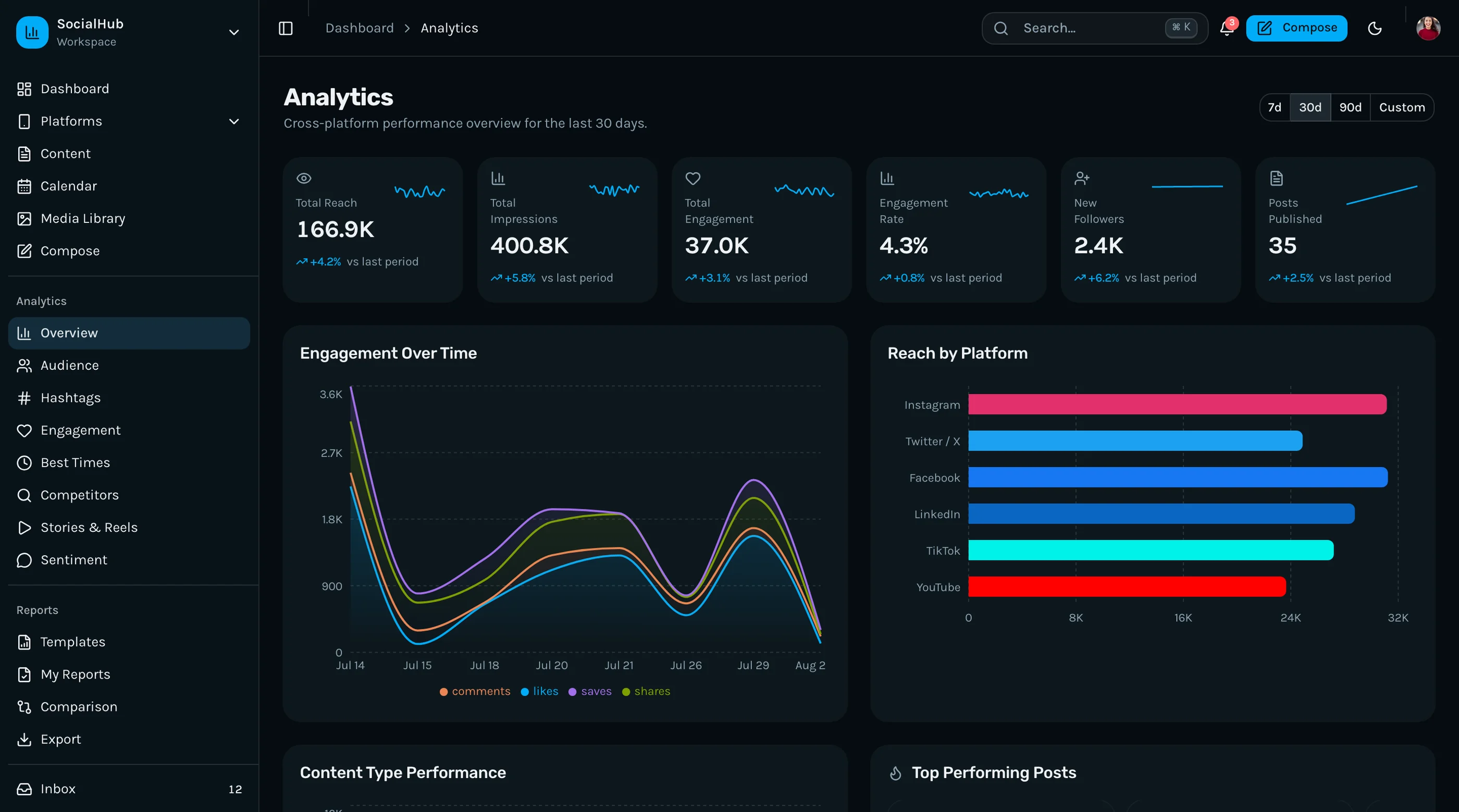
The Booking Kit is shipped: 37 screens covering the public booking flow (multi-step wizard, timezone-aware slot picker, payment UI), an admin dashboard with day/week/month calendar views, event types and recurring bookings, team availability with round-robin and collective scheduling, and analytics with revenue tracking. Next.js 16 + Tailwind v4 + shadcn/ui, WCAG AA throughout. Frontend kit, so you bring your own backend, calendar sync, and payment processing. $131 solo, $199 team, $349 agency.
Get the Booking Kit → or get every kit (18 total) for $749 via All UI Kits →
TL;DR: Quick Picks for 2026
| Need | Top pick | Price |
|---|---|---|
| Open-source, self-hostable | Cal.com | Free (self-host), $15+/user/mo cloud |
| Recipient-friendly scheduling | SavvyCal | $12+/user/mo |
| One-time payment | TidyCal | $39 lifetime |
| Appointment-based businesses | Acuity Scheduling | $16+/mo |
| Cheapest full-featured | Zoho Bookings | Free tier, $6+/user/mo |
| Microsoft 365 shops | Microsoft Bookings | Included in M365 |
| Zero extra tools | Google Calendar appointments | Included in Workspace |
| Booking inside your own product | thefrontkit Booking Kit | $131+ one-time |
What Calendly Actually Does Well
Fair is fair: Calendly nailed the core loop. Send a link, pick a slot, both calendars update, reminders go out. The integrations (Zoom, Meet, Stripe, HubSpot, Salesforce) are deep, routing forms handle complex team scheduling, and reliability is excellent. For distributed sales teams doing round-robin routing at volume, it's still the safest choice.
The alternatives win on price, on branding, on data ownership, or on being built for a specific niche Calendly treats generically.
When to Leave Calendly
Three signals:
- Per-seat cost outgrew the job. Scheduling links shouldn't be a five-figure line item.
- Brand control matters. You want booking on your domain, styled like your product, with no third-party logo in the flow.
- Scheduling is part of your product, not a tool your team uses. Reselling Calendly isn't a business model; owning the flow is.
1. Cal.com
The open-source Calendly. The default alternative in 2026.
Strengths:
- Fully open source and self-hostable, free forever on your own infra
- Feature parity where it counts: event types, team routing, workflows, payments
- API-first with embeds, webhooks, and white-labeling
- Cloud option ($15/user/month) if you don't want to run it
Weaknesses:
- Self-hosting a Next.js + Postgres app is real DevOps work at scale
- Some advanced routing features trail Calendly
- The cloud tier isn't cheaper than Calendly, so the win is control, not price
Best for: Teams that want data ownership or white-label scheduling, and product teams that need an API-first scheduling engine.
2. SavvyCal
The scheduling tool that optimizes for the person receiving the link.
Strengths:
- Recipients can overlay their own calendar on your availability, which kills the back-and-forth
- Ranked availability (offer good slots first, acceptable ones as backup)
- Polished, personal feel that reads less corporate than Calendly
- $12/user/month flat
Weaknesses:
- Smaller integration catalog
- Team routing is lighter than Calendly's
- No self-hosted option
Best for: Founders, consultants, and anyone whose scheduling is relationship-heavy rather than volume-heavy.
3. TidyCal
The one-time-payment option.
Strengths:
- $39 lifetime deal instead of a subscription
- Covers the core: booking pages, calendar sync, reminders, payments
- Backed by AppSumo, so it's not a fly-by-night lifetime deal
Weaknesses:
- Feature depth is a tier below everything else on this list
- Team features are minimal
- Integration catalog is small
Best for: Solo operators who book a handful of meetings a week and refuse to pay a subscription for it.
4. Acuity Scheduling
The pick when appointments are the business, not a step in it.
Strengths:
- Built for service businesses: intake forms, packages, gift certificates, class bookings
- Payments, deposits, and no-show protection are first-class
- Client self-rescheduling flows are mature
- Part of Squarespace, so the website integration is clean
Weaknesses:
- $16-$49/month tiers add up for multi-staff shops
- Feels heavy for simple "grab time with me" use
- The UI shows its age in places
Best for: Clinics, salons, studios, coaches: businesses where the calendar is the revenue.
5. Zoho Bookings
The value pick, especially if you're already in the Zoho suite.
Strengths:
- Free tier covers one user with real features; paid from $6/user/month
- Workspaces, resources, and staff scheduling included cheap
- Ties into Zoho CRM automatically
- Undercut everything hosted on this list
Weaknesses:
- UI is functional, not delightful
- Outside the Zoho ecosystem, integrations thin out
- Brand recognition matters when customers see the booking page, and Zoho reads utilitarian
Best for: Cost-conscious teams, especially ones already using Zoho CRM (which pairs well with our Pipedrive alternatives comparison where Zoho also shows up).
6. Microsoft Bookings
Already included in most Microsoft 365 business plans. Check before you buy anything.
Strengths:
- No extra cost if you're on M365 Business Standard or above
- Deep Outlook and Teams integration
- Shared booking pages for departments
- IT-friendly: same admin, compliance, and identity story as the rest of M365
Weaknesses:
- Feature set is basic next to Calendly or Cal.com
- Customization is limited
- Painful outside the Microsoft ecosystem
Best for: Companies standardized on Microsoft 365 whose scheduling needs are straightforward.
7. Google Calendar Appointment Schedules
The zero-new-tools option for Google Workspace users.
Strengths:
- Included with Workspace plans, nothing new to buy or learn
- Booking pages generate straight from your real calendar
- Handles the basic loop: availability, booking, reminders
Weaknesses:
- Single event-type thinking; no routing, teams, or workflows
- Minimal branding control
- No payments, intake forms, or automation
Best for: Individuals and small teams on Google Workspace who need exactly one thing: let people book time.
8. Build Booking Into Your Product
The build path is for when scheduling is a feature of your product, not a tool for your team. A marketplace where customers book providers. A clinic platform. A SaaS where onboarding calls are part of the flow. Embedding someone else's booking page means their brand, their data, their uptime in the middle of your product.
What this looks like:
- Your data model owns availability, bookings, and users
- The booking UI (calendar grid, slot picker, timezone handling, confirmation and reschedule flows) is yours, matching your design system
- Calendar sync happens via the Google/Microsoft APIs, or a sync service like Cronofy if you'd rather not build it
- The Booking Kit covers the interface: public booking flow, admin calendar, event types, team availability, and analytics, all WCAG AA. You supply the backend and the sync
Our booking app guide walks through the hard parts (time zones, double-booking, buffers), and the booking template roundup compares the frontend starting points.
Recommendation by Team Profile
| You | Pick |
|---|---|
| Want data ownership or white-label | Cal.com |
| Relationship-heavy scheduling, small volume | SavvyCal |
| Solo, allergic to subscriptions | TidyCal |
| Appointments are the business | Acuity |
| Cheapest real feature set | Zoho Bookings |
| Standardized on Microsoft 365 | Microsoft Bookings |
| Google Workspace, basic needs | Google Calendar appointments |
| Scheduling is a product feature | Booking Kit, or build from the guide |
Pricing at a Glance (10-Person Team, Annual)
| Product | Typical tier | ~Annual cost (10 seats) |
|---|---|---|
| Calendly (Standard) | $10/user/mo | $1,200 |
| Calendly (Teams) | $16/user/mo | $1,920 |
| Cal.com (cloud) | $15/user/mo | $1,800 |
| Cal.com (self-hosted) | Free | Hosting only (~$240-600) |
| SavvyCal | $12/user/mo | $1,440 |
| TidyCal | $39 lifetime | $39 once |
| Acuity (Growing) | $27/mo flat | $324 |
| Zoho Bookings | $6/user/mo | $720 |
| Microsoft Bookings | Included in M365 | $0 extra |
| Google Calendar appointments | Included in Workspace | $0 extra |
Prices shift, treat as directional. Notice the two outliers: tools you already pay for ($0 extra) and one-time purchases. Check those before adding another subscription.
Frequently Asked Questions
What is the best free alternative to Calendly?
If you're on Google Workspace or Microsoft 365, you already have one (appointment schedules and Bookings respectively). Standalone, Zoho Bookings' free tier is the most usable, and Cal.com is free forever if you self-host it.
Is Cal.com really a full Calendly replacement?
For most teams, yes. Event types, team scheduling, workflows, payments, and embeds are all there, and it's the only serious option you can self-host and white-label. The gap shows in the most advanced routing scenarios and in the polish of some integrations.
What's the cheapest Calendly alternative for a team?
Zoho Bookings at $6/user/month is the cheapest per-seat option with real features. TidyCal's $39 lifetime deal wins for individuals. And if your company already pays for Microsoft 365 or Google Workspace, the cheapest option is the one bundled in.
Can I put a booking page on my own domain?
Calendly and most hosted tools only offer embeds; the flow still runs through their infrastructure. Cal.com self-hosted gives you full domain and brand control. Building the flow into your product gives you complete control, which is the right call when scheduling is part of what you sell.
How do Calendly alternatives handle time zones?
All the hosted tools on this list auto-detect the invitee's time zone. If you build your own booking flow, time zones are the hardest part of the job: store everything in UTC, render in the viewer's zone, and test DST boundaries explicitly. Our booking app guide covers the patterns.
The Honest Take
Calendly is still the safest pick for sales teams doing high-volume, routed scheduling. The alternatives each win a specific game: Cal.com on ownership, SavvyCal on recipient experience, TidyCal on price, Acuity on service businesses, Zoho on value, and the bundled options on costing nothing extra.
The structural question to ask first: is scheduling a tool your team uses, or a feature your product needs? Tools you rent. Features you own.
Want it shipped without hiring a developer?
The build path above assumes you have engineers. If you don't, the team behind thefrontkit does done-for-you launches: we deploy the kit, apply your branding, and wire it to your stack. Fixed quotes, most builds ship in 2-4 weeks, from $1999.