Business Process Automation Examples: 24 Ideas by Team
Business Process Automation Examples You Can Actually Copy
Business process automation means software runs a repeatable piece of work from start to finish: it notices that something happened, moves the data where it needs to go, and only pulls in a person when a judgment call is needed. The best examples are boring on purpose. Invoices get read into draft bills, new leads get routed to the right rep, and stock levels stay in step between your shop and your warehouse.
Below are 24 examples grouped by team, each with the trigger, what runs on its own, and where a person stays in the loop. After that you'll find what we've built for clients (described by sector), how to tell whether a process is worth automating, and a checklist for your first project.
TL;DR
- Good candidates are frequent, rule-based, and move data between two or more tools. Rare or judgment-heavy work rarely pays back.
- Finance wins come from reading invoices and post into draft bills, matching payouts, and chasing overdue payments.
- Sales wins come from lead routing, enrichment, follow-up tasks and clean handoffs when a deal closes.
- Support wins come from triage, drafted replies with human review, and status lookups customers can answer themselves.
- Operations wins come from keeping stock, orders and production plans in step across systems.
- Start with one process, write down how it runs today, decide where a person must approve, and build alerts for failures before you call it done.
What Counts as Business Process Automation
Every example below has three parts:
- A trigger. Something happens: an email arrives, a form is submitted, a deal changes stage, or a clock hits 06:00.
- Steps that run on their own. Data is read, checked, transformed and written into another system.
- A decision point. Either the rules settle it, or the work goes to a person with everything they need to decide fast.
That third part separates automation that people trust from automation they quietly switch off. Most processes worth automating still have a human step. The goal is to remove the copying, searching and retyping around that step.
Business process automation (BPA) overlaps with a few other terms. Robotic process automation (RPA) usually means software that clicks through screens like a person would, which is useful when a tool has no API. Workflow automation is often used for the same idea as BPA. AI agents add a step that reads unstructured text, like an email or a scanned letter, and turns it into structured data or a draft. In practice, most real projects mix all three.
Which Processes Are Good Candidates?
Before you look at the examples, here's the test we use. A process is a good fit when most of these are true:
- It happens at least weekly, ideally daily.
- The steps are the same each time, or the exceptions are easy to spot.
- It moves data between tools that have APIs or reliable exports.
- Mistakes are costly but easy to detect (a wrong amount, a missing field).
- The person doing it today would rather spend the time on something else.
Bad candidates are rare one-off tasks, processes nobody agrees on yet, and decisions that need context only one person has. Automating a broken process just makes it break faster, so fix the steps first.
Finance and Accounting Examples
1. Supplier invoices into draft bills. Trigger: an invoice lands in a shared inbox. An AI step reads the supplier, amounts, VAT and due date, matches the supplier record, and creates a draft bill in your accounting tool. A bookkeeper checks and posts it.
2. Scanned post into the right record. Trigger: a scanned letter arrives from your mail service. The workflow classifies it (invoice, tax letter, reminder), files it against the right company or supplier, and flags anything with a deadline.
3. Marketplace payout reconciliation. Trigger: a weekly schedule. Payouts from a marketplace or payment provider are matched to orders and fees, and the differences land in a finance channel for someone to check.
4. Overdue invoice reminders. Trigger: an invoice passes its due date. A polite reminder goes out on day 3, a firmer one on day 10, and the account owner gets a task on day 21. Anyone can pause the sequence for a customer in a dispute.
5. Expense and approval routing. Trigger: a purchase request or expense is submitted. Amounts under a set limit go to the team lead; larger ones go to finance. Approved items sync to accounting or payroll without retyping.
Sales Examples
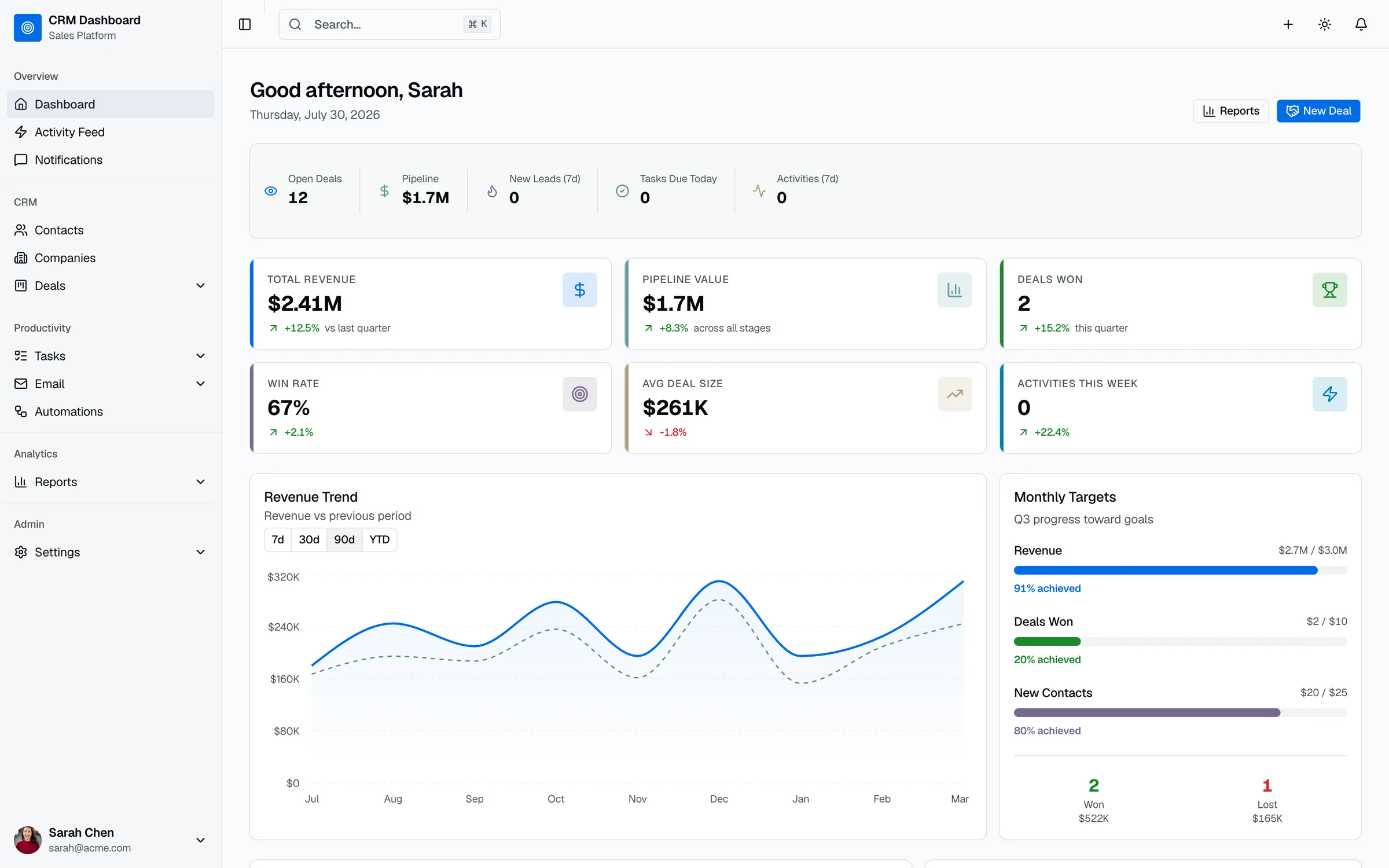
6. Lead routing. Trigger: a form submission or demo request. The lead is deduplicated, enriched with company data, scored, and assigned to a rep by territory or round robin. If nobody touches it within your target time, the manager gets an alert. We cover the CRM side in more depth in our guide to CRM automation.
7. Follow-up tasks after a meeting. Trigger: a call ends or a meeting is logged. The rep gets a follow-up task with a due date, and the deal's next step field is updated so the pipeline review reflects reality.
8. Closed-won handoff. Trigger: a deal moves to won. The workflow creates the customer in billing, opens an onboarding project, posts a summary to the delivery team, and sends the welcome email.
9. Quote and contract generation. Trigger: a rep marks a deal ready for a quote. A document is filled from deal and product data, sent for e-signature, and the signed copy is attached back to the deal.
Customer Support Examples
10. Ticket triage and tagging. Trigger: a new ticket. The workflow tags it by topic, language and urgency, routes it to the right queue, and links the customer's orders so the agent doesn't need to look them up.
11. Drafted replies with human review. Trigger: a new ticket. An AI agent drafts a reply from your saved replies and product information. The agent approves, edits or rejects it in one click. Drafts save typing; review keeps quality where it should be.
12. Order status lookups. Trigger: a "where is my order" message. The workflow pulls tracking from your shop or warehouse and answers with the real status, or hands over to a person when the parcel looks stuck.
13. Return labels from the help desk. Trigger: an agent approves a return. A return label is created with the carrier and sent to the customer, and the return is registered with the warehouse so it's expected when it arrives.
Operations and Supply Chain Examples
14. Stock sync across channels. Trigger: stock changes in the warehouse system. New levels are pushed to your web shop and marketplaces so you don't sell what you don't have.
15. Order routing to the warehouse. Trigger: a new order. Orders go to the right warehouse or shipping method based on rules such as weight, destination, or fragile items.
16. Daily production planning. Trigger: early morning schedule. The day's plan is frozen, manufacturing orders are assigned to operators, and anything unusual goes to the planner. A good rule here: never overwrite an assignment a person made by hand.
17. Supplier follow-ups. Trigger: a purchase order passes its expected confirmation or delivery date. The supplier gets a follow-up email, and the buyer sees a list of open items each morning.
Marketing and Ecommerce Examples
18. New product listings. Trigger: a product record is approved. The workflow builds the full shop listing (variants, tax, descriptions, SEO fields, metafields) from approved data, one product at a time, and alerts someone if a step fails.
19. Wholesale or partner onboarding. Trigger: a wholesale application is approved. The account is set up with the right price list, the welcome email with terms goes out, and the ticket closes itself.
20. Ad and analytics data sync. Trigger: a morning schedule. Spend and conversion data from ad platforms is pulled into one place so reports don't depend on someone exporting CSVs.
HR and Admin Examples
21. Employee onboarding. Trigger: a signed offer. Accounts are created in the tools the role needs, equipment is requested, the manager gets a first-week checklist, and payroll receives the new hire's details.
22. Time off and hours approvals. Trigger: a request or timesheet is submitted. The manager approves in chat or email, and approved hours flow to payroll without a spreadsheet in between.
Reporting and IT Examples
23. Weekly reports drafted for review. Trigger: Monday morning. The workflow collects the week's sales, metrics and team updates, and an AI step drafts the summary or slides. A person reviews before anything is shared.
24. Key and integration health checks. Trigger: every 15 minutes. Each API key and connection your automations depend on is tested, and the team is warned before a broken key quietly stops every workflow that uses it.
Examples From Our Own Client Work
These are projects our studio has built, described by sector. Each link goes to the full write-up.
- Multichannel support team: an AI support agent with human review that drafts a reply for every new help desk ticket across email, WhatsApp and social comments. Every ticket goes through review except short social replies, which post on their own inside narrow limits.
- Group of companies, finance: a finance back office in Odoo where AI reads scanned post and supplier email into draft bills, marketplace returns are matched to invoices monthly, and payouts are reconciled every Monday. Posting bills and paying people stay with the finance team.
- Manufacturer shipping from a 3PL, operations: automated production planning that freezes the plan and assigns operators at 06:00 on weekdays, checks the warehouse each morning, and follows up with suppliers.
- Online retailer, ecommerce: Shopify, marketplace and 3PL workflows that push stock on every change, reroute fragile orders and create return labels from the help desk.
- Online retailer, catalog: an approved-data-to-Shopify product workflow with a queue, AI steps for product text and SEO, and an error workflow that alerts.
- Growing team, reporting: weekly reports and API key monitoring that draft the Monday all-hands slides, sync ad data each morning and test every key every 15 minutes.
The pattern across all six: small workflows with one job each, clear places where people decide, and alerts when something fails.
What Usually Breaks
Most automation failures we see have little to do with the tool itself.
- No owner. When a workflow fails at 2 a.m., someone needs to know and care. Name that person before you build.
- Silent failures. An expired API key or a renamed field can stop a workflow for weeks without anyone noticing. Every workflow needs an error path that alerts a human.
- Messy source data. If customer names, SKUs or supplier records are inconsistent, the automation copies the mess faster. Clean the source first.
- One giant workflow. A single flow that does twenty things is hard to debug. Split it into small pieces, each triggered by one event.
- Overwriting people. If automation overwrites a change someone made by hand, the team stops trusting it. Build in rules that respect manual edits.
- Too much autonomy too soon. Let AI steps draft first. Move to auto-send only for narrow cases after you've reviewed enough output to trust it.
How to Pick and Build Your First Automation
- List candidates. Ask each team which task they repeat most and hate most. You'll usually get the same few answers.
- Score them. Rate each on frequency, time per run, error cost and how clear the rules are. Pick the one with the best score that touches only two or three tools.
- Write down today's process. Every step, every tool, every exception. Have the person who does the work check it.
- Mark the decision points. Decide where a person must approve, and what they need to see to approve quickly.
- Choose the tool. Zapier and Make are quick for simple flows between popular apps. n8n suits longer flows, custom code and self-hosting; our n8n pricing guide covers what each option really costs. If you're weighing platforms, our Zapier alternatives comparison goes through the main options.
- Build with alerts from day one. Test with real but low-risk data, and make failures loud.
- Run it alongside the manual process. For a week or two, compare the automated result with what the person would have done. Fix the gaps.
- Hand over. Document what it does, who owns it, and how to pause it.
Business Process Automation Checklist
- The process runs at least weekly and follows mostly the same steps
- One owner is named for the workflow
- Today's process is written down and checked by the person who does it
- Every tool involved has an API or reliable export
- Source data is clean enough to trust
- Decision points and approvers are defined
- AI steps draft first; auto-send is limited to narrow, reviewed cases
- Every workflow has an error path that alerts a person
- Manual edits are never overwritten
- The automation ran alongside the manual process before go-live
- There's a short doc explaining what it does and how to pause it
Frequently Asked Questions
What is business process automation?
Business process automation is using software to run a repeatable business process from start to finish. A trigger starts it, steps run without anyone copying data by hand, and a person steps in only where judgment is needed.
What are some examples of business process automation?
Common examples include reading supplier invoices into draft bills, routing new leads to sales reps, drafting support replies for human review, syncing stock between a warehouse and an online shop, onboarding new employees, and drafting weekly reports from several data sources.
Which situations are suitable for business process automation?
Processes that happen often, follow mostly the same steps, and move data between tools are the best fit. Rare tasks, processes nobody agrees on, and decisions that depend on one person's context are usually poor candidates.
What is the difference between BPA and RPA?
BPA covers automating a whole process, usually by connecting tools through their APIs. RPA is one technique inside that: software that mimics a person clicking through screens, mostly used when a system has no API.
Can AI agents automate business processes on their own?
They can handle steps that involve reading unstructured text, like emails, invoices or support tickets. For anything that touches money, customers or legal commitments, keep a person approving the result, at least until you've reviewed enough output to trust a narrow case.
Getting Help With Automation
If you've picked a process but don't have the time or in-house skills to build it, our studio offers workflow automation services for finance, sales, support and operations teams. We start by mapping how the process runs today, agree where people stay in the loop, and build small workflows with alerts so you always know what ran and what didn't.
Sync still misbehaving?30% OFF
We audit your HubSpot, Salesforce, Pipedrive or QuickBooks integration: every mapping and sync rule, duplicates on both sides, permissions, API usage and errors. You get a written fix plan in about 5 business days. From $349$499, credited toward the fix if you hire us.