Jotform Alternatives: 9 Form Builders Compared for 2026
Jotform Alternatives: 9 Options Compared for 2026
Jotform's free Starter plan gives you 5 forms and 100 submissions a month, with Jotform branding on every one. Bronze is $34/month billed annually ($39 month-to-month) for 1,000 submissions and 25 forms. Silver is $39/month annually ($49 monthly) for 2,500. Cross 2,500 and you land on Gold at $99/month annually, or $129 if you pay monthly. So a form that collects 3,000 submissions a month costs $1,188 a year on Jotform. And Gold is also the first plan with HIPAA.
That ladder drives most searches for Jotform alternatives. The rest come from the UX: the builder is dense, the default form themes look a few years old, and a lot of people only use 10% of what they're paying for.
Here's the thing, though. Jotform is really five products in one: a form builder, a PDF generator, an approvals engine, a HIPAA-ready intake system, and a payments front end, sitting on top of 20,000+ templates. Most alternatives replace one or two of those parts well. So this guide sorts nine of them by which part of Jotform they actually replace. Every price came from the vendor's own pricing page in September 2026. (If you came from Typeform, our Typeform alternatives guide covers the conversational-form crowd: Youform, Paperform, and friends.)
Building forms into your own product?
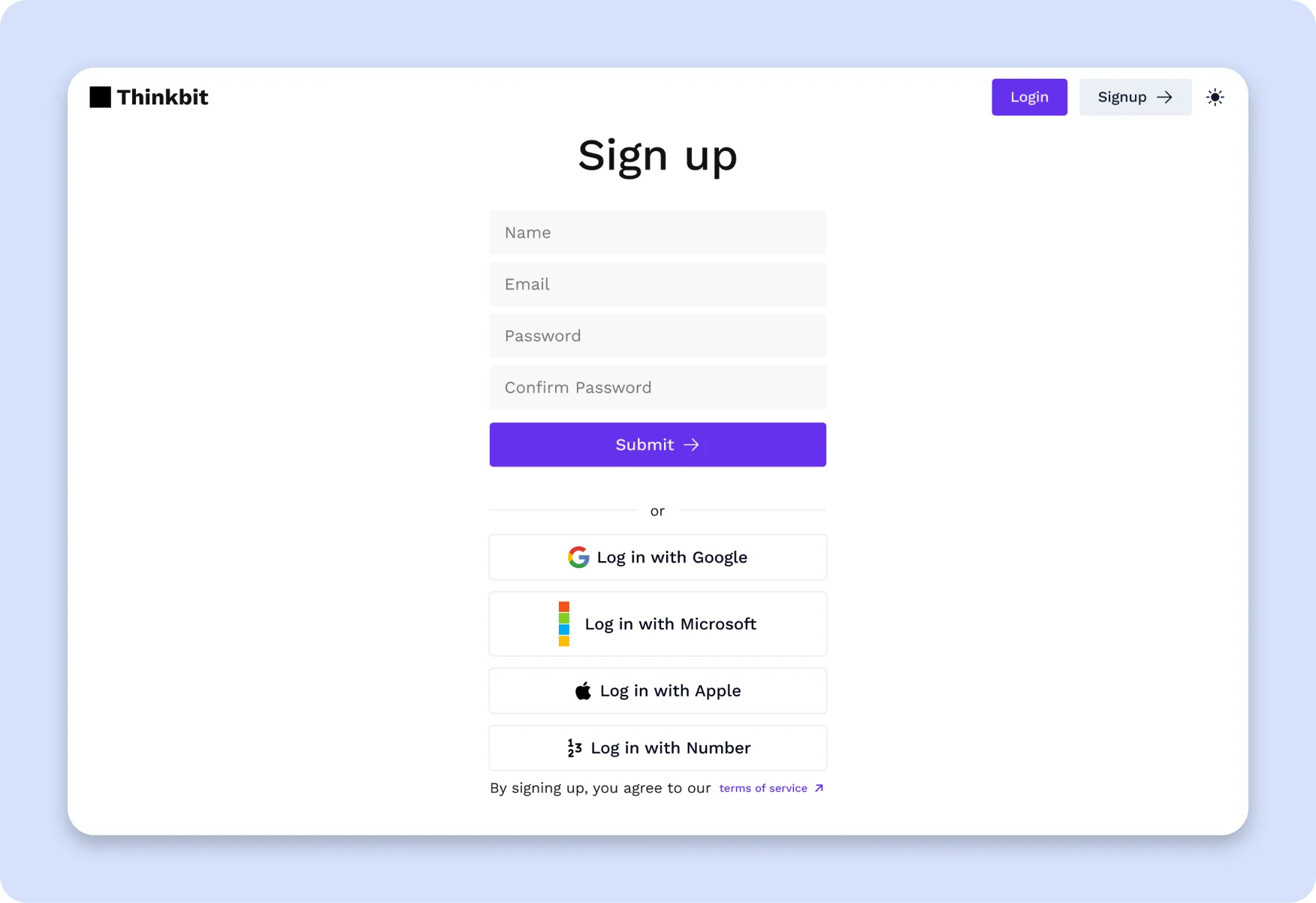
If you're a developer and the forms belong inside your own Next.js app (onboarding, settings, intake, checkout), a hosted builder adds a vendor, an iframe, and a per-submission bill. The SaaS Starter Kit ships accessible form components with validation, auth screens, and settings UI in Next.js + Tailwind + shadcn/ui, so submissions land in your own database. $79 one-time.
TL;DR: Quick Picks for 2026
| Need | Top pick | Price |
|---|---|---|
| Approvals, calculations, and payments for less | Cognito Forms | Team $39.20/mo (annual) |
| Forms + documents + e-sign in one suite | Formstack | Suite $250/mo (annual) |
| HIPAA with huge submission caps | Zoho Forms | From $10/mo (annual), HIPAA on Premium |
| Best free plan | Tally | Free, Pro $290/yr |
| High volume with PDFs on free | Fillout | Free (1,000/mo), Pro $480/yr |
| Cheap, simple, long-lived | Wufoo | Professional $399/yr |
| Internal forms on Google Workspace | Google Forms | Free |
| Internal forms on Microsoft 365 | Microsoft Forms | Free with a Microsoft account |
| Open source, self-hosted | Formbricks | Free (self-host) |
What Jotform Actually Does Well
Breadth. You can build an intake form, have it generate a filled-in PDF, route it through a two-step approval, take a Stripe or Square payment, and store it in a HIPAA-compliant account, all without leaving one tool. Few competitors do all five at once, and fewer do it on a self-serve plan.
The template library is also a real asset. 20,000+ templates means a vet clinic or a school district can usually find something 80% right and ship it the same afternoon. Jotform Tables, Apps, and Sign extend that into light workflow software. If you use three or more of those pieces, Jotform is probably still your cheapest option. Most teams don't.
When to Leave Jotform
Five signals:
- You're paying Gold prices for volume, not HIPAA. At 3,000 submissions a month you're forced onto Gold ($1,188/year). Cognito Forms' Team plan covers 10,000 entries for $470 a year.
- You only need the form. If PDFs, approvals, and HIPAA aren't in play, Tally or Fillout do the core job for free or close to it.
- You're hitting the active-form cap. Bronze allows 25 forms and Silver 50. Agencies and schools blow through that fast. Fillout and Tally don't cap form count.
- Your forms need to look current. Jotform's themes work, but they read "form from 2019." Tally and Fillout look modern by default.
- Your forms live inside your product. Then the right answer is components in your codebase, with good validation. Our form validation guide covers the patterns.
1. Cognito Forms
Replaces Jotform's approvals and calculations, for less.
Strengths:
- Workflow and approvals on the Team plan, with roles and status-based routing
- Strong calculations and repeating sections, great for quotes, orders, and registrations
- Payments on every plan, including free
- Document generation from entry data, plus e-signatures from Pro up
Weaknesses:
- HIPAA is Enterprise-only ($129/month annually), which is pricier than Jotform Gold
- Free plan caps at 100 entries and keeps Cognito branding
- Fewer templates and integrations than Jotform
Pricing: Individual free (100 entries/mo, 1 user). Pro $19.20/mo annual or $24 monthly (2,000 entries, 2 users). Team $39.20/mo annual or $49 monthly (10,000 entries, 5 users). Enterprise $129/mo annual or $174 monthly (unlimited entries, 20 users, HIPAA).
Best for: Ops teams whose Jotform forms are really mini business processes: order forms, permit requests, anything with a calculated total and a sign-off.
2. Formstack
Replaces Jotform's PDFs and e-sign, at enterprise prices.
Strengths:
- Suite bundles Forms, Documents, and Sign: 250 document deliveries a month and unlimited e-signatures
- HIPAA available as an add-on on both self-serve plans
- Deep Salesforce integration (a separate Salesforce product line)
- Built for regulated industries like healthcare, finance, and government
Weaknesses:
- Standard starts at $83/month annually for 25 forms and one builder
- Submission limits count per form (1,000 on Standard), which takes some planning
- HIPAA costs extra on top of the base price
Pricing: Forms Standard $83/mo annual or $99 monthly (25 forms, 1 user). Suite $250/mo annual or $299 monthly (100 forms, 3 users, Documents + Sign). Enterprise and Salesforce plans are custom.
Best for: Healthcare and financial teams that live in Salesforce and need document generation to be first-class.
3. Zoho Forms
Replaces Jotform's HIPAA intake with far bigger caps.
Strengths:
- Basic plan allows 10,000 submissions a month; Standard 25,000
- HIPAA available on the Premium plan, self-serve
- Tight links to Zoho CRM, Desk, and the rest of the Zoho suite
- Free plan allows 500 submissions a month, five times Jotform's
Weaknesses:
- The builder feels utilitarian
- Best value only if you're already in Zoho's world
- Higher-tier prices weren't shown on the page we checked
Pricing: Free (500 submissions/mo). Paid plans start at $10/month billed annually. See the pricing page for Standard, Professional, and Premium.
Best for: Clinics and service businesses on Zoho that need HIPAA without Jotform's 10,000-submission ceiling.
4. Tally
Replaces Jotform's form builder, and costs nothing to start.
Strengths:
- Free plan includes unlimited forms and submissions (fair use), logic, calculations, signatures, file uploads, and payments
- Type
/to add blocks; a 10-field form takes five minutes - Google Sheets, Notion, Airtable, Zapier, and webhooks on free
- Forms look clean and modern out of the box
Weaknesses:
- No PDF generation or approval workflows
- No HIPAA
- Branding removal and partial submissions need Pro
Pricing: Free. Pro $29/month, or $290/year (about $24/month). Business $89/month, or $890/year.
Best for: Startups and freelancers who picked Jotform for the free plan and hit the 100-submission wall.
5. Fillout
Replaces Jotform's builder plus PDFs, with high limits.
Strengths:
- Free plan gives 1,000 responses a month, ten times Jotform Starter
- PDF generation and Fillout Workflows on every plan, including free
- E-signatures from Starter up; payments on all plans
- Unlimited forms and seats, with first-class Airtable, Notion, and HubSpot sync
Weaknesses:
- No HIPAA on the pricing page; Enterprise is the route for advanced security
- Branding removal waits until Pro
- Smaller template library than Jotform
Pricing: Free (1,000 responses/mo). Starter $180/year (2,000/mo). Pro $480/year (5,000/mo). Business $900/year (unlimited).
Best for: Teams that used Jotform for "form in, PDF out" and don't handle health data.
6. Wufoo
The old-school, low-cost option.
Strengths:
- Professional gives 5,000 entries a month and unlimited forms for $399/year
- Simple builder with very little to learn
- Part of SurveyMonkey, so it's been stable for well over a decade
- Payments on Professional and up
Weaknesses:
- Payments aren't available on Free or Starter
- No HIPAA mentioned on the pricing page
- Product development feels slow; the UI is even more dated than Jotform's
Pricing: Free (100 entries/mo, 5 forms). Starter $195/yr (1,000 entries). Professional $399/yr (5,000 entries, 5 users). Advanced $999/yr (25,000). Ultimate $2,523/yr (200,000). All billed annually.
Best for: Small orgs that want a cheap, boring form tool and don't need PDFs or approvals.
7. Google Forms
The free default.
Strengths:
- Free, with responses flowing straight into Google Sheets
- Everyone knows how to fill one out
- Quizzes, section branching, and file uploads
- Zero procurement friction in Google Workspace companies
Weaknesses:
- No native payments, PDFs, or approvals
- Limited theming
- Section-based logic gets awkward past a few branches
Pricing: Free. Business features come with Google Workspace; see the Workspace pricing page for your region.
Best for: Internal surveys, RSVPs, and sign-up sheets.
8. Microsoft Forms
Google Forms, for Microsoft shops.
Strengths:
- Available with a free personal Microsoft account, and included in Microsoft 365 business and education plans
- Responses open in Excel; hooks into Power Automate for approvals
- Quizzes with auto-grading, popular in schools
- Stays inside your Microsoft 365 tenant, which security teams like
Weaknesses:
- Plain design and basic branching
- No native payments or PDF output
- Approvals need Power Automate, which is its own learning curve
Pricing: Free with a Microsoft account. Business use comes with Microsoft 365; see the Microsoft 365 pricing page.
Best for: Internal forms at companies that already run on Microsoft 365.
9. Formbricks
The open-source option.
Strengths:
- Core app is AGPLv3 and self-hostable with Docker for free
- Link, website, and in-app surveys
- Conditional logic and API access even on the free cloud plan
- Data stays in your infrastructure when self-hosted
Weaknesses:
- Survey-first; no PDFs, payments, or approval chains
- Some features need an Enterprise license key
- Self-hosting means you own uptime, backups, and upgrades
Pricing: Self-hosted community edition free. Cloud Hobby free (250 responses/mo), Pro $74/month (2,000/mo), Scale $325/month (5,000/mo). Annual billing gives 2 months free.
Best for: Product teams collecting feedback whose security review rules out third-party hosting.
Recommendation by Profile
| You | Pick |
|---|---|
| Clinic needing HIPAA, low volume | Stay on Jotform Gold, or Zoho Forms Premium |
| Clinic needing HIPAA, Salesforce shop | Formstack + HIPAA add-on |
| Order forms with calculations and approvals | Cognito Forms (Team) |
| Contracts and PDFs from submissions | Formstack Suite, or Fillout on a budget |
| Startup or freelancer, tiny budget | Tally |
| High volume, no health data | Fillout |
| Simple and cheap for years | Wufoo |
| Internal only | Google Forms or Microsoft Forms |
| Data must stay on your servers | Formbricks (self-hosted) |
| Forms live inside your own app | SaaS Starter Kit |
Pricing at a Glance (3,000 Submissions/Month, Annual)
| Product | Cheapest plan that covers it | ~Annual cost |
|---|---|---|
| Jotform | Gold ($99/mo annual) | $1,188 |
| Cognito Forms | Team ($39.20/mo annual) | $470 |
| Formstack | Standard ($83/mo annual), limits count per form | $996+ |
| Zoho Forms | Basic (from $10/mo annual) | ~$120 |
| Tally | Free (fair use), or Pro to drop branding | $0-$290 |
| Fillout | Pro (5,000/mo) | $480 |
| Wufoo | Professional (5,000 entries) | $399 |
| Google Forms | Free | $0 |
| Microsoft Forms | Free with a Microsoft account | $0 |
| Formbricks | Self-hosted, or cloud Scale ($325/mo) | Hosting only |
Directional, and prices change. The structural point: Silver stops at 2,500 submissions, so 3,000 a month pushes you onto Gold whether you need HIPAA or not. Most alternatives cover that volume for under $500 a year. Add HIPAA and the gap narrows fast.
Frequently Asked Questions
What is the best free alternative to Jotform?
Tally. Its free plan includes unlimited forms and submissions (within fair use), logic, payments, and signatures. Fillout is the pick if you need PDF generation on free, with a hard cap of 1,000 responses a month. Google Forms works for internal surveys where looks don't matter.
Which Jotform alternative is HIPAA compliant?
Zoho Forms offers HIPAA on its Premium plan. Formstack offers it as an add-on on Standard and Suite. Cognito Forms includes it on Enterprise ($129/month annually). Honestly, Jotform Gold at $99/month annually is still one of the cheapest self-serve HIPAA options. Sign the vendor's BAA before you collect any patient data, whichever you pick.
Is there a cheaper Jotform alternative for PDFs and approvals?
Yes. Cognito Forms' Team plan ($39.20/month annually) includes workflow and approvals, and Fillout includes PDF generation on every plan. Formstack Suite is the heavyweight for documents and e-sign, but it starts at $250/month annually.
Why is Jotform so expensive?
Jotform prices on submissions and active forms. Silver stops at 2,500 submissions and 50 forms, and the next step, Gold, jumps from $468 to $1,188 a year on annual billing. You're paying for breadth (PDFs, approvals, HIPAA, apps), and that's great value if you use it. If you only need forms, it isn't.
Can I migrate my forms off Jotform?
Export submissions as CSV first, since that's the part you can't rebuild. Most tools won't import Jotform forms, so plan to recreate fields and logic by hand; a 15-field form takes under an hour in Tally or Fillout. Rebuild PDF templates and approval flows separately, then swap embeds and keep the old form live for a week.
Is there an open-source Jotform alternative?
Formbricks is the strongest open-source option for surveys and feedback, and you can self-host it with Docker. It doesn't cover Jotform's PDF, payment, or approval features, so it replaces the survey side only.
The Honest Take
Jotform is a good product with a pricing ladder that punishes volume. If you use its PDFs, approvals, HIPAA, and payments together, stay put. Gold is fair for all of that.
But most teams pay for the whole Swiss Army knife and use the blade. Figure out which part of Jotform you actually use, then pick the tool that does that part best. Tally or Fillout for plain forms. Cognito Forms for approvals and calculations. Zoho Forms or Formstack for HIPAA. Formbricks if data has to stay home. And if the forms belong inside your own app, build them there.
Want it shipped without hiring a developer?
The build path above assumes you have engineers. If you don't, the team behind thefrontkit does done-for-you launches: we deploy the kit, apply your branding, and wire it to your stack. Fixed quotes, most builds ship in 2-4 weeks, from $1,999.