Tableau Alternatives: 9 Options Compared for 2026
Tableau Alternatives: 9 Options Compared for 2026
Short answer: Power BI is the most common Tableau alternative, and at $14 per user per month it's hard to beat on price if you live in Microsoft 365. Looker Studio is the free pick for marketing and Google data. Metabase is the friendliest choice for teams that want self-serve questions without a BI specialist. Apache Superset is the open-source option when you have an engineer to run it. And if the dashboard has to live inside your own product, building it beats renting any of them.
People leave Tableau for a handful of reasons. The license model is per person and split by role (Creator, Explorer, Viewer), so costs climb as more people need to build things. The tool is built for analysts, which makes it heavy for a team that only wants to see revenue and churn. And embedding it in a customer-facing product adds its own licensing questions. Nine alternatives below, each checked against its own vendor page where the page showed numbers.
For nearby searches, see our guides to Grafana alternatives and ChartMogul alternatives.
Need analytics inside your own SaaS product?
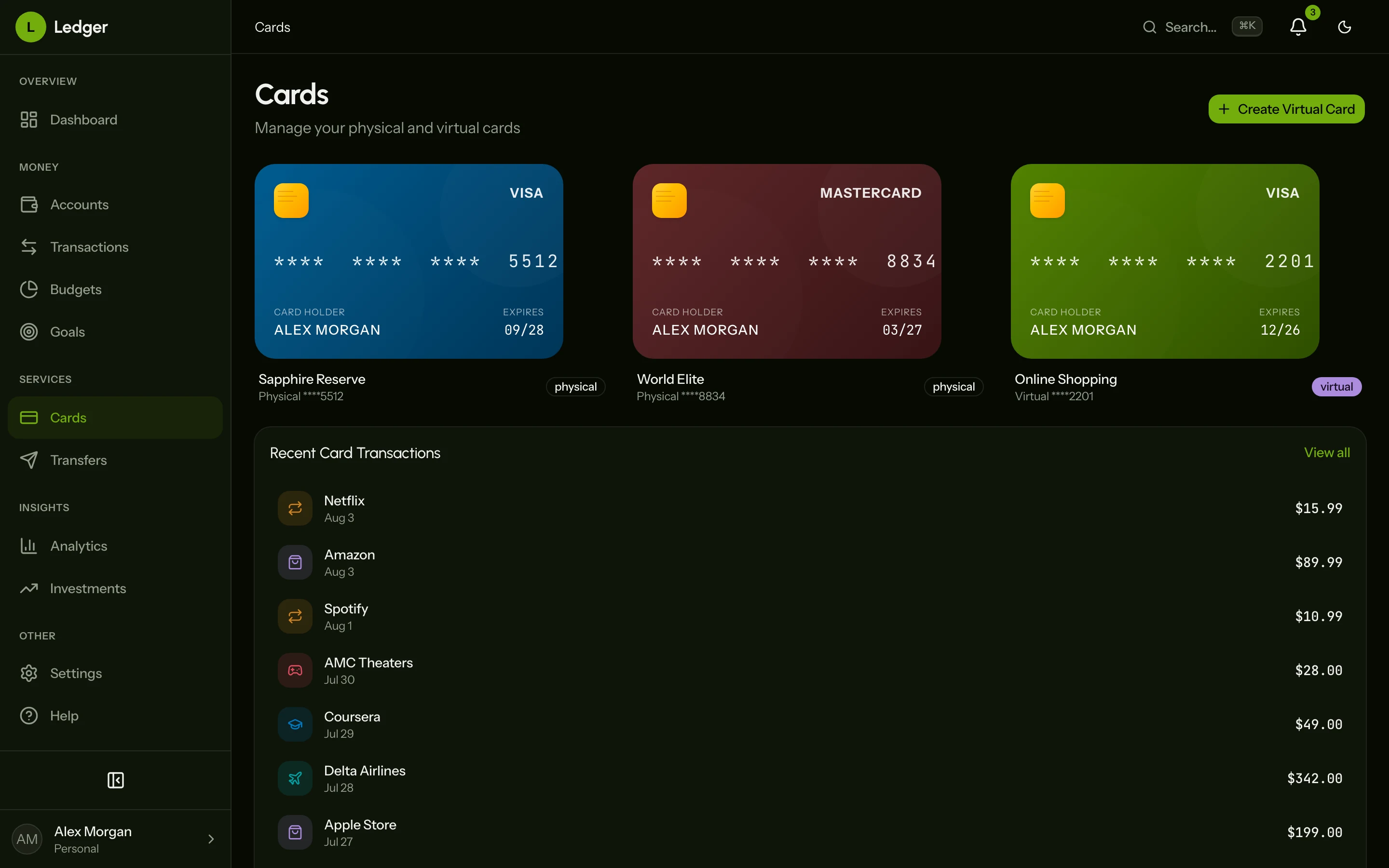
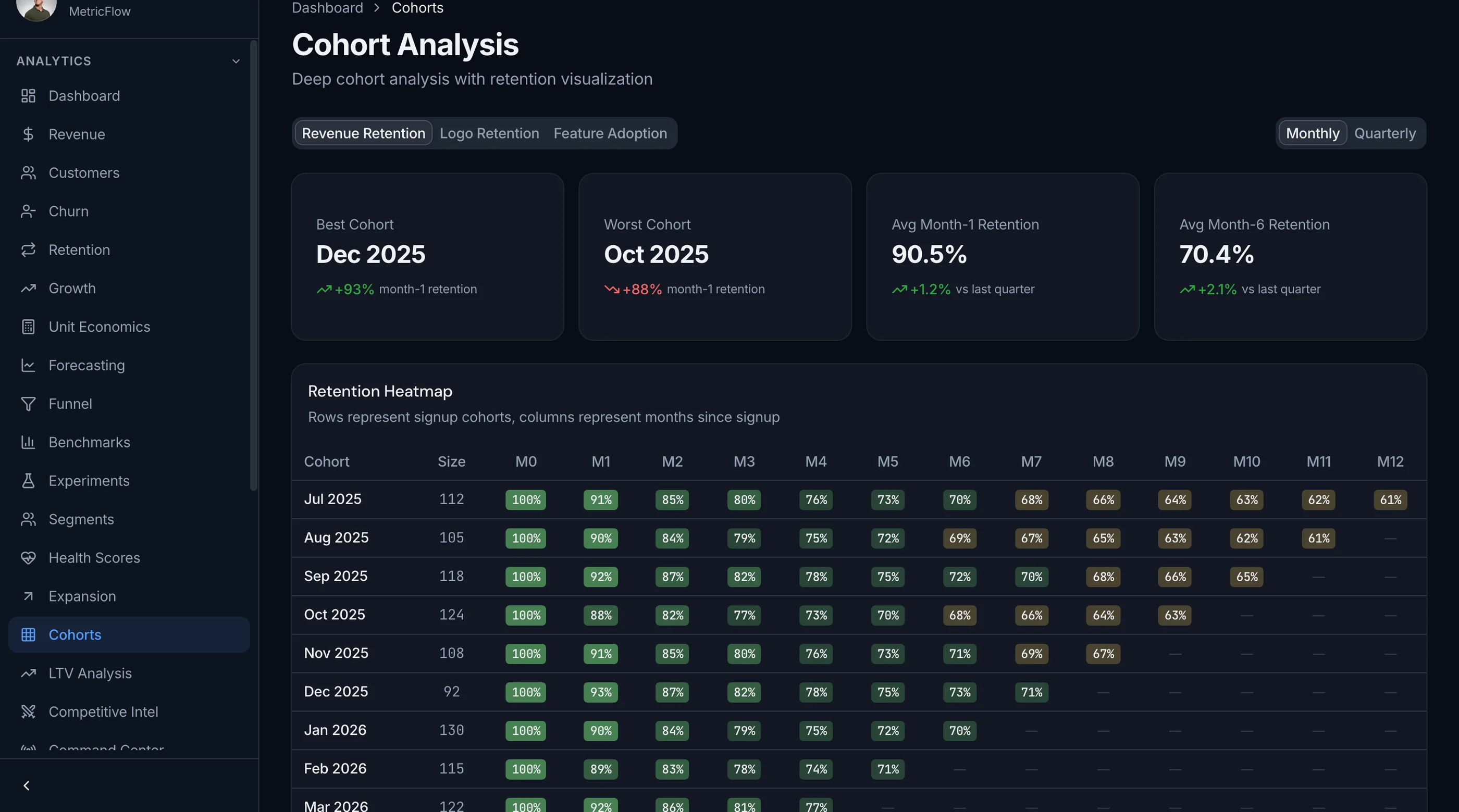
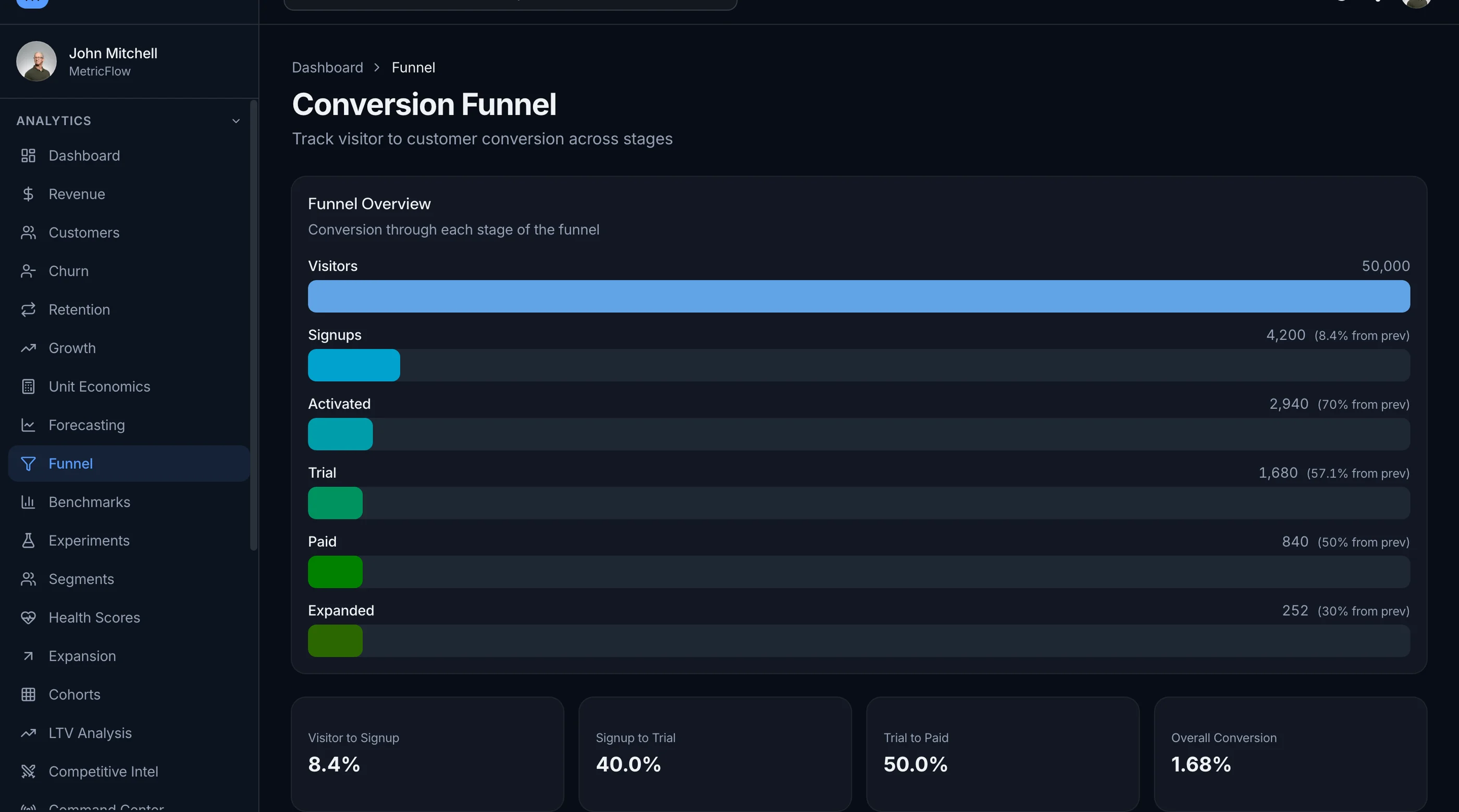
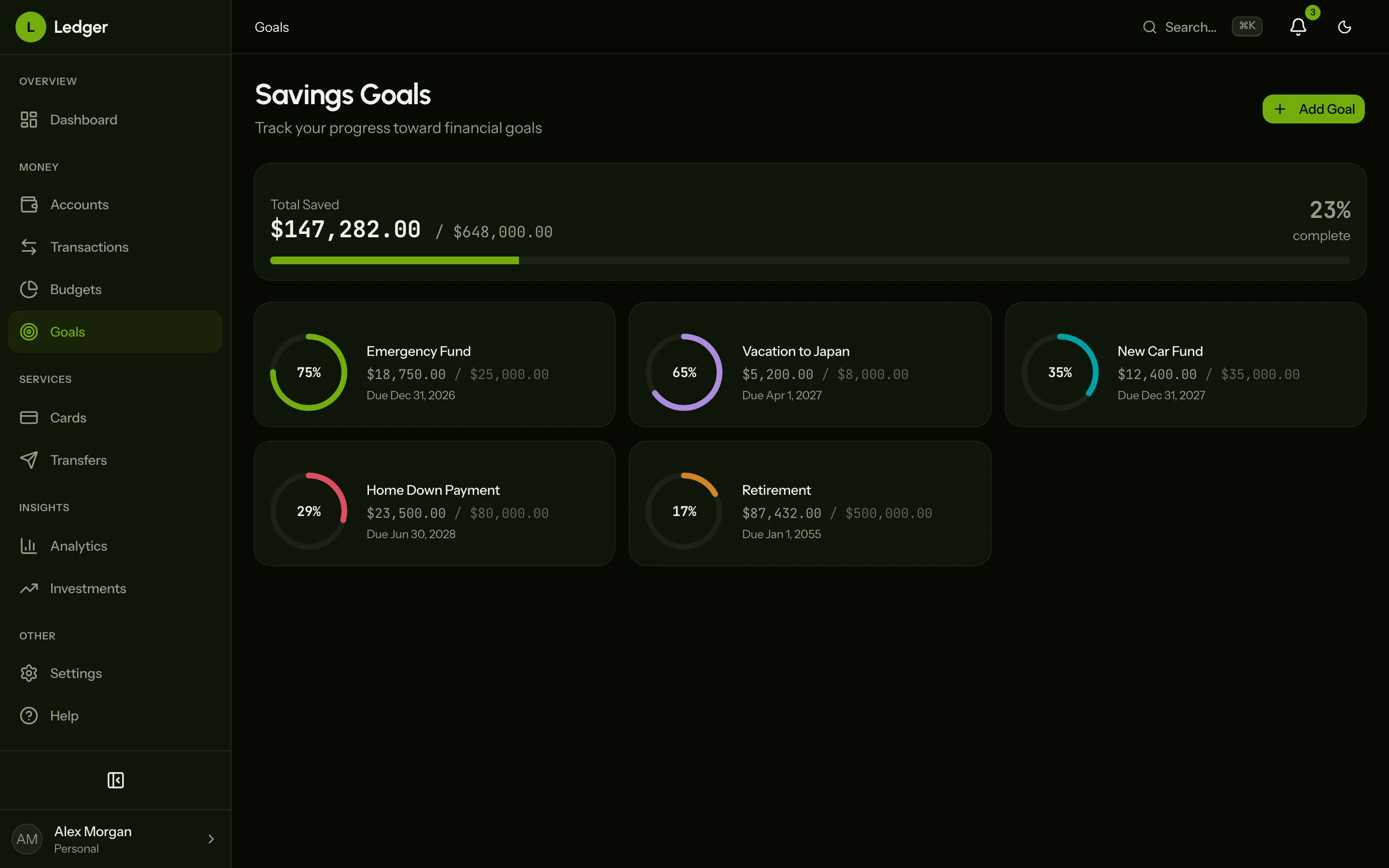
The SaaS Metrics Kit gives you 50 screens of Next.js frontend: MRR and ARR tracking, a revenue waterfall, cohort retention heatmap, churn analysis, forecasting, NPS, experiments, dunning and subscription management. Next.js 16, Tailwind CSS v4 and shadcn/ui. It's frontend only, so you connect your own data. $131 solo. Try the live demo.
Get the SaaS Metrics Kit → or get every kit (18 total) for $749 via All UI Kits →
TL;DR: Quick Picks for 2026
| Need | Top pick | Price |
|---|---|---|
| Cheap and fits Microsoft 365 | Power BI | Free, Pro $14/user/mo |
| Free dashboards on Google data | Looker Studio | See vendor site |
| Self-serve questions for non-analysts | Metabase | Free (self-host), Starter $100/mo |
| Open source, full control | Apache Superset | Free (self-host) |
| Managed Superset | Preset | Free (5 users), $20/user/mo |
| Enterprise analytics with associative engine | Qlik Cloud Analytics | From $300/mo |
| Spreadsheet-style BI on a warehouse | Sigma | See vendor site |
| Modeling-first BI for data teams | Holistics | From $800/mo |
| Business-user reporting with a free tier | Zoho Analytics | Free (2 users), see vendor site |
| Analytics inside your own product | SaaS Metrics Kit | $131+ one-time |
Prices are as shown on each vendor's pricing page in November 2026. Annual billing unless noted.
What Tableau Does Well
Tableau earned its reputation. Its visual exploration is still among the best: drag a field, see a chart, keep digging. It handles very large, messy datasets, offers fine control over chart design, and has a huge community with years of templates and tutorials. Analysts who know it well can build things in Tableau that take longer elsewhere.
If your team has trained analysts, mixed data sources and a need for polished visual storytelling, Tableau is a reasonable choice and the alternatives below won't all match it for pure charting depth.
When to Leave Tableau
Four signals:
- Most of your users only view dashboards. Paying creator-level prices for people who just look at numbers is the usual sticker-shock moment. Check Tableau's pricing page for the current role-based rates before comparing.
- You're a Microsoft shop. Power BI ties into Excel, Teams and Entra ID with no extra glue.
- You want questions answered without a ticket to the data team. Metabase and Sigma are built for that handoff.
- You need analytics inside your own app. A BI tool embedded in a customer-facing product brings licensing and styling limits. A purpose-built frontend avoids both.
1. Power BI
The default answer for Microsoft teams.
Strengths:
- Free Power BI Desktop for building reports
- Deep ties to Excel, Teams and the rest of Microsoft 365
- Large library of connectors and visuals
- Pro and Premium Per User tiers are cheap per seat
Weaknesses:
- Sharing reports requires a paid license
- Capacity pricing through Fabric gets complicated at scale
Pricing: Free for building reports in Power BI Desktop. Pro is $14.00 per user/month paid yearly. Premium Per User is $24.00 per user/month paid yearly. Embedded and Fabric capacity are variable, and Embedded is contact sales.
Best for: Teams already in Microsoft 365 that want broad BI at a low per-seat price. Official pricing.
2. Looker Studio
Free dashboards, especially for Google data.
Strengths:
- Free standard version
- Native connectors for Google Analytics, Ads, BigQuery and Sheets
- Easy sharing, like a Google Doc
- Fast to learn
Weaknesses:
- Lighter on data modeling than Tableau or Power BI
- Large datasets can feel slow
- Best when your data already sits in Google products
Pricing: See Google's Looker Studio page for the current free and Pro terms.
Best for: Marketing teams and small businesses reporting on Google data.
3. Metabase
Self-serve analytics non-analysts can actually use.
Strengths:
- Point-and-click question builder plus a SQL editor
- Open source edition with unlimited users, questions and dashboards
- Quick to set up
- Embedding options for customer-facing dashboards
Weaknesses:
- Open source guest embeds show a "Powered by Metabase" badge
- Row-level permissions and SSO need Pro
- Less visual polish than Tableau for complex charts
Pricing: Open Source is free and self-hosted. Starter is $100/month ($1,080/year) including the first 5 users, then $6/user/month ($65/user/year). Pro is $575/month ($6,210/year) including 10 users, then $12/user/month ($130/user/year). Enterprise starts at $20,000/year. Both paid cloud tiers have a 14-day free trial.
Best for: Startups and product teams that want everyone asking their own questions. Official pricing.
4. Apache Superset
The open-source heavyweight.
Strengths:
- Open source under the Apache License
- 40+ built-in chart types and a plug-in system for custom ones
- No-code chart builder and a SQL editor
- Semantic layer, cross-filters and drill-to-detail
Weaknesses:
- You run and maintain it yourself
- Setup takes engineering time
- Less polished onboarding for business users
Pricing: Free to self-host. The Superset site shows no hosted pricing.
Best for: Engineering-led teams that want full control and no license fee. Apache Superset.
5. Preset
Superset without running the servers.
Strengths:
- Managed version of Superset, so you get the chart library and SQL editor without hosting
- Free Starter plan for up to 5 users
- Unlimited users on Professional
- Embedded dashboard option
Weaknesses:
- Embedded viewers cost extra
- SSO, SCIM and audit logs sit in Enterprise
- Tied to the Superset way of working
Pricing: Starter is free for up to 5 users (1 workspace). Professional is $20 per user/month billed annually or $25 monthly, with 3 workspaces. Enterprise is custom. Embedded Dashboard Viewer Licenses start at $500/month for 50 viewers.
Best for: Teams that like Superset but don't want to host it. Official pricing.
6. Qlik Cloud Analytics
An enterprise option priced by data volume.
Strengths:
- Capacity-based pricing, so extra users on Standard cost nothing
- Associative engine for exploring data without fixed drill paths
- Plans scale from small teams to enterprise
- Guided onboarding on higher tiers
Weaknesses:
- Entry price is far above per-seat tools
- Pricing depends on data loaded, which takes planning
- Heavier than a small team needs
Pricing: Starter from $300/month billed annually (10 GB, 10 users included, 5 GB max app size). Standard from $825/month billed annually (25 GB, no cost for extra users). Premium from $2,750/month billed annually (50 GB). Enterprise is a custom quote starting at 250 GB.
Best for: Larger teams with many viewers, where flat capacity pricing beats per-seat. Official pricing.
7. Sigma
A spreadsheet-style interface on top of your warehouse.
Strengths:
- Familiar spreadsheet-like interface for business users
- Works directly on your cloud data warehouse
- Free trial available
Weaknesses:
- Needs a cloud warehouse behind it
- Less suited to small teams without a data stack
Pricing: See Sigma's pricing page.
Best for: Business teams who think in spreadsheets but need warehouse-scale data.
8. Holistics
BI built around a modeling layer.
Strengths:
- Data modeling sits at the center, so metrics are defined once
- Embedded analytics option with unlimited dashboard viewers
- Transparent public pricing
- Add users at a flat monthly rate
Weaknesses:
- Starts at $800/month, which is steep for tiny teams
- Aimed at teams with a data person
- Entry plan caps reports at 100
Pricing: Entry is $960/month billed monthly or $800/month yearly (first 10 users, 100 reports). Standard is $1,200 monthly or $1,000 yearly (first 10 users, unlimited reports). Security Compliance Suite is $2,400 monthly or $2,000 yearly. Extra users run $12.50 to $18 per month depending on plan. Custom and Embedded are quoted.
Best for: Data teams that want governed metrics and self-serve for the rest. Official pricing.
9. Zoho Analytics
BI for business users, with a free tier.
Strengths:
- Free plan for 2 users and 10K rows
- Plans scale by users and row count
- Fits well if you already use other Zoho apps
Weaknesses:
- Free plan is small
- Row limits matter as data grows
Pricing: Free covers 2 users and 10K rows. Paid plans (Basic, Standard, Premium, Enterprise) scale by users and rows, and yearly billing saves 20%. Use the calculator on Zoho's pricing page for your exact numbers.
Best for: Small teams wanting dashboards without much setup.
10. Build Your Own with the SaaS Metrics Kit
If the reason you want Tableau is to show customers or your own team a metrics dashboard, a BI platform may be the wrong tool. You'd be paying per viewer, fighting its styling, and sending people to a separate app. For SaaS metrics specifically, a purpose-built frontend is quicker.
The SaaS Metrics Kit is a Next.js frontend with 50 screens: 30 analytics views (revenue waterfall, cohort retention heatmap, churn analysis, forecasting with scenario bands, conversion funnel, benchmarks, NPS), 13 management screens, 3 settings pages, plus auth flows. $131 solo. Live demo.
It doesn't include a data backend or Tableau-style ad hoc exploration. You connect your own data. If you're weighing the effort, our guide to building a SaaS metrics dashboard in Next.js walks through it.
Recommendation by Profile
| You | Pick |
|---|---|
| Use Microsoft 365 | Power BI |
| Report on Google data for free | Looker Studio |
| Want non-analysts to self-serve | Metabase |
| Have engineers and want no license fee | Apache Superset |
| Like Superset, hate hosting | Preset |
| Large org, many viewers | Qlik Cloud Analytics |
| Think in spreadsheets, have a warehouse | Sigma |
| Have a data team that wants governed metrics | Holistics |
| Small team, light needs | Zoho Analytics |
| Need analytics inside your own product | SaaS Metrics Kit |
Pricing at a Glance
| Product | Tier | Price |
|---|---|---|
| Power BI | Pro | $14/user/mo, paid yearly |
| Power BI | Premium Per User | $24/user/mo, paid yearly |
| Looker Studio | Standard | See vendor site |
| Metabase | Starter | $100/mo (5 users incl.) |
| Metabase | Pro | $575/mo (10 users incl.) |
| Apache Superset | Self-hosted | Free |
| Preset | Professional | $20/user/mo annual, $25 monthly |
| Qlik Cloud Analytics | Starter | From $300/mo, annual |
| Qlik Cloud Analytics | Standard | From $825/mo, annual |
| Sigma | n/a | See vendor site |
| Holistics | Entry | $800/mo yearly, $960 monthly |
| Zoho Analytics | Free | $0 (2 users, 10K rows) |
| Tableau | Creator, Explorer, Viewer | See vendor site |
| SaaS Metrics Kit | Solo | $131 once, plus your data layer |
Prices shown were checked on each vendor's own pricing page in November 2026 where the page displayed them. Check the linked page for your region and currency.
Frequently Asked Questions
What is the best free alternative to Tableau?
Power BI Desktop is free for building reports, though sharing needs a paid license. Looker Studio is free for Google data. Metabase and Apache Superset are free to self-host with no user limit. Preset's Starter plan is free for up to 5 users.
Is Power BI better than Tableau?
It depends on your stack. Power BI wins on price and Microsoft integration. Tableau is still preferred by many analysts for visual exploration and chart control. If your team is in Microsoft 365, Power BI is the easier path.
What is the best open-source alternative to Tableau?
Metabase and Apache Superset are the two main options. Metabase is simpler for non-technical users. Superset has a wider chart library and more control, but needs more engineering time to run.
Can I embed a Tableau alternative in my own SaaS product?
Yes. Metabase, Holistics, Preset and Power BI all offer embedding, with different licensing. Embedded viewers can cost extra, so check the pricing. If you only need metrics screens, a purpose-built frontend like the SaaS Metrics Kit avoids per-viewer fees, though you supply the data.
Do I need a data warehouse to use these tools?
Not always. Looker Studio, Power BI, Metabase and Zoho Analytics connect to many sources directly. Sigma and Holistics work best with a cloud warehouse behind them.
How hard is it to move off Tableau?
The data connections are easy to recreate. The work is rebuilding dashboards and calculated fields, since workbooks don't convert automatically. Start with the ten dashboards people open most, and retire the rest.
The Honest Take
Tableau is still a strong tool for trained analysts. The reason to leave is rarely that it's bad. It's that most teams pay creator-level costs for people who only need to read a dashboard.
Pick by who uses it. Power BI for Microsoft shops, Looker Studio for Google reporting, Metabase for self-serve, Superset or Preset if you like open source, and Qlik or Holistics when you need governance. And if the dashboard belongs inside your own product, build the frontend and keep the data where it already lives.
Switching from Tableau? We'll wire up the new tool.
Picking a new tool is the easy part. The work is reconnecting it to your CRM and the rest of your stack, and rebuilding the automations your team counts on. Frontkit Studio does that as fixed-scope projects, in tools like Zapier, Make and n8n or as custom code, documented and handed over.