CRM Implementation: Step-by-Step Plan, Timeline and Cost
CRM Implementation for Teams Without a RevOps Department
Most CRM implementation guides are written for companies with a project manager, a data team and a change management budget. If you're a 20-person company where the sales manager is also the CRM admin, those guides describe a project you'll never run.
This one is for teams of roughly 5 to 100 people. It covers who should own the project, the eight steps in order, a week-by-week plan for a small team, what the whole thing costs once you count licenses, onboarding fees and your own time, and what to do if your implementation has already stalled. Timelines and hour counts are our estimates from client work and are labeled that way.
TL;DR
- CRM implementation is everything between buying a CRM and your team using it every day: process design, data setup, migration, integrations, automation, reporting, training and adoption.
- Name one owner with a few hours a week protected for the project. In our client work, rollouts stall waiting for decisions far more often than on technical problems.
- Follow the order: map your sales process, design the data, clean and migrate, connect integrations, automate, build reports, then train and launch.
- A 10-person team with one pipeline can realistically go live in about 6 weeks. Add integrations, several teams or years of messy data and it stretches to 3 months or more.
- Budget beyond the license: required onboarding fees (HubSpot Sales Hub Professional charges $1,500), internal time, and outside help if you need it.
- Measure adoption after launch. Track the share of deals updated each week and time to first touch on new leads, against a baseline taken before go-live.
What CRM Implementation Includes
Buying the CRM is the easy part. Implementation covers seven workstreams, and skipping any one of them shows up later as a team that doesn't trust the system:
| Workstream | What it covers |
|---|---|
| Process design | Pipeline stages, what each stage means, lead ownership and handoffs |
| Data model | Required fields, picklists, lifecycle stages, custom objects |
| Data migration | Cleaning, deduplicating and importing contacts, companies, deals and history |
| Integrations | Email and calendar, billing, marketing tools, support desk |
| Automation | Lead routing, follow-up tasks, stage handoffs |
| Reporting | The dashboards managers will actually run meetings from |
| Training and adoption | Getting every user working in the CRM, and keeping them there |
Before You Start: Four Decisions
1. Who owns it. One person, with the authority to make calls on stages and required fields, and roughly 4 to 6 hours a week protected for the project during rollout (our estimate for a small team). In a small company that's usually the head of sales or operations. A committee is not an owner.
2. What "done" means. Write down three to five success measures before you configure anything, and capture where you are today. For example: share of deals with a next step, median time to first touch on new leads, and whether the weekly pipeline meeting runs from the CRM or a spreadsheet.
3. Which CRM and which tier. Pick the tier that includes what you need on day one. A common and expensive mistake is buying a tier without workflows and discovering it after the process is designed around them. In HubSpot, for example, workflows and lead rotation need Sales Hub Professional or Enterprise.
4. Who does the work. The vendor's onboarding, your own team, a consultant, or a mix. There's a comparison further down.
The 8-Step CRM Implementation Plan
Step 1: Map Your Sales Process
Write your pipeline on one page before touching the CRM. For each stage, define what has to be true for a deal to enter it (the exit criteria of the previous stage). "Demo booked" is a clear stage. "Interested" isn't, because two reps will mean two different things.
Also decide who owns a lead when it comes in, what happens when a deal is won (who takes over, what gets created), and which deals get marked lost and why.
Done when: every stage has a one-line definition and the sales team agrees with it.
Step 2: Design the Data Model
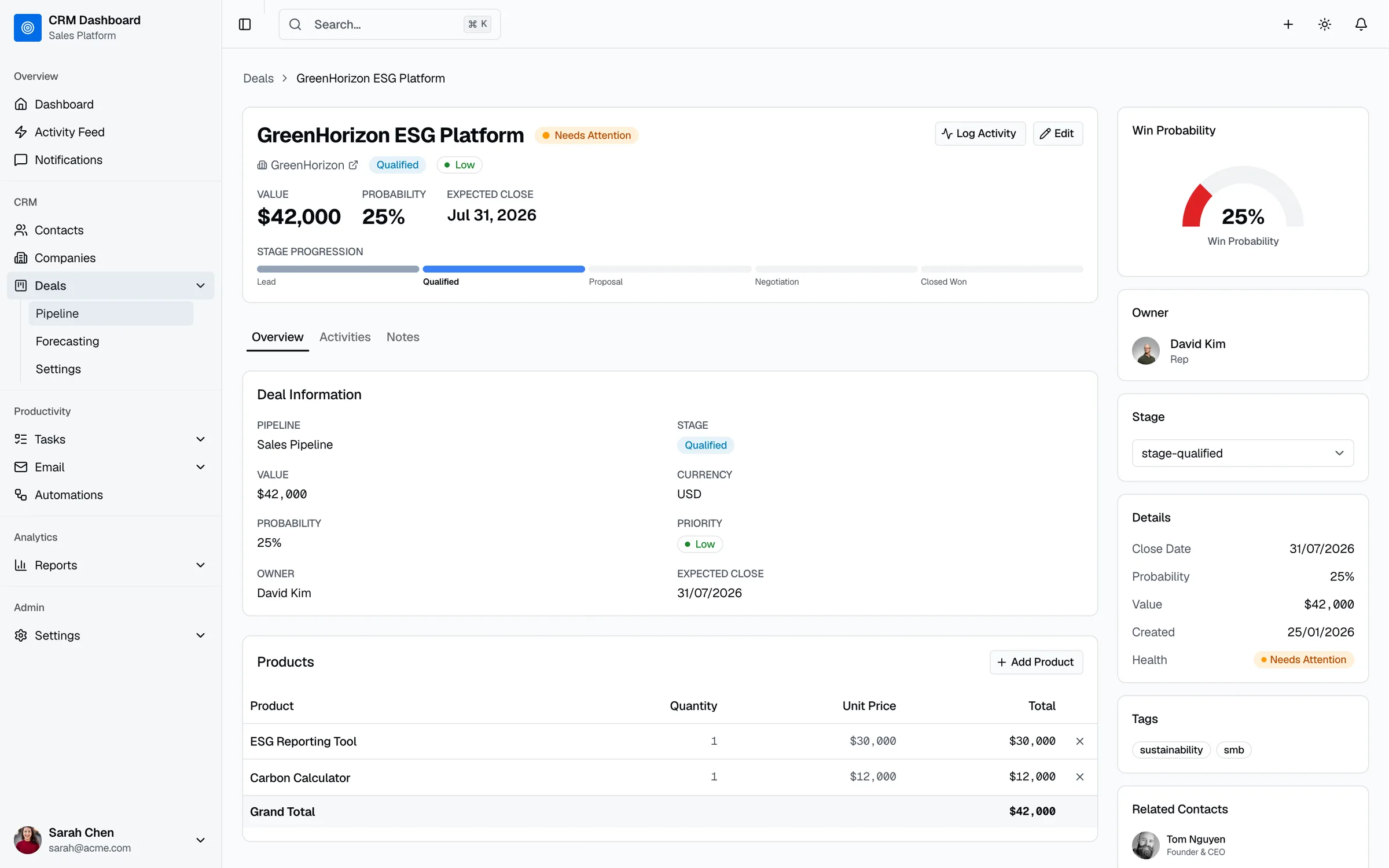
Decide what you'll store and how. Keep required fields to the handful that routing and reporting depend on. Every extra required field is a reason for a rep to avoid updating a deal.
- Make anything you'll filter or report on a dropdown: country, source, industry, loss reason.
- Decide your lifecycle stages (lead, qualified, opportunity, customer) and what moves a contact between them.
- Plan custom objects only when a standard object genuinely doesn't fit, such as subscriptions or projects.
Done when: you have a field list with names, types, allowed values and which ones are required.
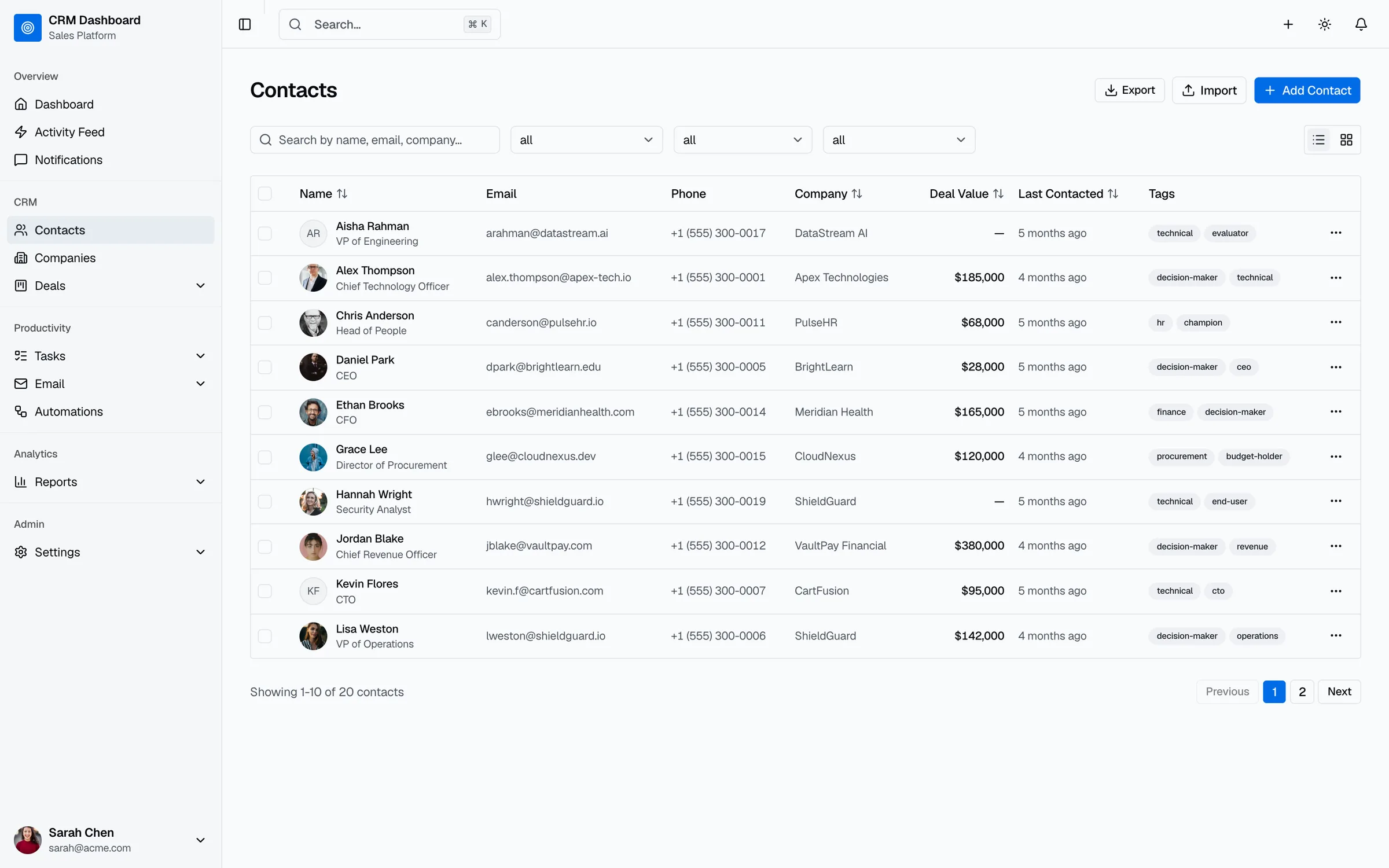
Step 3: Clean and Migrate Your Data
Migration is where most timelines slip, because the data is always messier than anyone admits.
- Decide how far back to go. Open deals and active customers always come across. Closed deals from five years ago often don't need to, or can come as a simple archive.
- Deduplicate before import, matching on email for contacts and domain for companies. Deduplicating after import is slower and riskier.
- Map every column to a field from Step 2, and convert free text into the new dropdown values.
- Pull in data that lives outside any system: spreadsheets, reps' inboxes, and the billing tool. Ask each rep what they track privately.
- Keep consent fields (email opt-in, lawful basis) if you market to contacts in regions with privacy rules.
- Run a test import of a few hundred records, check them in the CRM, then import the rest.
Done when: a sample of records checked by the people who know them looks right, including owners and associations.
Step 4: Connect Your Integrations
List every tool that should share data with the CRM, then rank them. Email and calendar come first, because activity logging depends on them. Billing usually comes next, because closed deals need to become customers and invoices.
For each integration, pick one of three approaches:
| Approach | Use it when | Watch out for |
|---|---|---|
| Native integration | The CRM or the other tool offers a supported connector that covers your fields | Limited field mapping and sync rules you didn't choose |
| Zapier, Make or n8n | You need a connection the native apps don't offer, at modest volume | Workflows nobody owns, and costs that grow with usage |
| Custom code on the API | Volume is high, failures cost money, or the logic is specific to you | Upfront build time and an ongoing owner |
Decide which system wins when the same field differs in two places. Undecided sync rules are a common source of the duplicates and overwritten fields we find in CRM integration audits.
Done when: each integration has an owner, a direction of sync and a rule for conflicts, and has been tested with real records.
Step 5: Build Automation
Automate the steps that break most often when people are busy: routing new leads, creating first-touch tasks, and handing won deals to onboarding and billing. Build them in that order. Our CRM automation guide covers the build order and the plan tiers each one needs.
Done when: a test lead goes from form submission to an owner with a task, without anyone touching it.
Step 6: Build Reports and Dashboards
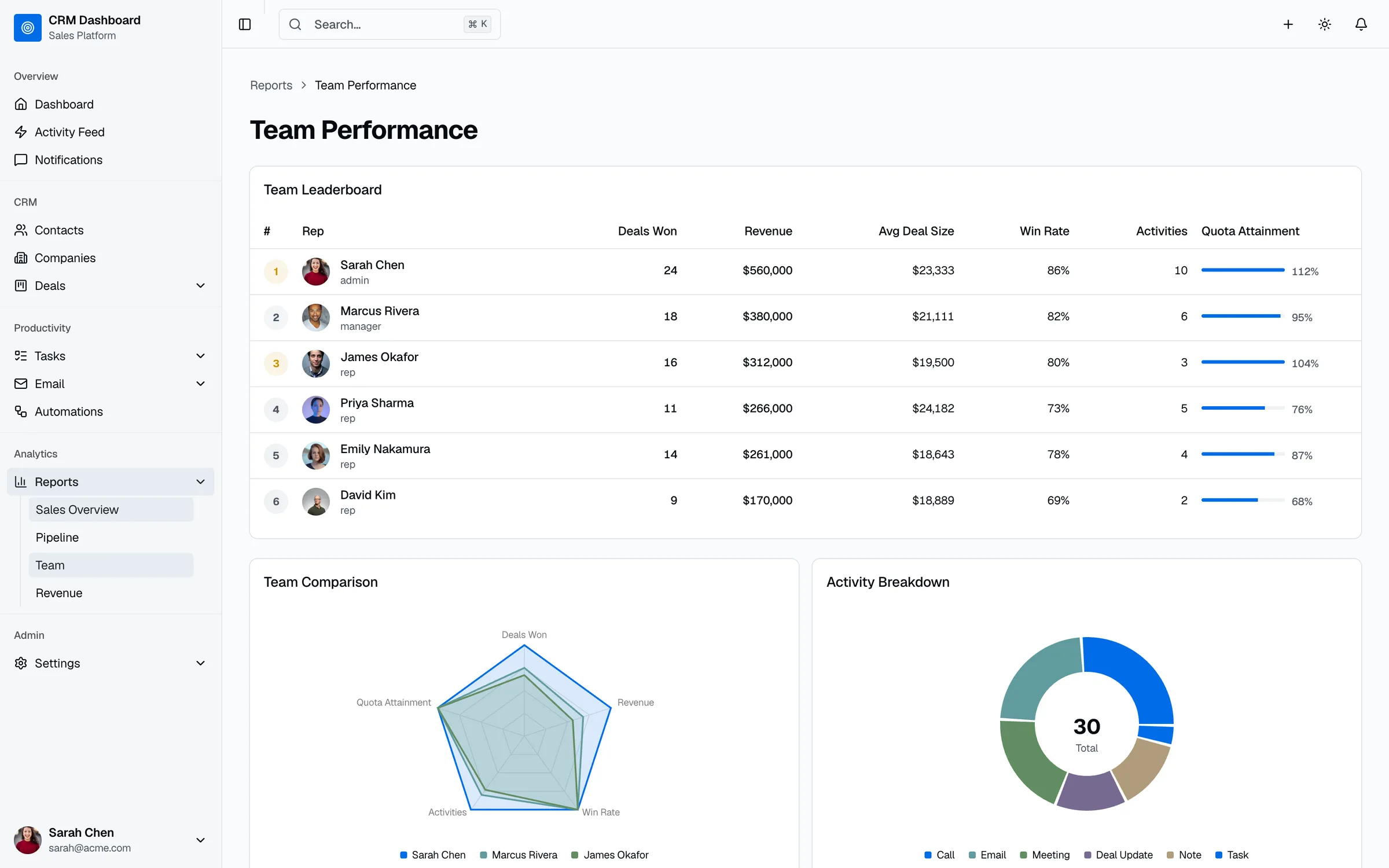
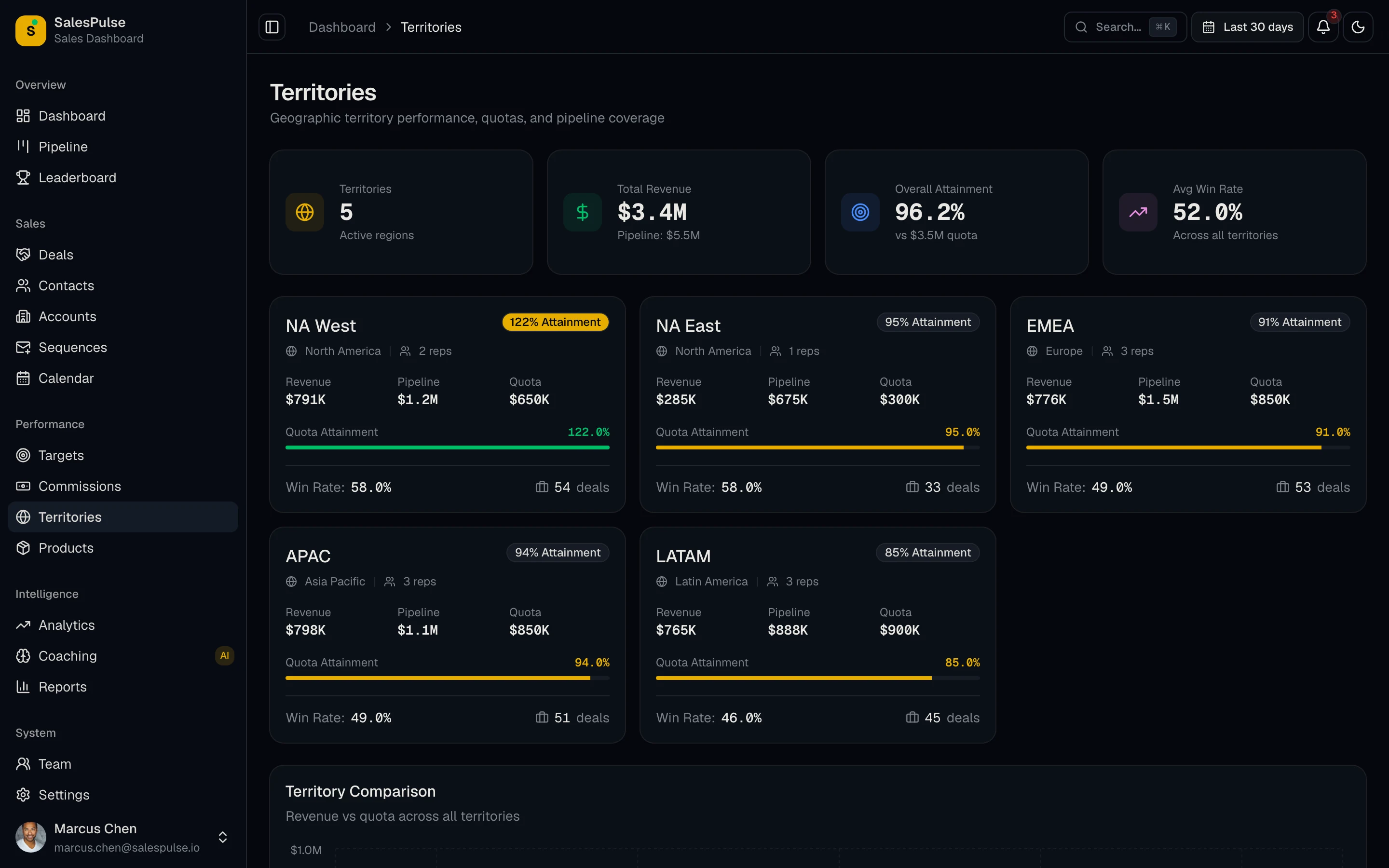
Build the two or three dashboards your managers will run meetings from: usually pipeline, rep performance and a forecast. If the weekly pipeline review still happens in a spreadsheet after launch, the CRM hasn't been adopted. Our CRM dashboard examples list the metrics and formulas for each.
Done when: the sales manager can run next week's pipeline meeting entirely from the CRM.
Step 7: Train the Team on Their Actual Work
Skip the feature tour. Train each role on the five or six things they'll do every day, using your own pipeline and your own records: logging a call, moving a deal, creating a task, finding their open deals. Record short videos of each so new hires get the same training.
Run a small pilot group for a week before everyone moves over. Pick people who will tell you what's annoying.
Done when: every user has completed their daily tasks in the CRM at least once with real data.
Step 8: Launch and Drive Adoption
Pick a hard cutover date and switch off the spreadsheet on that day. Running both "for a while" means the old system wins.
Then make the CRM the only way work gets seen:
- Run every pipeline meeting from the CRM dashboard. A deal that isn't updated doesn't get discussed.
- Assign leads only through the CRM. No leads by email or chat message.
- Remove required fields that nobody needs. Watch which fields reps skip, and ask why.
- Check adoption weekly for the first two months: deals with no update in 14 days, activities logged per rep, leads without a first touch.
Done when: the success measures from "Before You Start" have moved, compared with the baseline.
A Week-by-Week Plan for a Small Team
Here's how the steps fit together for a team of about 10 users with one pipeline, a spreadsheet or basic CRM to migrate from, and email plus one billing integration. It's our estimate, and it assumes the owner can make decisions within a day or two.
| Week | Focus | Deliverables |
|---|---|---|
| 1 | Process and data design | Stage definitions agreed, field list, success measures and baseline |
| 2 | Setup and data cleanup | Pipeline, fields and users configured; duplicates removed; column mapping done |
| 3 | Migration and email | Test import checked, full import, email and calendar connected |
| 4 | Integrations and automation | Billing integration tested, lead routing and first-touch tasks live |
| 5 | Reports and training | Pipeline and rep dashboards built, pilot group trained and working in the CRM |
| 6 | Launch | Whole team trained, spreadsheet retired, weekly adoption check starts |
Typical ways this stretches: several teams with different processes (add 2 to 4 weeks), years of history across multiple tools (add 2 to 6 weeks), or integrations that need custom code (add the build time). For 50 to 100 users with several integrations, plan for roughly 3 months.
What CRM Implementation Costs
Implementation cost has four parts. Most budgets only include the first.
1. Licenses. List prices billed annually, per user per month, from each vendor's pricing page:
| CRM | Tier most growing teams need | Price | Note |
|---|---|---|---|
| HubSpot Sales Hub | Professional | $90 | Plus a required one-time $1,500 onboarding fee |
| Salesforce | Pro Suite | $100 | Starter Suite is $25 |
| Pipedrive | Growth or Premium | $24 or $49 | Workflow automations start on Growth |
HubSpot Sales Hub Enterprise carries a $3,500 onboarding fee, and Marketing Hub Professional a $3,000 one. Check the current pricing page before you budget. Still choosing a CRM? Our Pipedrive alternatives comparison prices 10 options side by side, including a Pipedrive vs Freshsales breakdown.
2. Internal time. The owner's hours, plus time from reps for process decisions, data checks and training. For the 6-week plan above, our estimate is 30 to 40 hours from the owner and 3 to 5 hours per rep.
3. Outside help, if you use it. Quotes vary widely with scope. Get a fixed-scope proposal that lists what's included (migration, integrations, automation, training) and what's billed separately.
4. Integrations and add-ons. Middleware subscriptions, paid connectors, data enrichment tools and custom integration work.
If you're weighing whether to build your own CRM instead, our custom CRM development guide compares three-year costs.
Vendor Onboarding, a Consultant, or Doing It Yourself
| Option | Best for | Limits |
|---|---|---|
| Vendor onboarding | Learning the platform and its standard setup | Focused on the vendor's product, not your data, integrations or edge cases |
| Doing it yourself | A small team, clean data, one pipeline and an owner with time | The owner's time, and mistakes you only find after launch |
| A consultant or implementation partner | Migrations, multiple integrations, several teams, or a stalled rollout | Cost, and the need to own the setup after they leave |
Many teams combine them: the vendor's onboarding for platform training, and outside help for migration and integrations. Whoever does the work, insist on written documentation of every field, workflow and integration. If you're pricing outside help for HubSpot, here's what a HubSpot consultant costs in 2026, with median project prices from 600+ accepted projects.
When an Implementation Has Stalled
Stalled implementations look alike: the CRM is live, half the team uses it, the pipeline meeting still runs on a spreadsheet, and nobody trusts the reports. Restarting one is mostly about narrowing scope.
- Find where the data stops being trusted. Usually duplicates, missing owners or close dates nobody updates.
- Fix the data before adding anything. Deduplicate, assign owners and close out dead deals.
- Cut required fields and stages back to what routing and reporting need.
- Move one meeting into the CRM, usually the weekly pipeline review, and hold it there.
- Relaunch with a date, a short training on daily tasks, and the weekly adoption check from Step 8.
If integrations are part of the mess, fix sync rules first. Automation and dashboards built on top of a broken sync only spread the problem.
CRM Implementation Checklist
- An owner is named, with hours protected for the project
- Success measures are written down, with a baseline
- The CRM tier includes the features the process needs
- Every pipeline stage has a one-line definition
- The field list is agreed, with only essential fields required
- Data is deduplicated and a test import was checked
- Each integration has an owner, a sync direction and a conflict rule
- Lead routing, first-touch tasks and won-deal handoffs are automated
- Pipeline and rep dashboards are ready for the first meeting
- Each role is trained on its daily tasks with real data
- A cutover date is set and the old system is retired on it
- A weekly adoption check runs for the first two months
Frequently Asked Questions
What is CRM implementation?
CRM implementation is the process of setting up a CRM so your team uses it every day. It covers mapping your sales process, designing fields and stages, migrating data, connecting integrations, building automation and reports, training users and driving adoption after launch.
How long does CRM implementation take?
For a team of about 10 users with one pipeline and a simple migration, around 6 weeks is realistic by our estimate. Several teams, years of data across multiple tools, or custom integrations can stretch it to 3 months or more.
How much does CRM implementation cost?
It depends on licenses, onboarding fees, internal time and outside help. HubSpot Sales Hub Professional lists $90 per seat per month plus a required $1,500 onboarding fee, Salesforce Pro Suite lists $100 per user per month, and Pipedrive's Growth plan is $24. Internal time and consultant fees come on top.
What are the steps of CRM implementation?
Map your sales process, design the data model, clean and migrate data, connect integrations, build automation, build reports and dashboards, train the team, then launch and drive adoption. Name an owner and set success measures before step one.
Why do CRM implementations fail?
In our experience, usually for reasons unrelated to the software: no owner with authority to make decisions, too many required fields, messy migrated data that nobody trusts, and managers who keep running meetings from spreadsheets. Fixing the data and moving the pipeline meeting into the CRM solves most of it.
Should we hire a CRM implementation partner?
Hire help when you're migrating years of data, connecting several tools, rolling out to multiple teams, or restarting a stalled implementation. A small team with clean data, one pipeline and an owner who has time can often do it with the vendor's onboarding alone.
Getting Help With Your CRM Rollout
If you'd rather not run the implementation yourself, our team handles HubSpot implementation and migration, builds lead routing and CRM automation in HubSpot, Salesforce or Pipedrive, and fixes broken syncs through a $499 CRM integration audit. Every project starts with a review of your current setup and a fixed-scope proposal.
Want help with your CRM rollout?
We review your current setup, then take on the parts that stall rollouts: data migration, integrations, automation and training. HubSpot implementations are fixed-scope projects, and broken syncs in HubSpot, Salesforce or Pipedrive start with a $499 audit.